32
OPERATION
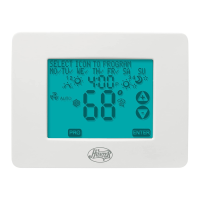
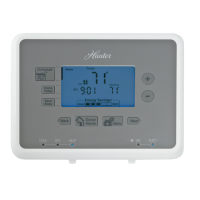
System Selection Key
■ Press to select the desired system.
■ When Auto is selected, the system will change between Heat
and Cool automatically. Refer to the Auto Season Change-
over section on page 37.
system
Fan Key
■ Press to set the fan operation.
■ AUTO: the fan will turn on with the system.
ON: the fan will run continuously.
PROG Auto or ON: (Programmable Fan) The fan will select
AUTO or ON, depending on the setting in the programs. Refer
to the Program Option section on page 30.
NOTE: The fan must be set to “PROG” for the fan’s program
settings to take effect.
fan



 To Next Page