5
Installation
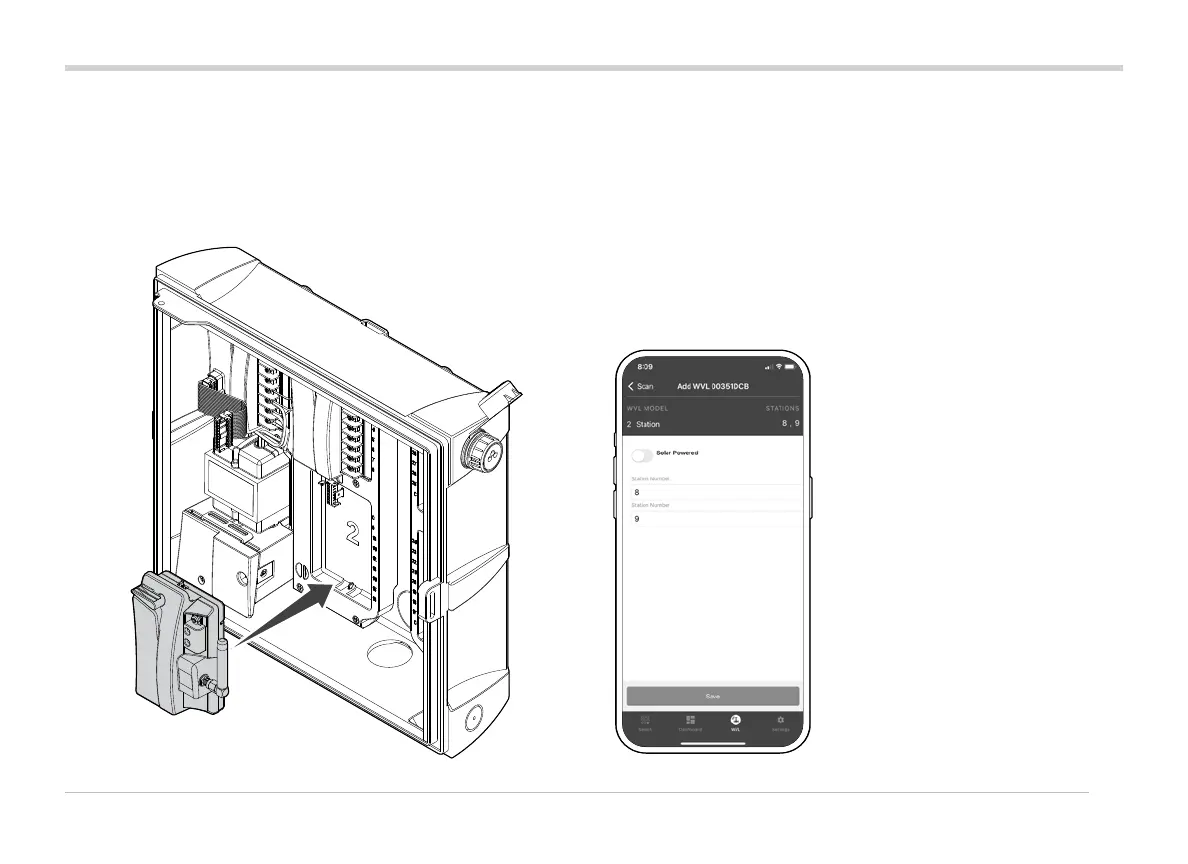
The Wireless Valve Link (WVL) System is a wireless output
option for Hunter ICC2 and HCC Controllers. The WVL requires
installation of a Hunter Wireless Valve Output Module
(WVOM-E) in a controller output module slot.
1. Verify that the WVOM-E is installed in the controller.
2. Make sure the Hunter WVL App is installed on your
smartphone.
3. Prepare remote access to the controller using one of the
following options:
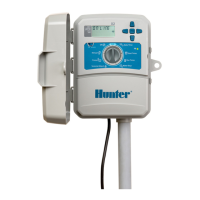
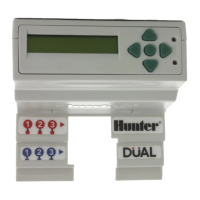
• A Hunter ROAM or ROAM XL Remote
• Centralus™ Soware with mobile access
• Hydrawise
®
Soware with mobile access
2
3
4
3 , 4



 To Next Page