POINT AND PRESS
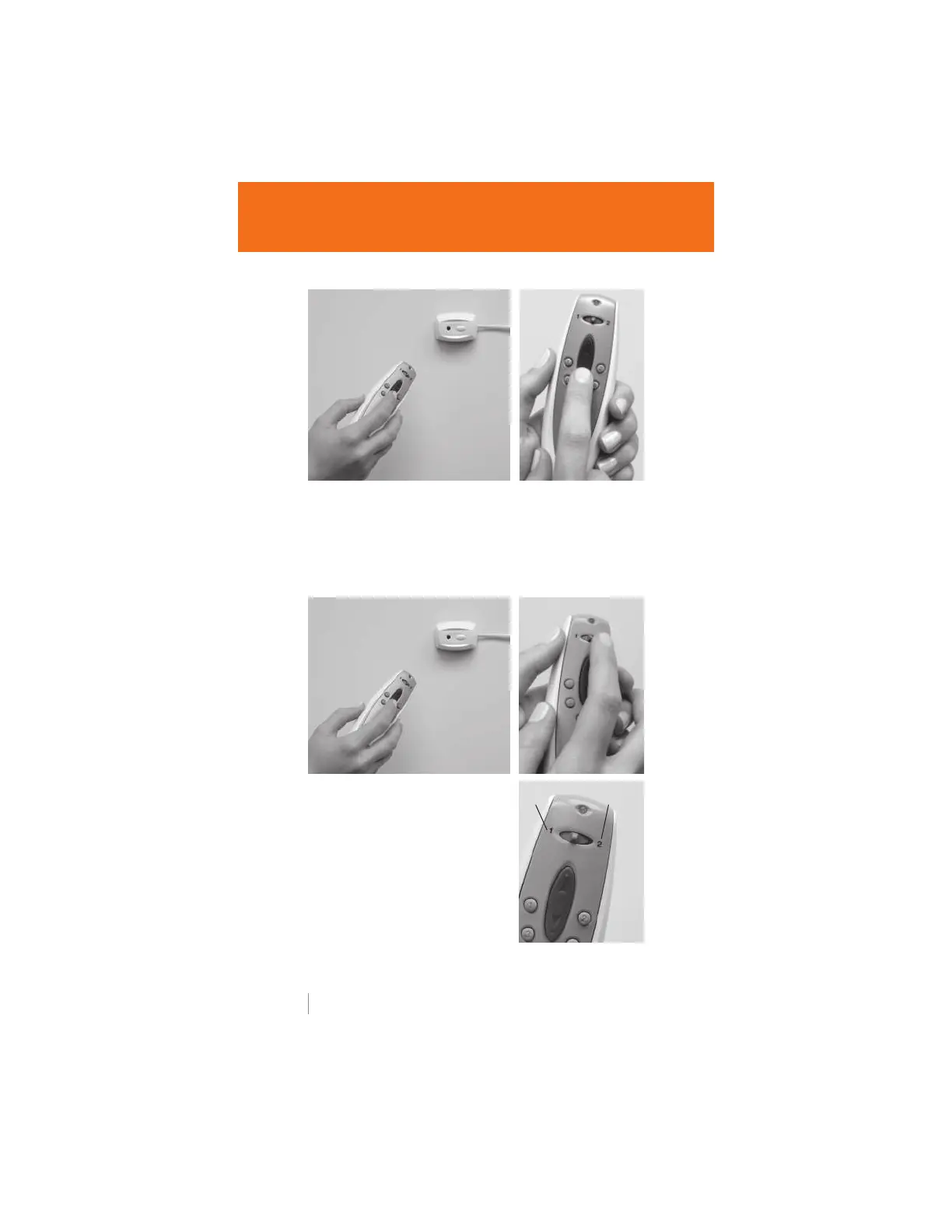
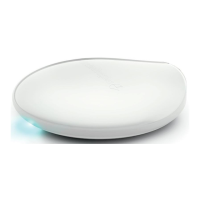
Point the remote at the satellite eye.
TILT AND TRAVERSE
Move the channel switch to the left
position (channel 1) to tilt the vane.
Move the channel switch to the right
position (channel 2) to traverse the
window covering.
Point-and-Press Operation
PowerRise
®
and PowerTilt
™
operating systems
PowerGlide
®
operating systems
POINT AND PRESS
Point the remote at the receiver eye (either built into the headrail
or on the satellite eye). Press the UP or DOWN button to operate
the window covering.
TILT
TRAVERSE
4 hunterdouglas.com


 To Next Page