Operating Groups
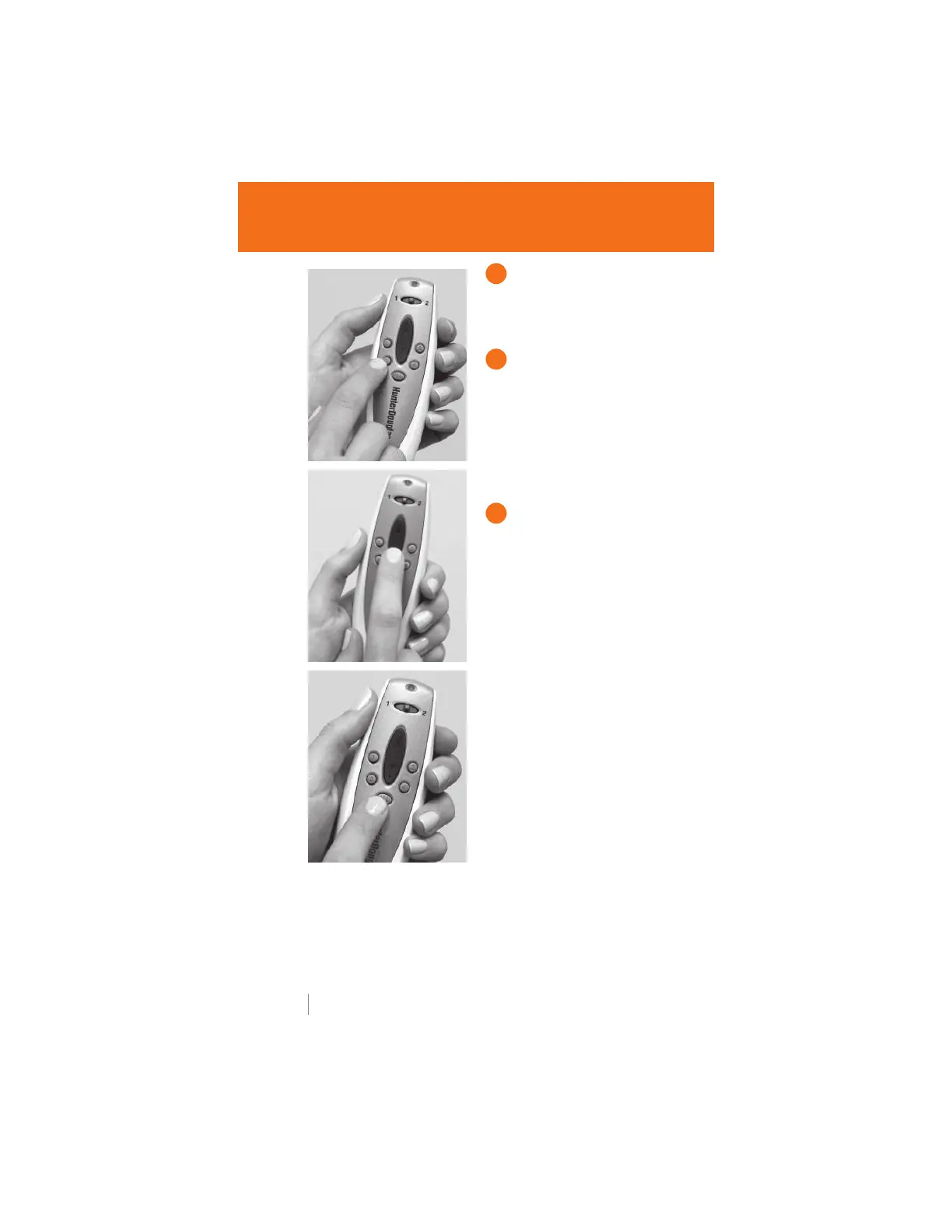
GROUP NUMBER
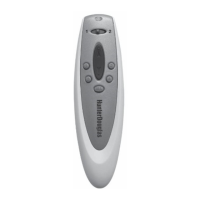
Press the GROUP number for
the window covering(s) you
wish to operate.
UP OR DOWN
Press the UP or DOWN
button to operate the window
covering(s) programmed to
that group. The remote does
not need to be pointed at the
receiver eye to operate the
window covering(s).
ALL GROUPS BUTTON
To operate all four groups of
window coverings at the same
time, press the ALL button
before pressing the UP or
DOWN button.
6 hunterdouglas.com
1
2
3


 To Next Page