Removing Window Coverings from a Group
hunterdouglas.com 7
BEFORE YOU BEGIN
Partially lower or tilt the
window covering(s).
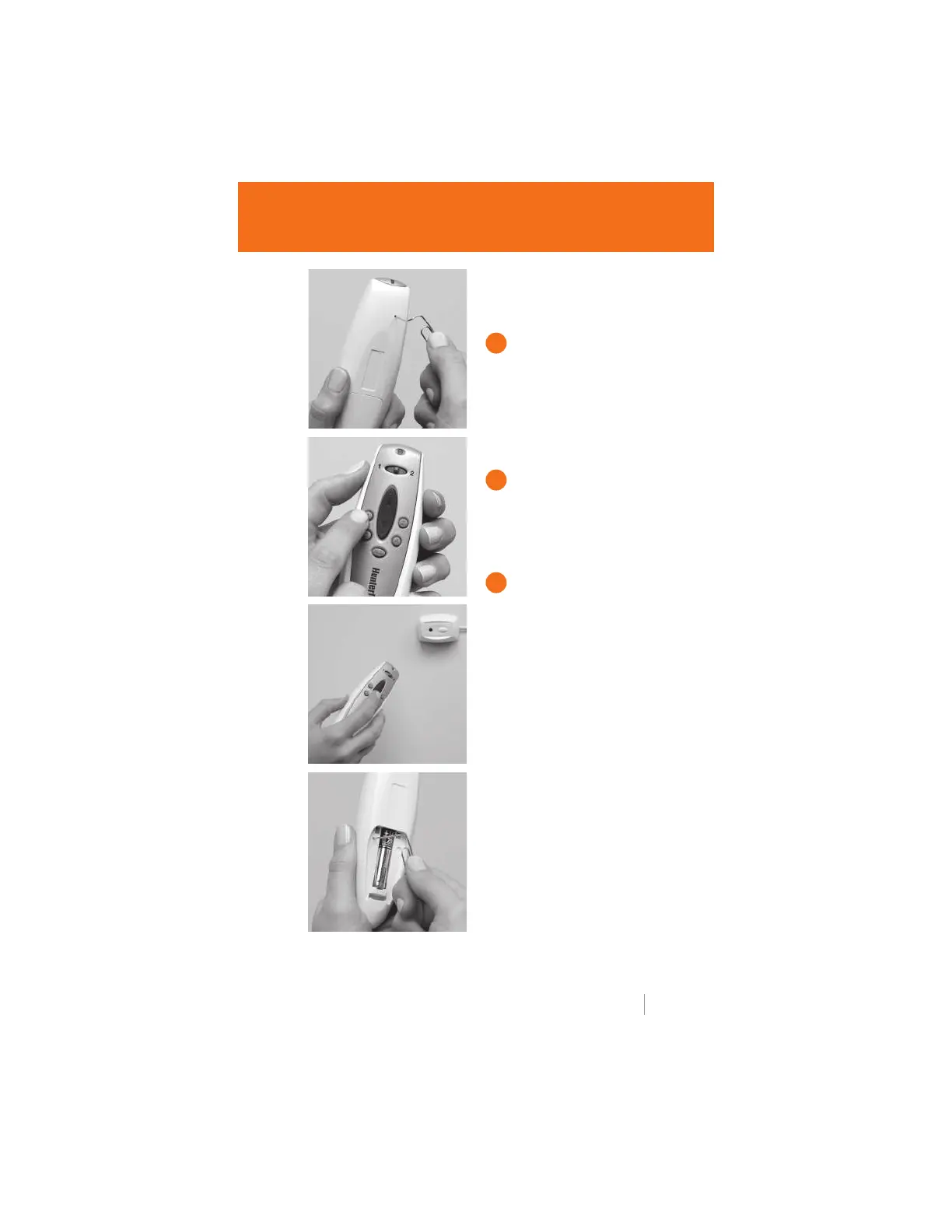
PROGRAM BUTTON
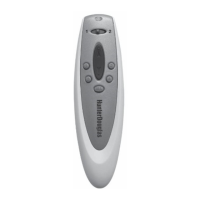
Use a paper clip to press and
quickly release the PROGRAM
button on the back of the remote
control. The indicator light at the
top of the remote will blink green
for approximately 30 seconds.
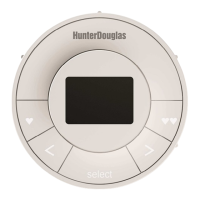
GROUP NUMBER
While the light is blinking green,
press the GROUP number from
which you are removing the
window covering.
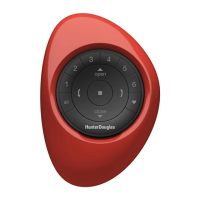
DOWN BUTTON
Point the remote at the receiver
eye of the window covering and
press the DOWN button. The
unit will lower or “jog” to show
that it has been removed.
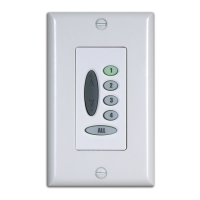
MASTER RESET BUTTON
To erase all programmed groups,
use a paper clip to press and
quickly release the MASTER
RESET button located next to
the batteries. Replace the
battery compartment cover.
1
2
3


 To Next Page