UltraScan VIS Supplemental Manual for EasyMatch QC ver2.0
6
Reflectance Port
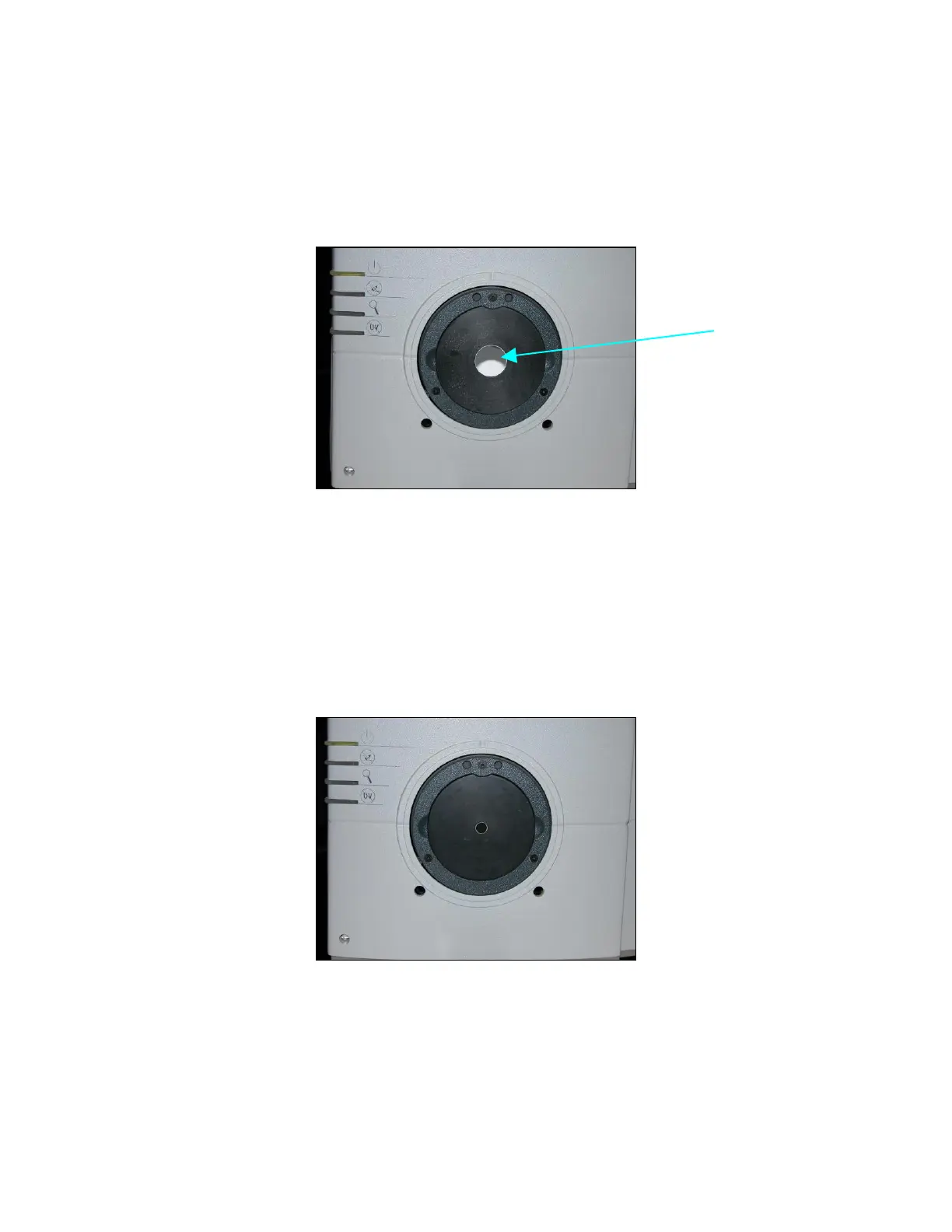
The reflectance port is located at the front of the sensor. The port is covered by a spring-loaded sample
clamp which is used to hold the specimen in place during measurement. Two guidance holes are also
present to aid in placement of the white tile and light trap at the reflectance port. When the small area
view lens is in use, the small area or the large area port plate can be used at the reflectance port.
Figure 2. Reflectance Port
Small Area View
The small area view feature includes a small area view lens and port plate. To use the small area of
view:
1. Remove the original port plate from the reflectance port and replace it with the small area
port plate.
Figure 3. Small Area of View
2. Standardize the instrument. Be sure to select 0.375 inch (9.525 mm) as the area view in the
Setup Mode window in EasyMatch QC. The lens will automatically adjust.
3. Place the sample at the reflectance port.
4. Be sure that the sample completely covers the reflectance port. (Use the retroviewer to
confirm.) Adjust the position of the sample if necessary.



 To Next Page
 Loading...



