34 Operator’s Manual
Service Hurricane Power
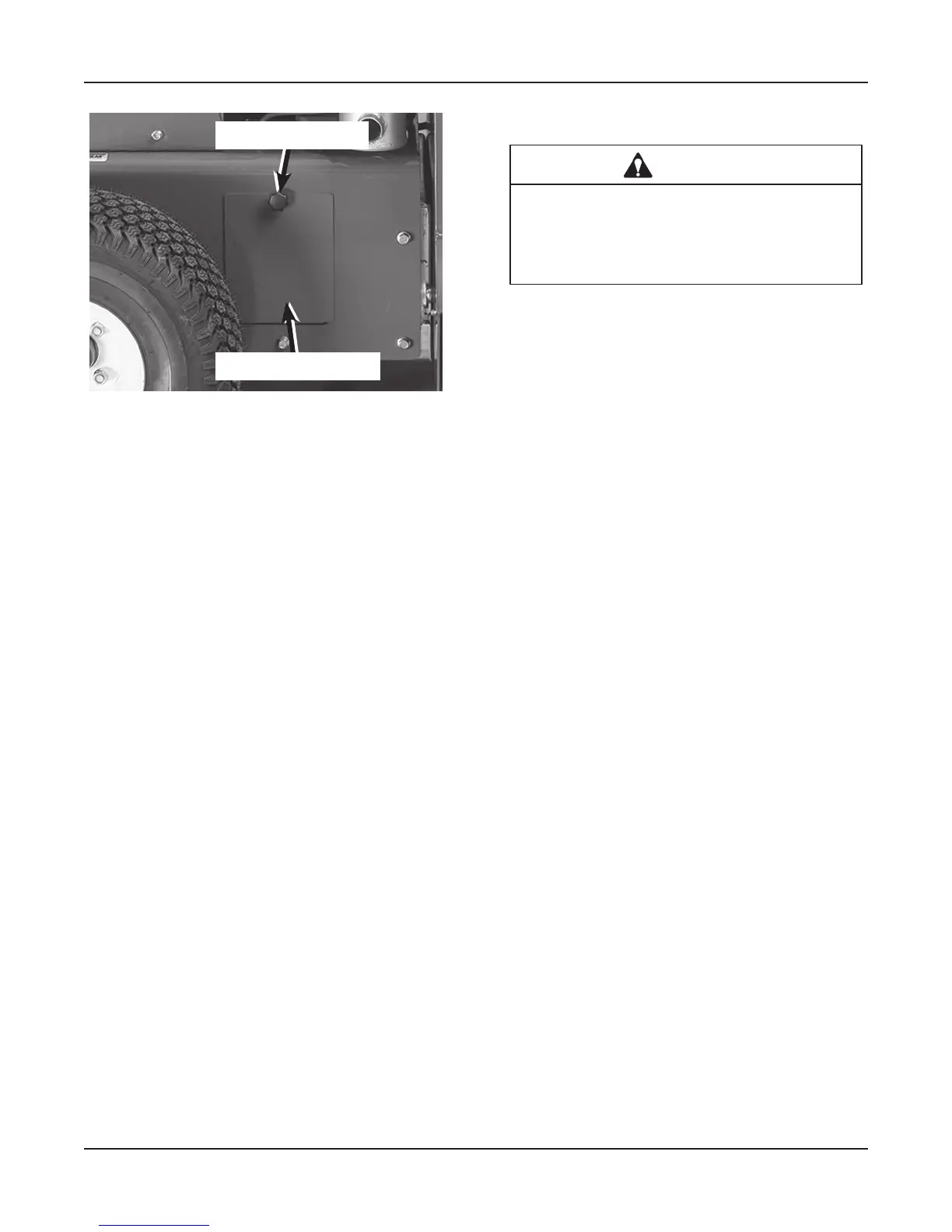
Remove Cover
Thumb Screw
6. Remove rubber strap holding battery in place.
7. Disconnect the Negative (-) battery cable first.
8. Disconnect the Positive (+) battery cable.
9. Remove battery from the tray.
10. Place positive cap back on new battery before
installing.
11. Installing is reverse of above.
Cleaning Battery and Terminals
1. Park machine safely.
2. Disconnect and remove battery. Refer to Remov-
ing and Installing Battery procedure.
3. Clean battery with one gallon of water mixed with
four tablespoons of baking soda. Caution: DO
NOT get the soda solution into the cells.
4. Rinse the battery thoroughly with plain water and
dry.
5. Clean terminals and battery cable ends with wire
brush to remove corrosion. Replace the terminal
bolts if corroded.
6. Apply battery terminal grease to the terminals
and cable ends to prevent corrosion.
7. Install battery.
Using Booster Battery or Jump Starting
CAUTION
Avoid injury! The battery produces a am-
mable and explosive gas. The battery may
explode.
•
Do not smoke or have open flame near battery.
•
Wear eye protection and gloves.
•
Do not jump start or charge a frozen battery.
Warm battery to 60°F before starting or charging.
1. Park machine safely.
2. Remove battery box cover strap.
3. Remove box cover.
4. Connect the positive cable to the discharged bat-
tery first, and then to the good battery.
5. Connect the negative jumper cable to the dis-
charged battery first, and then to the good battery.
6. Start engine of disabled machine.
7. Disconnect the jumper cables from the good bat-
tery and then the discharged battery.


 To Next Page