Portal Message section
Feedback from the portal containing e.g. links to graphs, etc. Depends on the portal type.
Portal settings section
• Portal – Enables or disables this function.
• Server address – Complete URL of the remote server.
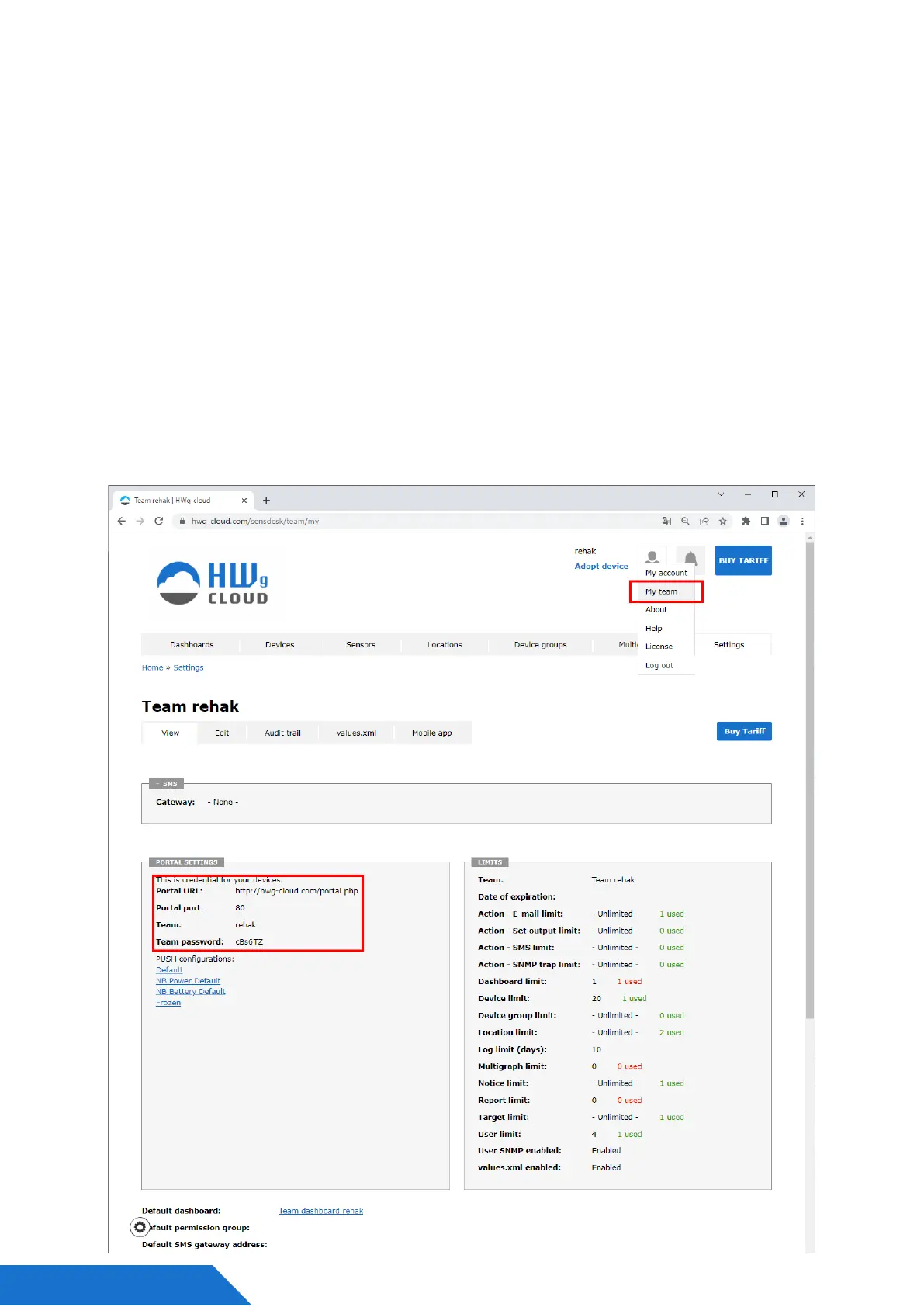
Connection to HWg-cloud.com portal is preset, but without account name.
• IP Port – Port where the portal listens.
• Team – Name of the Portal Team to which the device should be assigned.
You can find it on your portal on the “My Team” tab.
• Team Password – Password of the Team (HWg Push protocol) to which the device
should be assigned.



 To Next Page