19
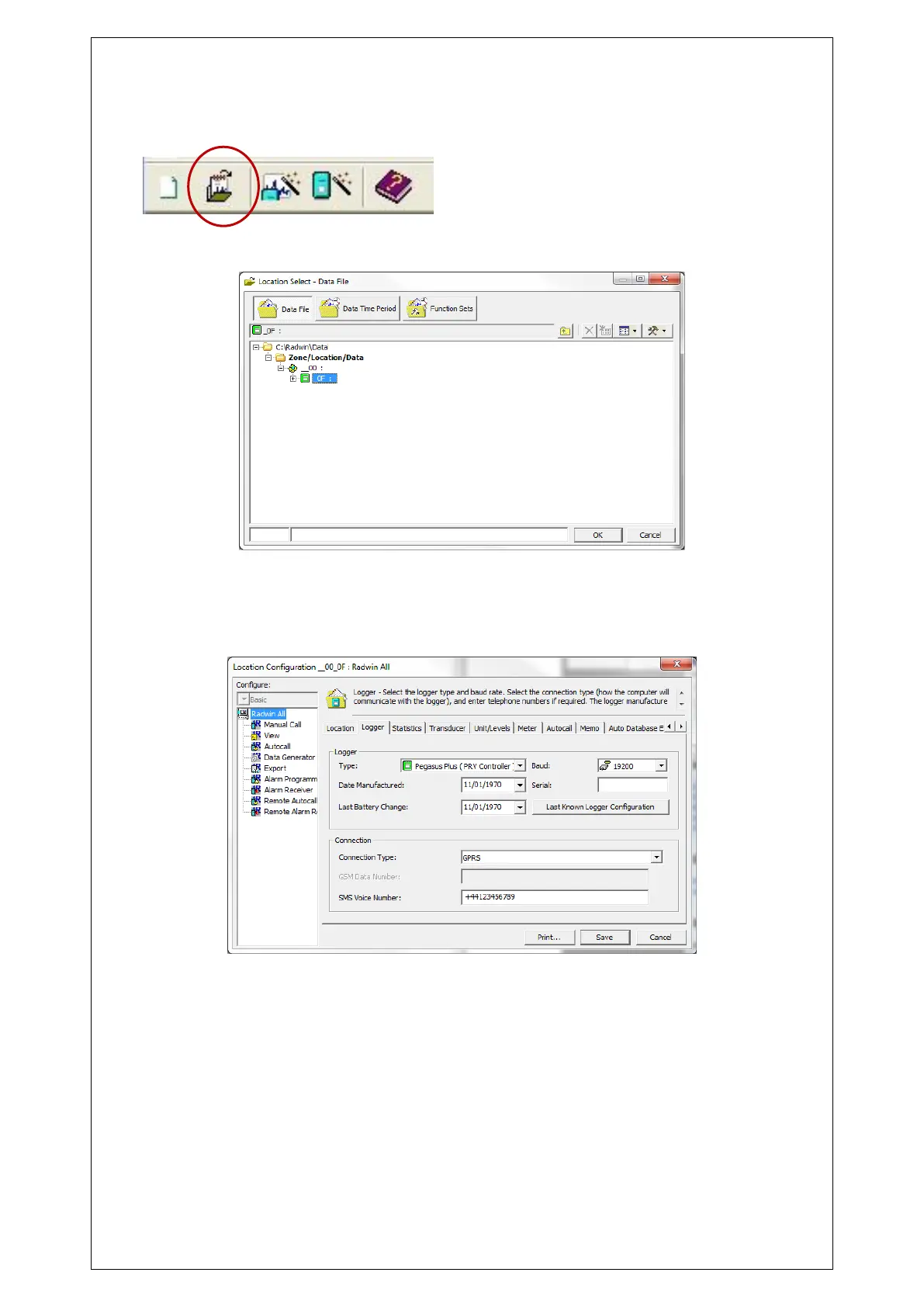
In View we can check the settings
We can see a drop-down appears with loggers (Zone/Locations) that exist in the database.
Right click on the Pegasus Plus created, and select “Location Database / Edit Location” to
see the configuration. The most important tabs are Logger, Transducer, Units/Levels, Logger
Call Numbers/Times and Logger Power Windows. To move through the different tabs use the
arrows at the top, which are next to the tabs.



 To Next Page