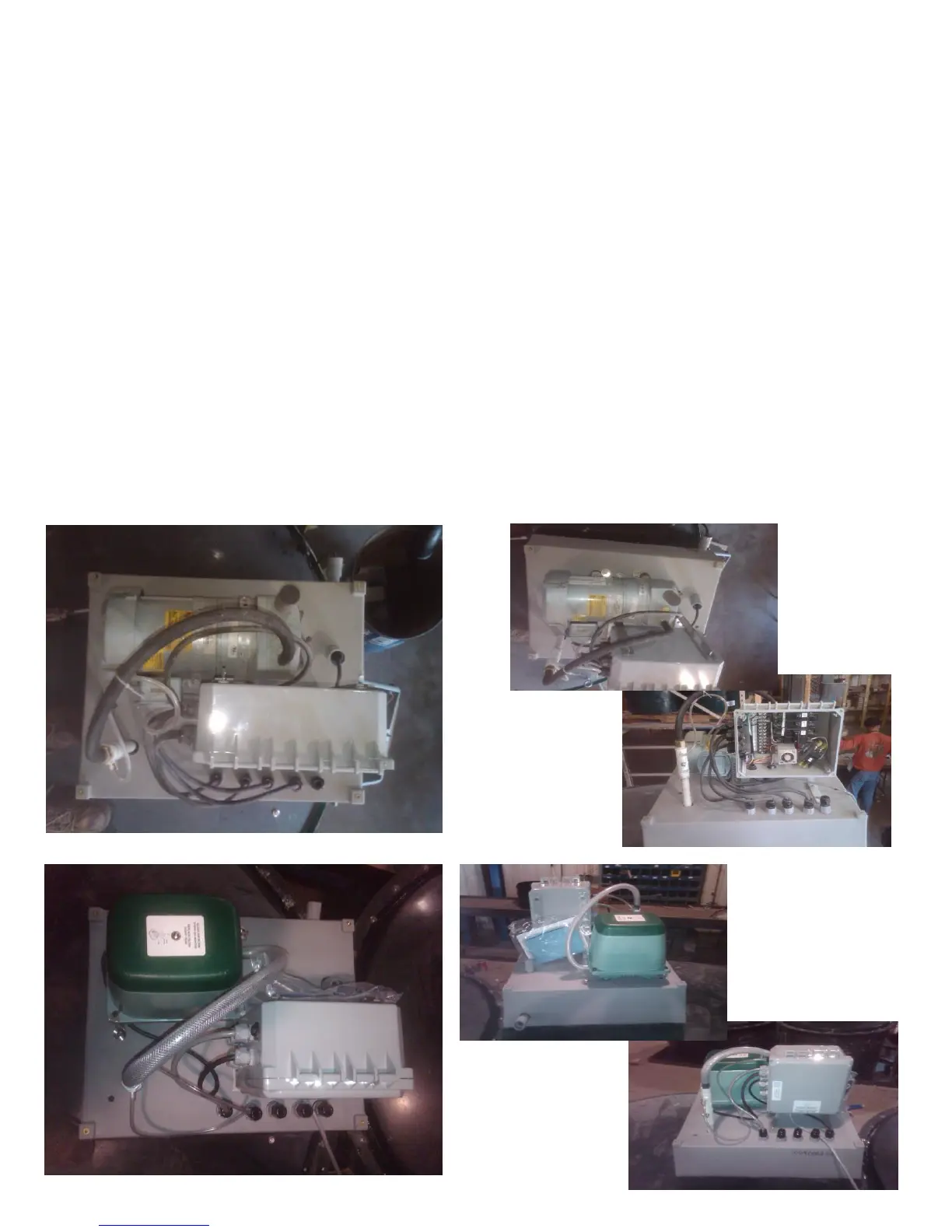
Compressor Conversion Instructions
Linear to Rotary & Rotary to Linear Conversion
1. Cut Power to system from home breaker.
2. Remove OPS cover, open control panel, and shut-off breakers.
3. Remove air pressure switch by cutting the airline.
4. Disconnect the electrical cord from the pump to control panel.
5. Remove Compressor from base by unscrewing mounts.
Installation of Compressor
6. Mount new compressor by banding it to the base with self-tapping screws.
7. Connect electrical cord into control panel.
8. Glue conversion pressure switch onto airline.
9. Connect airline to compressor.
10. Turn breakers on, close control panel, and install OPS cover.
11. Turn power on and test compressor/system for proper function.


 To Next Page