23
LIGHT FUNCTION
Press this pad to acvate the light
1st press: rotang colours
2nd press: solid blue colour
3rd press: solid green colour
4th press: solid red colour
Note: Pressing the light key in intervals less than five seconds will scroll to the next colour. Once you have
selected the colour another press will turn the light off.
LIGHT AUTOMATIC TIME-OUT
Time out – 60 minutes
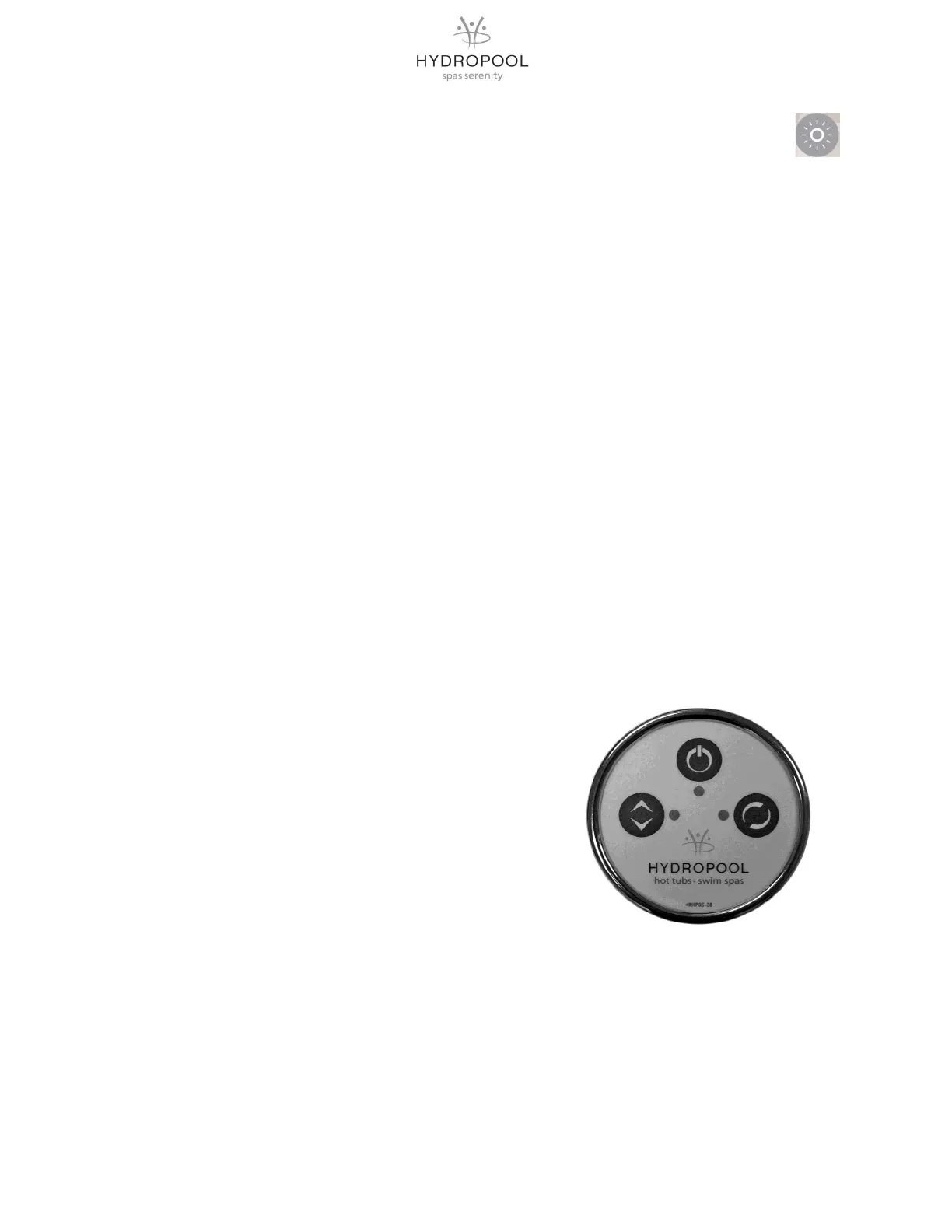
Press: Blower buon on main control to acvate system.
1) ON/OFF :
1
st
Press: The Blower starts at maximum Speed. LED: ON
2
nd
Press: The blower stops. LED: OFF
2) TO CONTROL SPEED:
Press and hold: Speed goes up or down, LED: ON when pressing.
Release pressure at the desired speed.
3) TO CONTROL PULSATION:
1
st
Press: Slow Pulsaon Cycle, LED: ON.
2
nd
Press: Quick Pulsaon Cycle, LED: Flashes.
3
rd
Press: Pulsaon Cycle OFF, LED: OFF.
OPTIONAL VARIABLE AIR THERAPY SYSTEM CONTROL FUNCTIONS
1
2
3
TOPSIDE PANEL DISPLAY MESSAGES
Hr: An internal hardware error has been detected.
HL: The system has shut down the heater because the temperature at the heater has reached 119
o
F (48
o
C),
AOH: Temperature inside the spa cabinet is too high causing the internal control temperature to increase
above normal limits.
FLO: The system does not detect any water flow while the primary pump is running.
Prr: A problem is detected with the temperature probe.
OH: The water temperature in the spa has reached 108
o
F (42
o
C)




 To Next Page