14
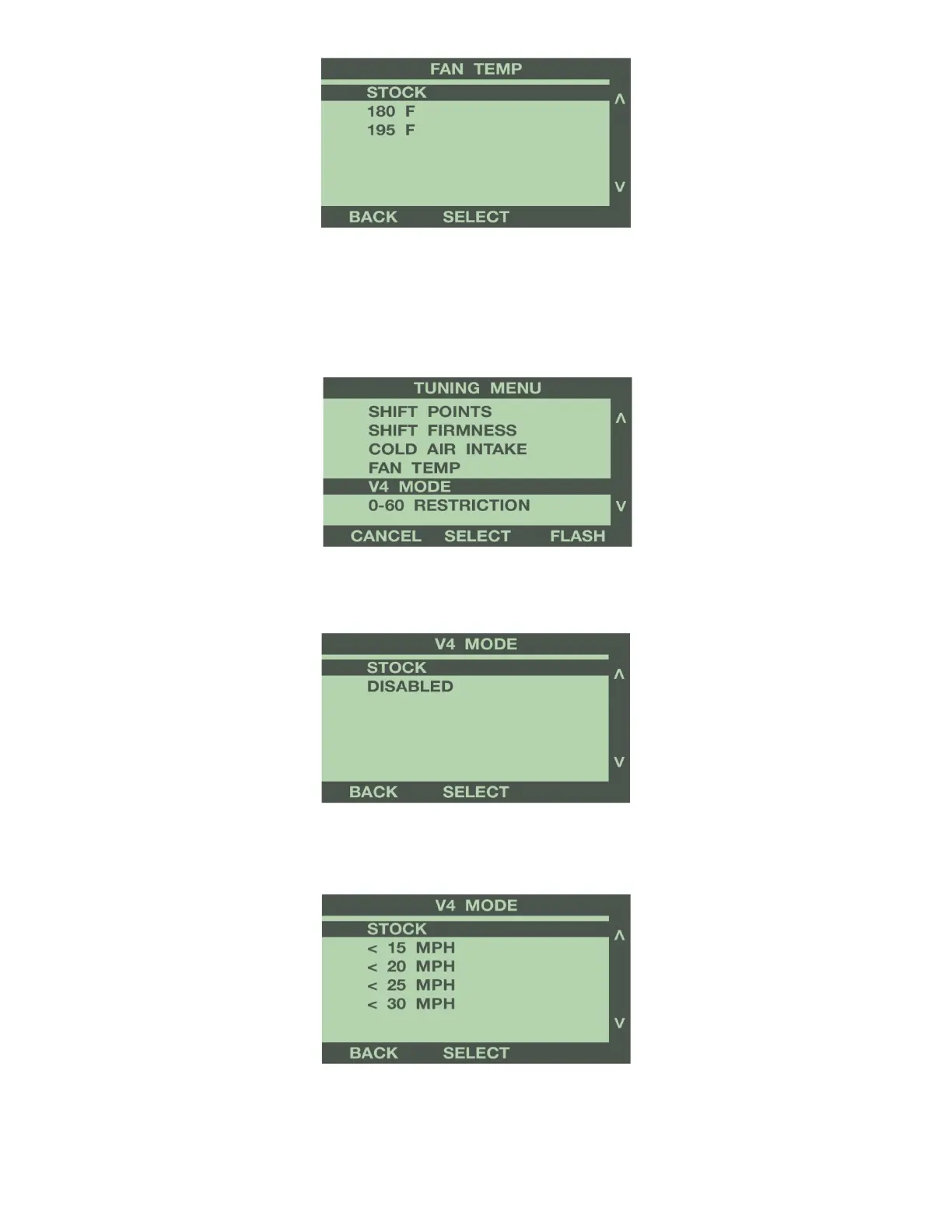
For more information on the Fan Temp option, see Programming Features explanation in Section 4.
V4 Mode (Some 2007- up GM Vehicles)
Use the buttons to the right of the screen to highlight V4 Mode. This option disables the Active Fuel
Management (AFM) system.
To completely disable the V4 Mode, use the buttons to the right of the screen to scroll down, and
highlight Disabled. Press the ‘Select’ button to save this option.
To adjust the minimum speed that the V4 Mode turns off, use the buttons to the right of the screen to
scroll up or down, and highlight the desired speed. Press the ‘Select’ button to save this option.
For more information on Active Fuel Management option, see Programming Features explanation in
Section 4.


 To Next Page