5
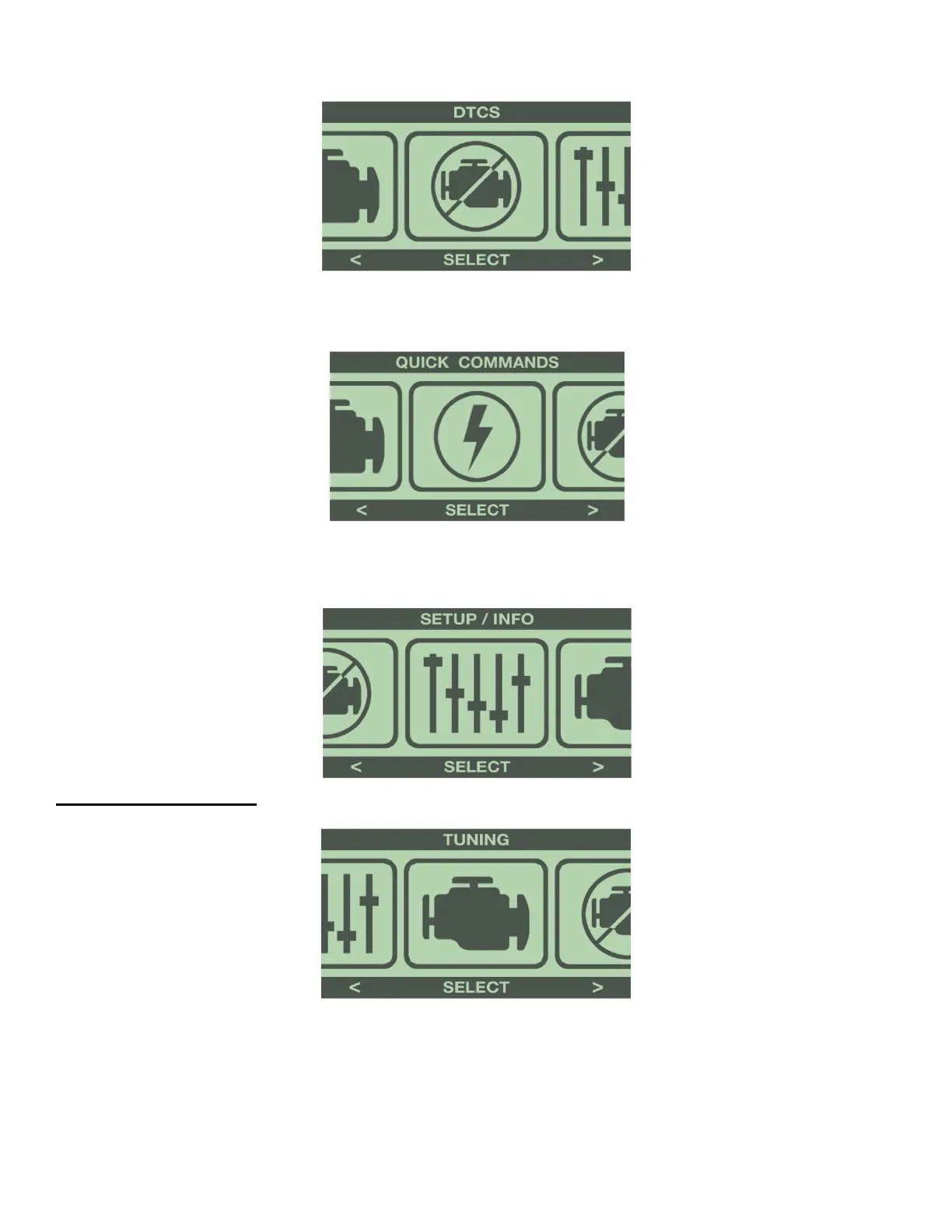
DTC’s (All Vehicles):
This option checks for Diagnostic Trouble Codes (DTCs).
QUICK COMMANDS (Some Vehicles):
This option has selections for adjustable features that don’t require programming.
SETUP INFO (All Vehicles):
This option displays various information about the programmer and your vehicle. It also allows adjustments to
the display screen.
1-2: TUNING MENU
Press ‘Select’ to enter the Tuning menu from the Main Menu.
The programmer will display 3 tuning options:
PRESET TUNE- Select a previously saved tune for installation.
CUSTOMIZE TUNE- Select all Power Tuning and adjustable features available for the vehicle.
UNINSTALL TUNING- Select to reprogram all options back to factory stock settings.


 To Next Page