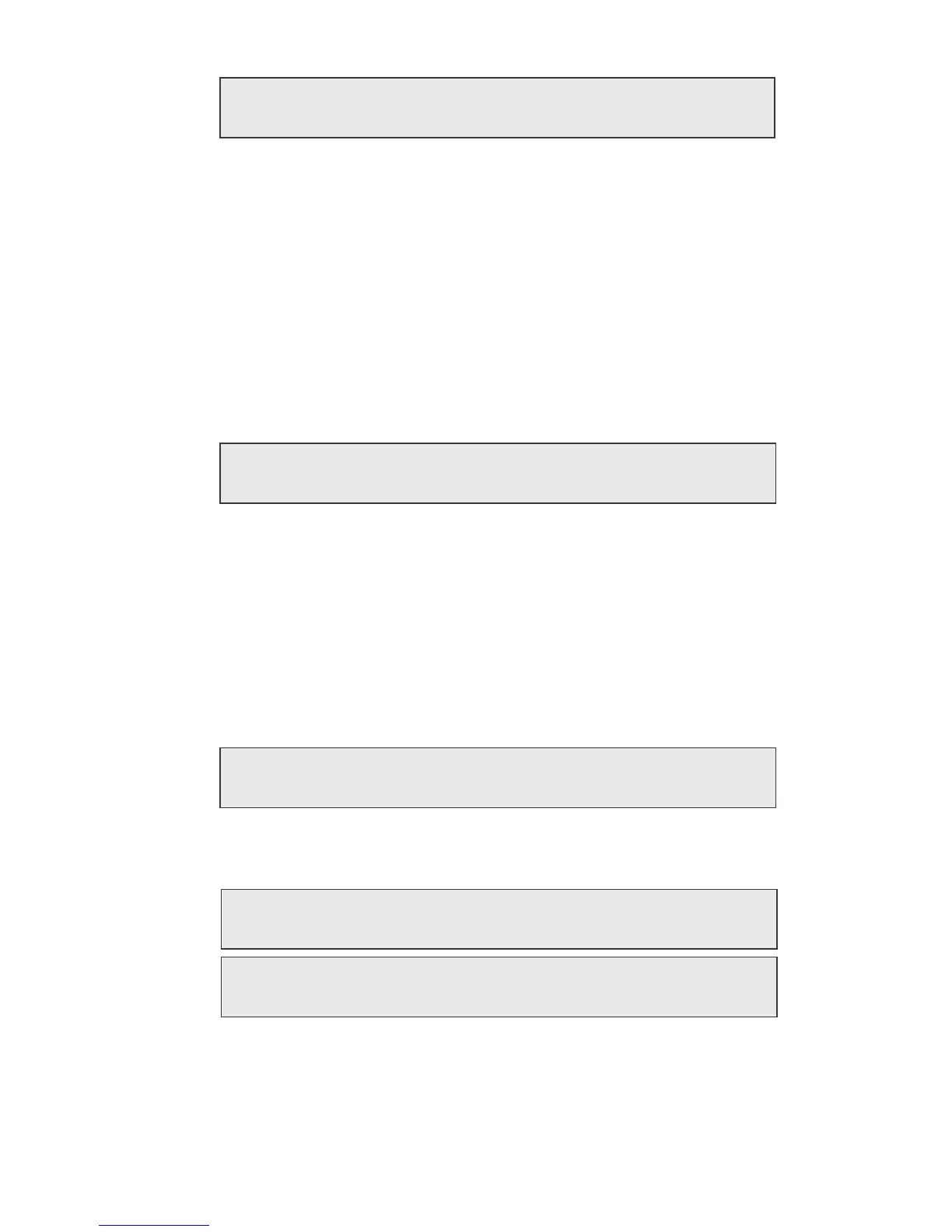
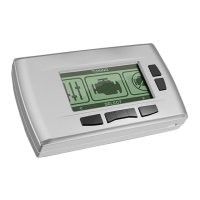
H.
TRANSMISSION SHIFT FIRMNESS (AUTOMATICS ONLY)
• Press ‘Y’ if you have installed an aftermarket shift kit into your
automatic transmission. The shift kit has already firmed up
your shifts. You do not want your programmer to make them
even firmer because transmission damage may occur.
NOTE: Pressing ‘Y’ lets your programmer know that it is not
to program shift firmness and you will skip to the
final Report.
• Press ‘N’ if you have not installed an aftermarket shift kit into
your automatic transmission. Pressing ‘N’ will give you the
following choice:
•
Press ‘N’ to keep the stock shift firmness and skip to the Report.
• Press ‘Y’ to increase the firmness of shifts. Firmer and quicker
shifts reduce the loss of power to friction as the clutch packs
“lock-up” during shifts, allowing more power to the rear wheels.
I. REPORT
• After your last choice has been made, this screen will appear
and list all of your choices:
• Watch the screen as your choices scroll by on the bottom line.
Now these two (2) alternating screens will appear:
• If all choices are satisfactory, press ‘Y’ to start programming.
If you want to make a change to your choices, press the ‘N’
button to start over from the beginning.
15
PRESS Y TO INCREASE TRANSMISSION SHIFT FIRMNESS
PRESS N TO KEEP STOCK SHIFT FIRMNESS
PRESS Y IF YOU HAVE INSTALLED AN AFTERMARKET SHIFT KIT
PRESS N TO CONTINUE
YOU HAVE CHOSEN
..........
PRESS Y TO BEGIN
PROGRAMMING
PRESS N TO
CHANGE OPTIONS


 To Next Page