EasyManua.ls Logo

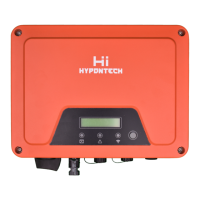
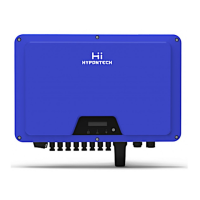
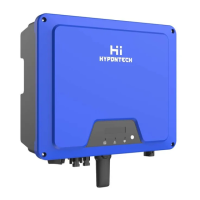
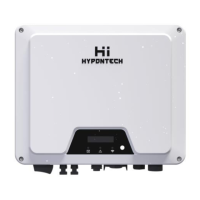
Hypontech HPS Series - User Manual

Hypontech HPS Series
68 pages
Print Icon
To Next Page IconTo Next Page
Loading...

Questions and Answers

  • B
    Brandon LopezAug 12, 2025
    What to do if my Hypontech Inverter has a Permanent Fault?
    • H
      haley47Aug 12, 2025
      If your Hypontech Inverter is showing a Permanent Fault, disconnect it from both the utility grid and the PV array. After the LED turns off, reconnect the inverter. If the fault continues to display, contact the service.
  • A
    April GreenOct 28, 2025
    What to do if my Hypontech Inverter shows an Object Error?
    • S
      Sabrina GouldOct 28, 2025
      If your Hypontech Inverter displays an Object Error, there are several things you can check: * Verify the grounding connection of the inverter is reliable. If the fault persists, contact service. * Inspect the AC cable and grid connection on the inverter. If the fault is still present, contact the service. * Check the grid voltage and grid usability. * Examine the fuse and the triggering of the circuit breaker in the distribution box. * Assess the grid voltage at the point of connection of the inverter. If the grid voltage is outside the permissible range due to local grid conditions, consider modifying the Fault monitored operational limits after informing the electric utility company first. * Check the grid voltage and grid connection on the inverter. * Check the grid freq...

Summary

Safety

2.3 Important safety information

Highlights critical safety warnings and precautions for handling the inverter.

Mounting

4.2 Selecting the mounting location

Guides on choosing an appropriate and safe location for mounting the inverter.

4.3 Mounting the inverter with the wall bracket

Provides step-by-step instructions for mounting the inverter using the wall bracket.

Electrical Connection

5.3 AC connection

Details cable requirements and specifications for connecting the inverter to the grid.

5.4 DC Connection

Explains the requirements and procedures for connecting the PV array to the inverter.

Communication

6.2 Inverter demand response modes (DRED)

Explains the demand response modes and their application requirements.

6.3 Active power control with smart meter

Details how to connect a smart meter for active power control.

Commissioning

7.1 Electrical checks

Lists essential electrical tests to perform before commissioning the inverter.

7.2 Mechanical checks

Outlines mechanical checks to ensure the inverter's proper installation and waterproofing.

Disconnecting the Inverter from Voltage Sources

Technical Data

Troubleshooting

Maintenance

Hypontech HPS Series Specifications

General IconGeneral
BrandHypontech
ModelHPS Series
CategoryInverter
LanguageEnglish

Related product manuals