10
The RF antenna must be purchased separately.
The GPS antenna is available only for radios with the GPS feature.
The palm microphone without keypad (with ⑥ and ⑦) is available for the conventional radio, and the one
with keypad (with ⑥ and ⑦) is for the trunking radio.
3.4 Procedure
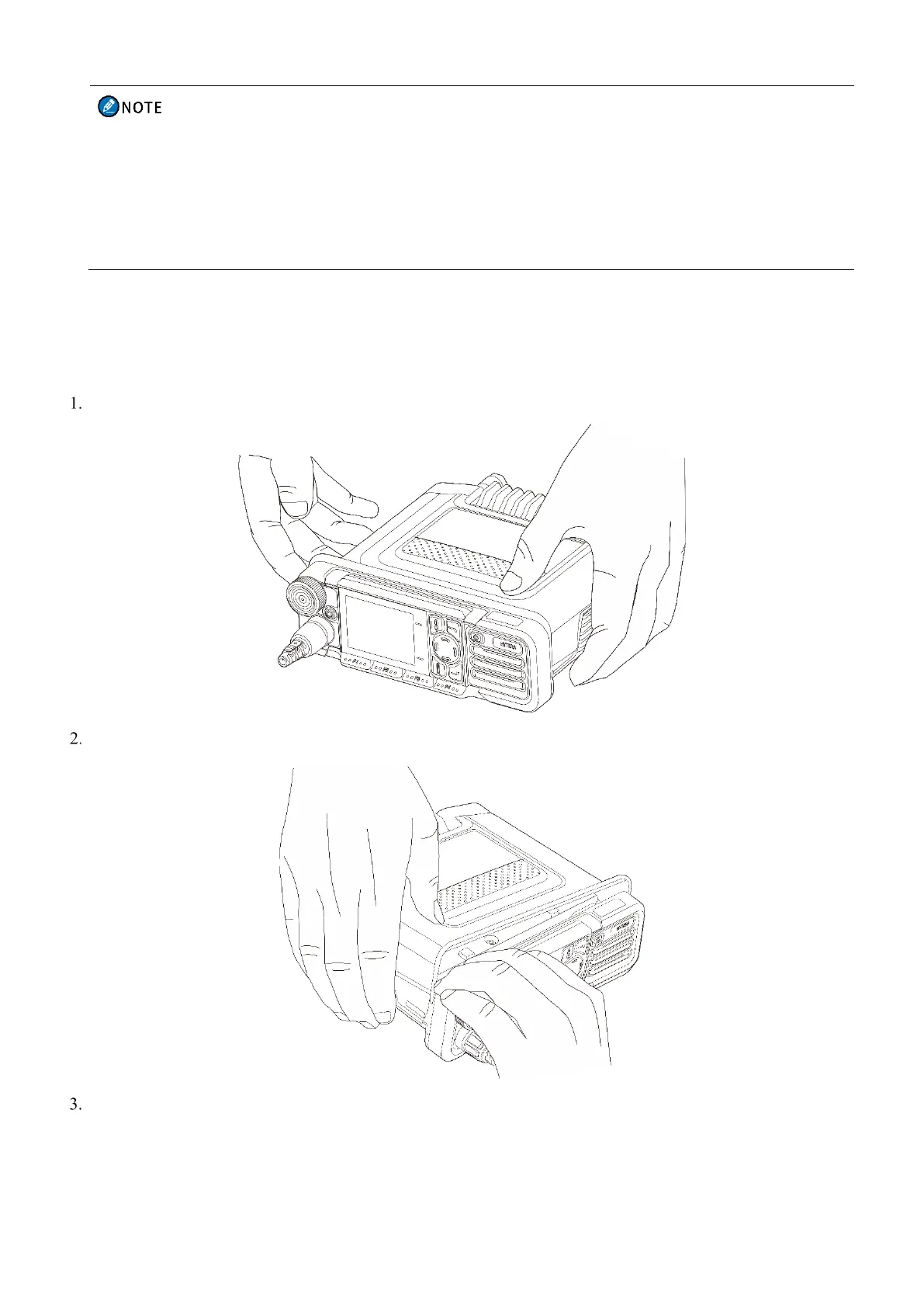
3.4.1 Installing the TF Card
Release the latch on both sides of the plastic upper cover.
Hold the front panel, and then pull and remove the plastic upper cover.
Insert the TF card to the metal card slot properly as directed in the following figure.



 To Next Page