7. Paid Feature License
PDC7 series also supports some paid features including E2EE (End to End Encryption), TTS (Talk to Speech) and
Priority Interrupt. Please apply for and import the license through Smart MDM to enable the needed features.
Step 1 Apply for the license.
You need to provide the authorization information to Hytera, including the serial number and model
name of the radio and the paid feature.
Step 2 Use the account of administrator to log in to the Smart MDM Admin Client.
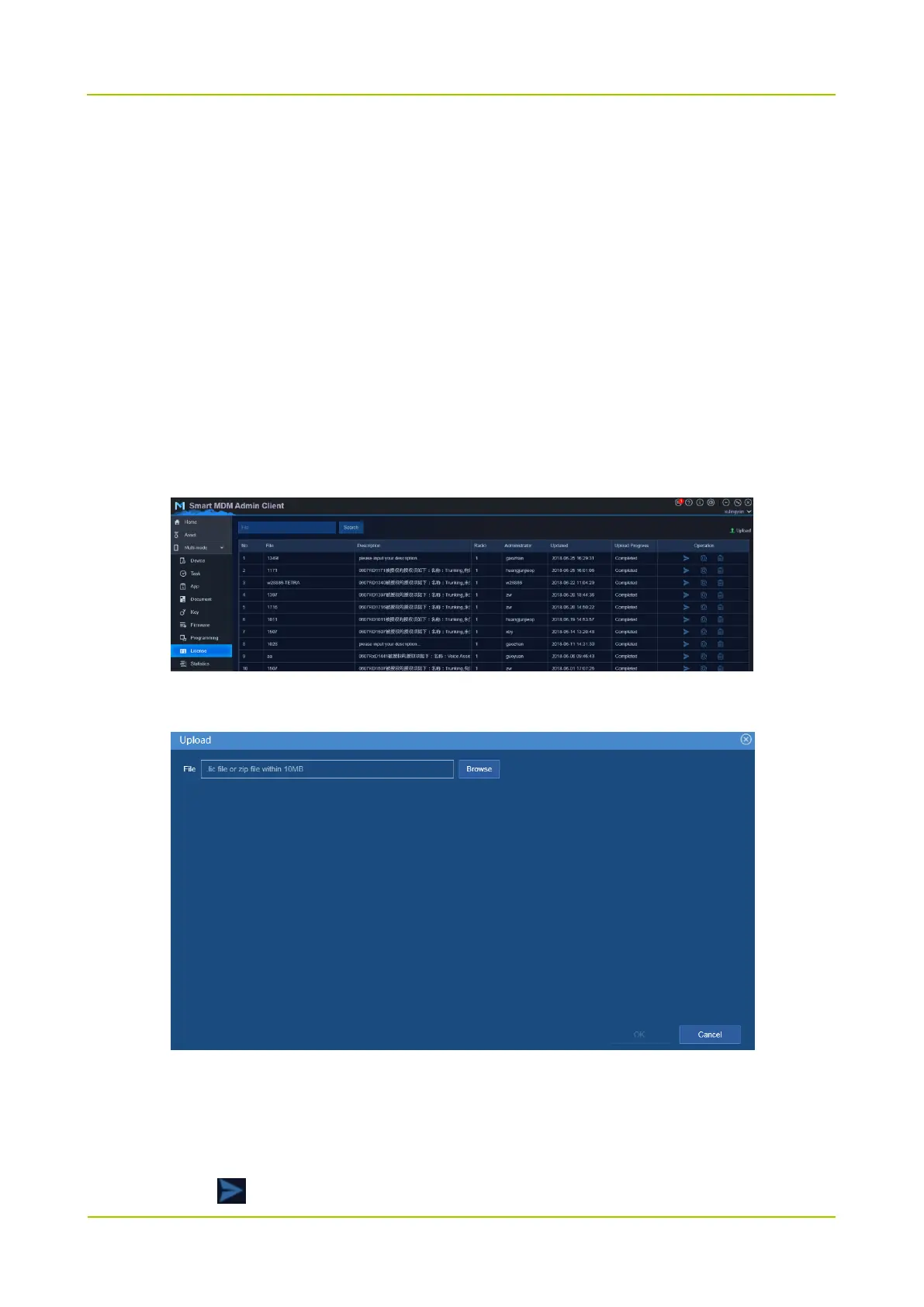
Step 3 Upload the license.
1. Choose Multi-mode -> License.
2. Click Upload.
3. Click Browse to upload the license.
4. Click OK.
Step 4 Import the radio license.
1. Click .



 To Next Page
 Loading...








