3. Radio Programming
3.1 Log in to Smart MDM Admin Client
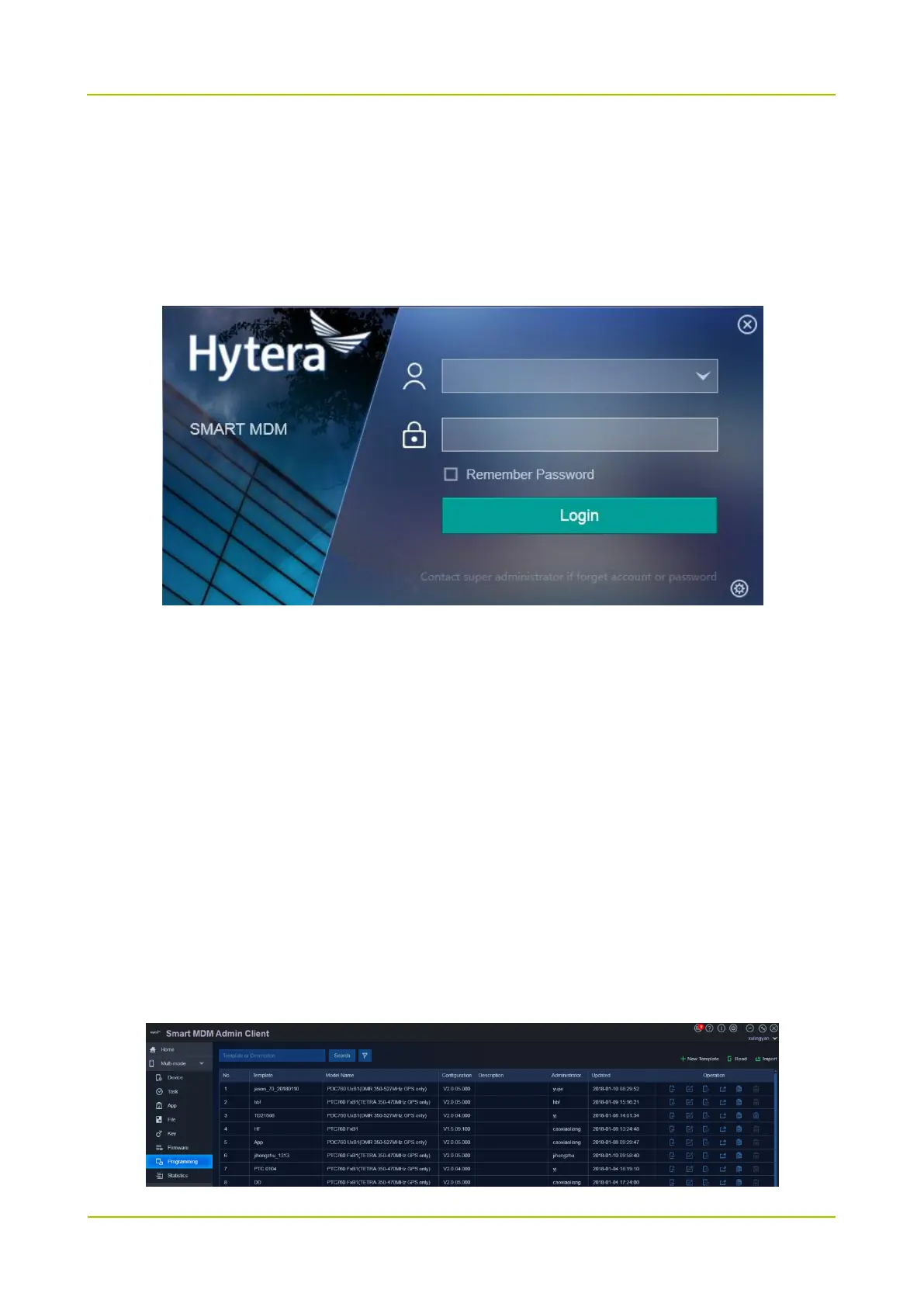
Step 1 Start Smart MDM Admin Client.
Step 2 Enter the account and the password of administrator, and click Login.
3.2 New Template
There are three methods to create a template.
New Template: create a new template directly.
Read Radio: read the radio and create a template based on its configuration file.
Import an Existing Template: create a template based on the existing template.
This section takes the method Read Radio as an example. For other methods, refer to Smart MDM Admin Client
User Guide.
Step 1 Choose Multi-mode -> Programming.



 To Next Page
 Loading...








