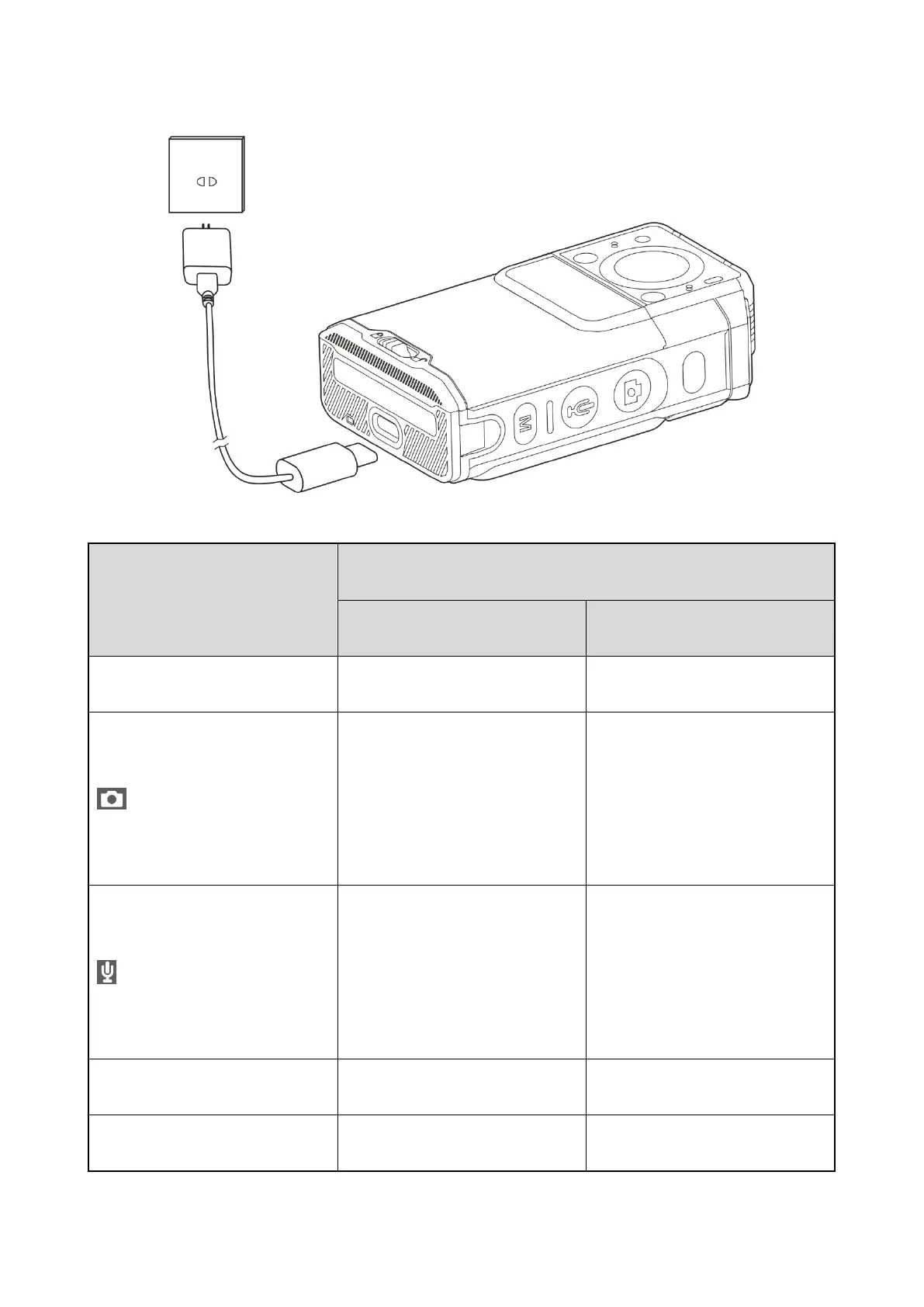
package, as shown in the following figure.
You can learn about the charging status from the LED indicator. For details, see
2.2 Key Functions
Trigger or clear emergency alarms
Take photos (by default)
Increase the volume
Turn on or off the flashlight
Increase the volume
Start or stop silent video
recording
Start or stop audio recording (by
default)
Decrease the volume
Turn on or off the silent mode
Wake up or turn off the screen
Turn on or off the product



 To Next Page