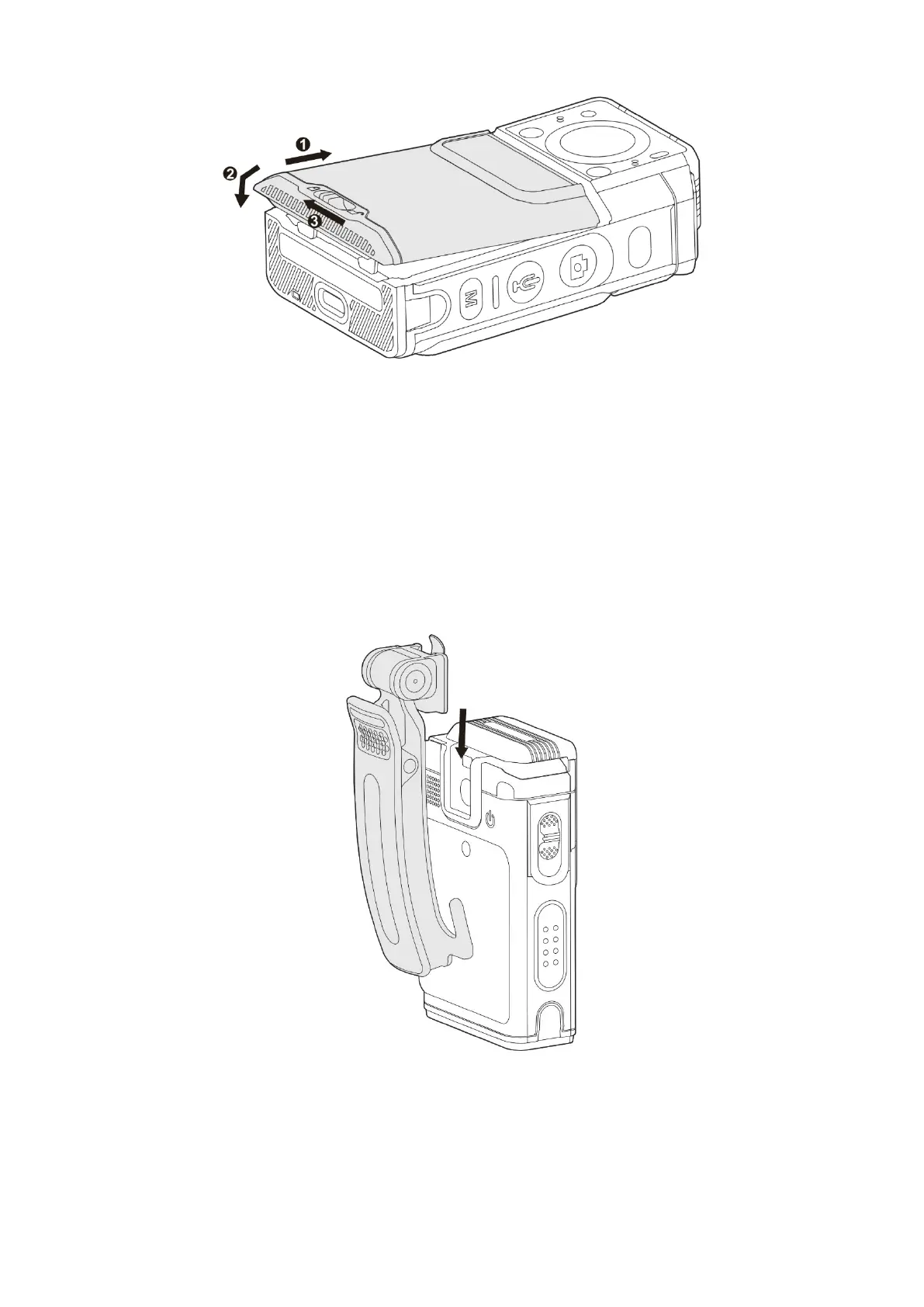
Remove the battery
a.
Turn off the product.
b.
Press down the gray button in the middle of the battery latch, and then slide the battery latch to the right.
The battery is unlocked.
3.3 Attach and Remove the Belt Clip
To attach the belt clip, slide the belt clip down to the slot, as shown in the following figure.
To remove the belt clip, press the metal piece upward during reversing the attaching steps.
3.4 Charge the Battery
Connect the product with the battery attached to power supply through the USB cable and power adapter in the



 To Next Page