6. Basic Functions
6.1 Video Recording
Before video recording, set the related parameters, such as Video Resolution, Night Vision, Pre-event Record, or
Post-event Record. For details, see
5 System Settings.
Normal recording
a.
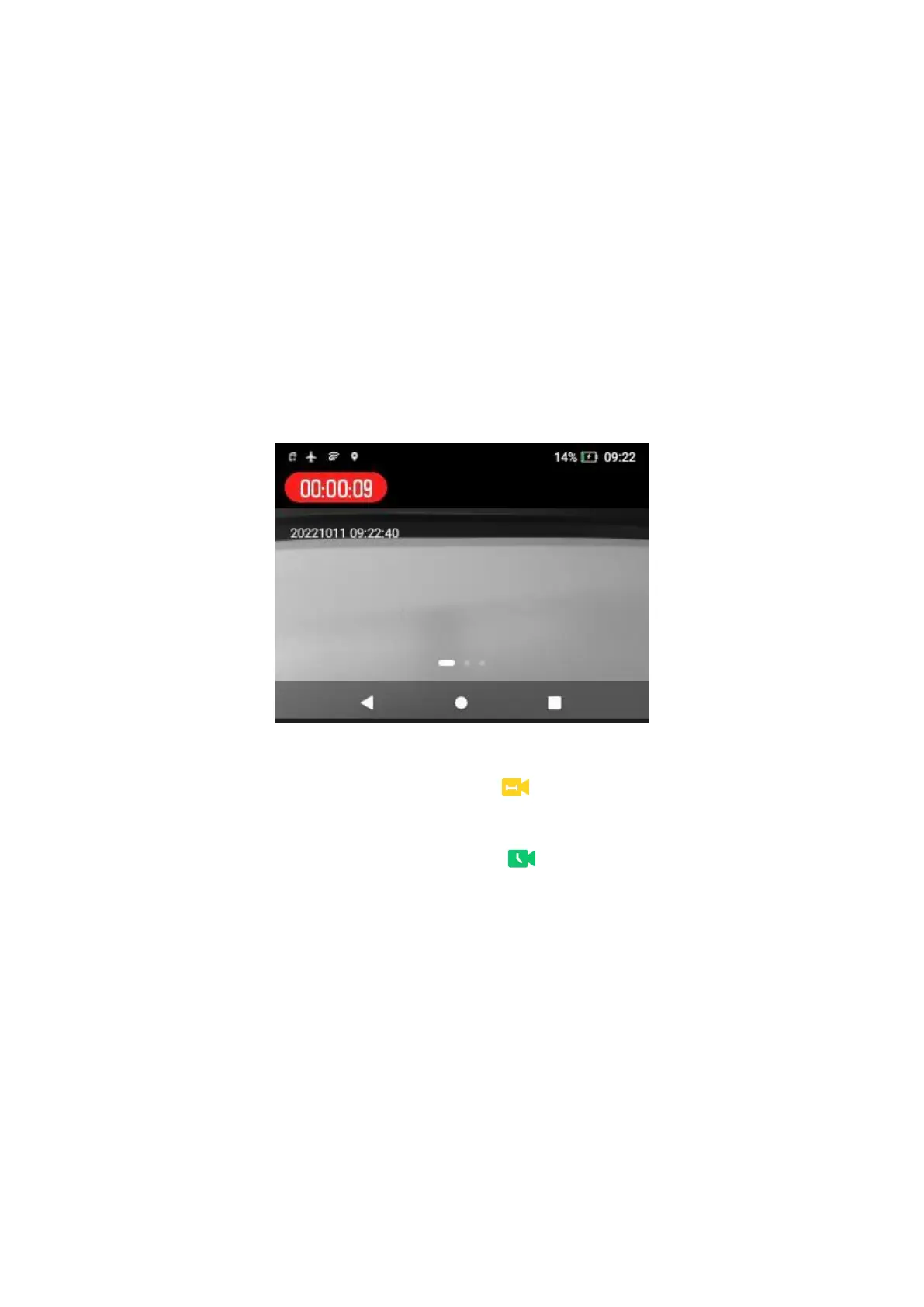
In the preview mode, toggle down the
Video Recording
key to start recording.
The LCD touch screen displays the recording time.
b.
Toggle up the
Video Recording
key to end recording.
Pre-event recording
During pre-event recording, the product displays the icon .
Post-event recording
During post-event recording, the product displays the icon .
6.2 Audio Recording
You can record the on-site audios during law enforcement.
Normal recording
a.
In the preview mode, long press the preprogrammed
Audio Recording
key to start recording.
The LCD touch screen displays the recording time.



 To Next Page