4. Basic Operations
4.1 Turn On or Off the Product
Long press the
Power On/Off
key to turn on or off the product.
After being turned on, the product displays the language selection interface or the video recording interface.
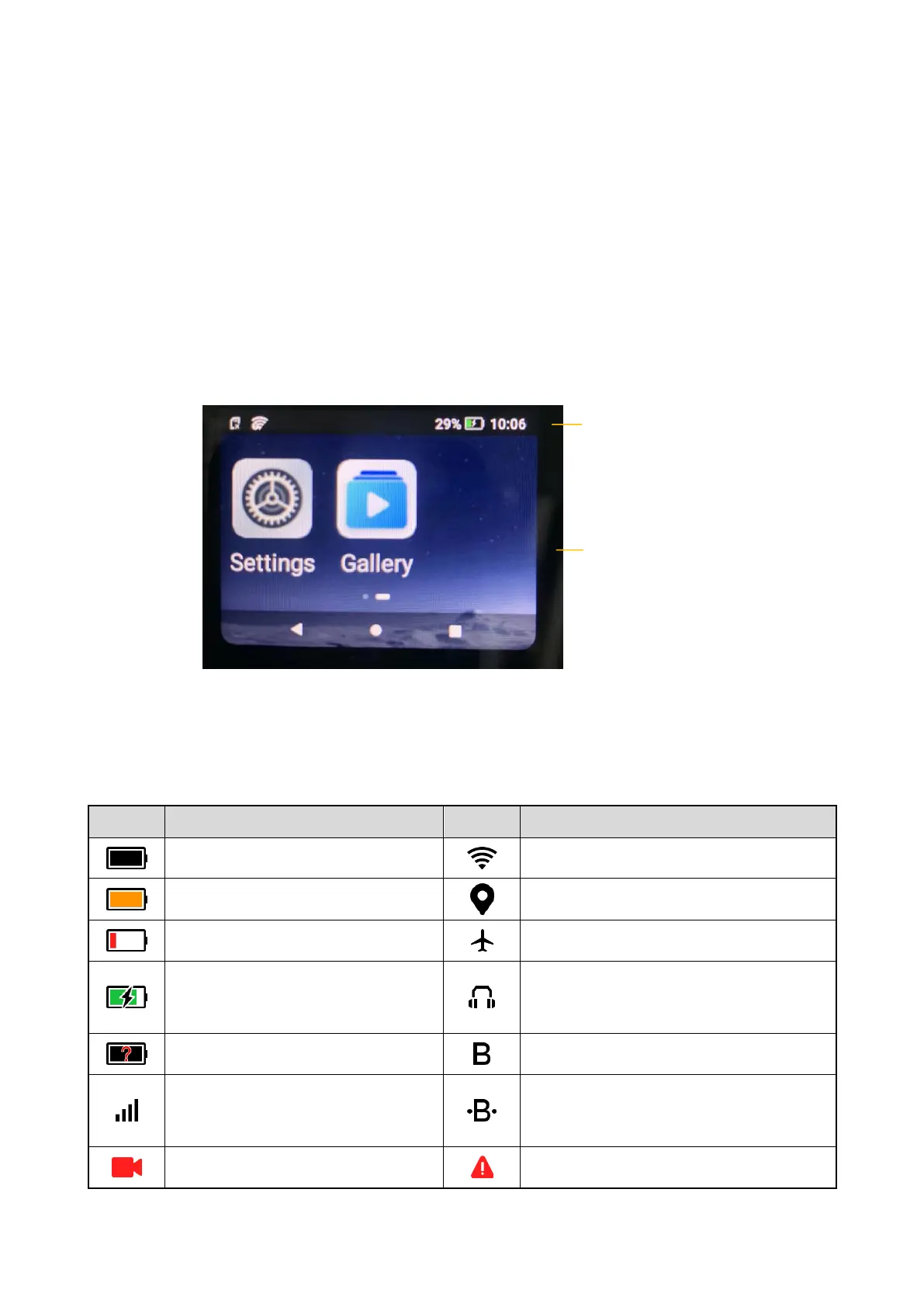
4.2 Understand the Screen
4.2.1 Status Bar Icon
The following table describes icons that might appear in the status bar.
The product is fully charged.
The product is connected to WLAN.
The product is in the battery sav
ing
mode.
The Location feature is enabled.
The battery level is low.
The
product is in
the
airplane mode.
The product is being charged.
The
product outputs the
voice through the
earpiece.
The BT feature is enabled.
More bars indicate stronger signal.
The product is connected to an accessory
through BT.
The product is recording a video.
The product is in the
emergency
mode
.



 To Next Page