The product detects no SIM card.
The product is in the mute mode.
The product is in the silent mode.
The product is recording an audio.
The product is connected to an accessory.
The product is pre-recording.
The product fails to connect to an
accessory.
The product is post-recording.
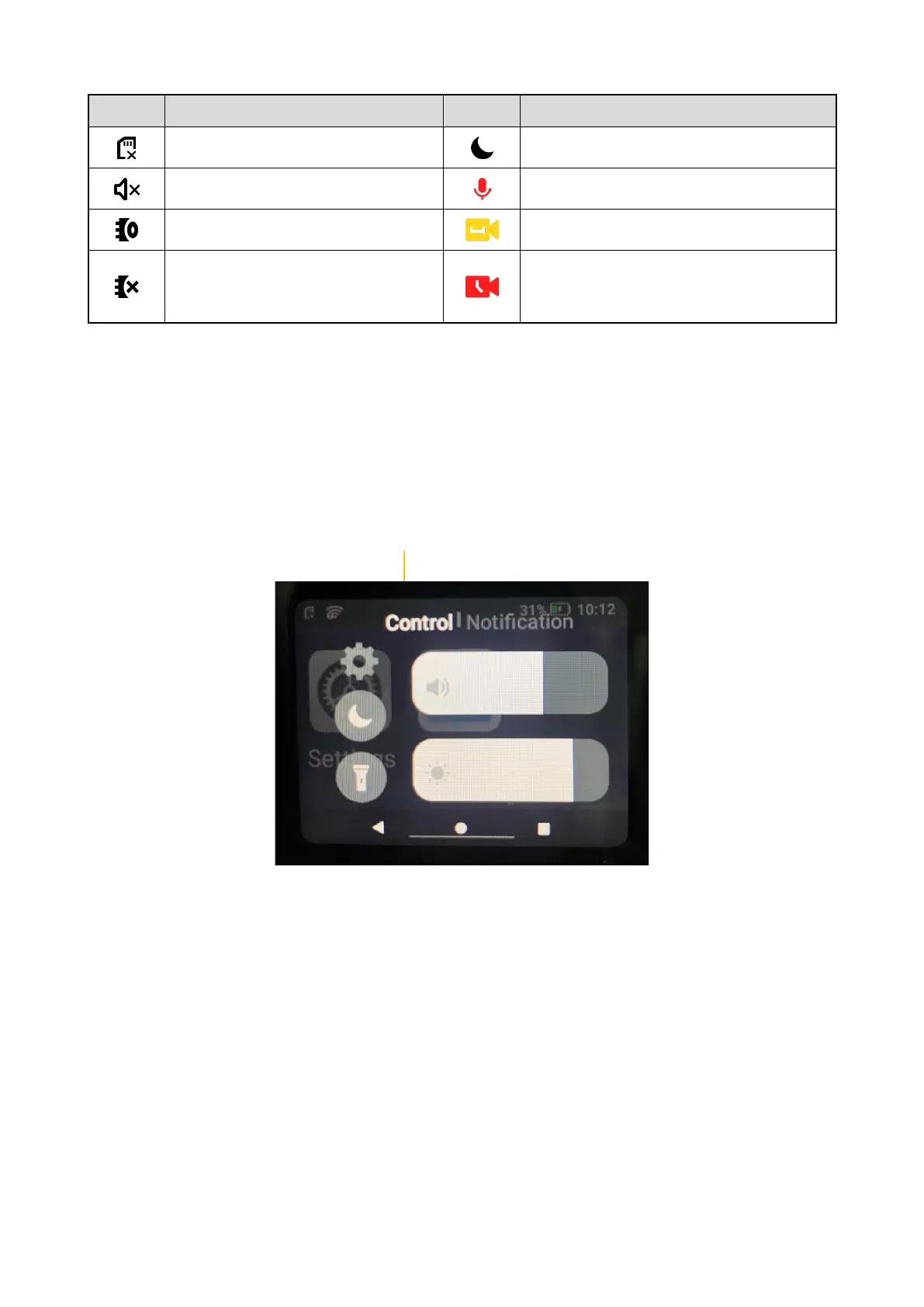
4.2.2 Control and Notification Center
To enter the control and notification center, on the main screen, swipe down from the status bar.
In the control center, you can adjust volume or brightness, turn on or off the mute mode or flashlight, open
settings,
In the notification center, you can view or clear notifications.
New notifications are displayed shortly at the top of screen, or displayed constantly in the middle of screen
until you acknowledge it.



 To Next Page