5. System Settings
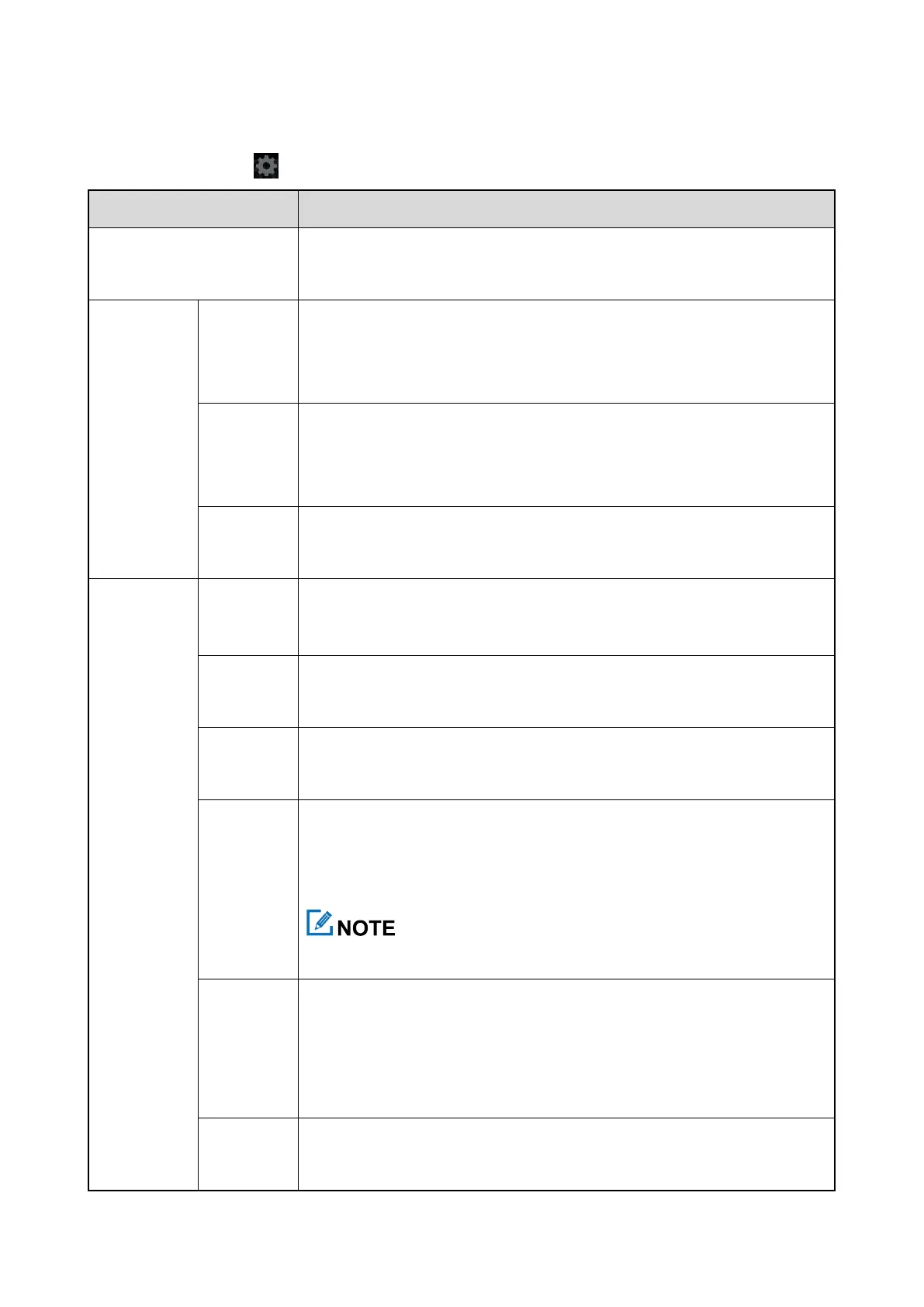
On the home screen, tap , and then configure the parameters according to actual situations.
You can view information such as user name, user ID, agency name, and agency
number.
You can enable or disable the WLAN, view the available networks, and connect to
a network. After successful WLAN connection, you can access the Internet or
connect to other network devices to share files.
You can enable or disable the BT, set whether the product can be detected through
BT, view other BT devices, and connect to other BT devices in close proximity to
exchange data.
You can enable or disable the mobile data or data roaming.
You can set the video resolution to 1080p@30fps, 720p@30fps, or 480p@30fps.
High resolution indicates large size of the video file.
You can enable or disable the
S
ilent
V
ideo
R
ecord feature. When this feature is
enabled, the product records soundless videos only.
You can set the photo resolution to 3 MP, 5 MP, 8 MP, or 16 MP.
You can turn on or off the IR LED, or set the
Night vision
to
Auto
.
In
Auto
mode, the product automatically turns on the IR LED when it detects not
enough light during recording.
This feature is unavailable for SC580 (Starlight Night Vision).
Pre-event
R
ecord
enables the product
to capture a preset time of footage before the
you toggle down the Video Recording key
.
You can turn off this feature, or set the Pre-event
R
ecord time to
10s
,
20s
,
30s
,
60s
,
or
120s
.
Post-event
R
ecord
enables the product to
continue to record for a preset time
after
you toggle up the Video Recording key
.



 To Next Page