14
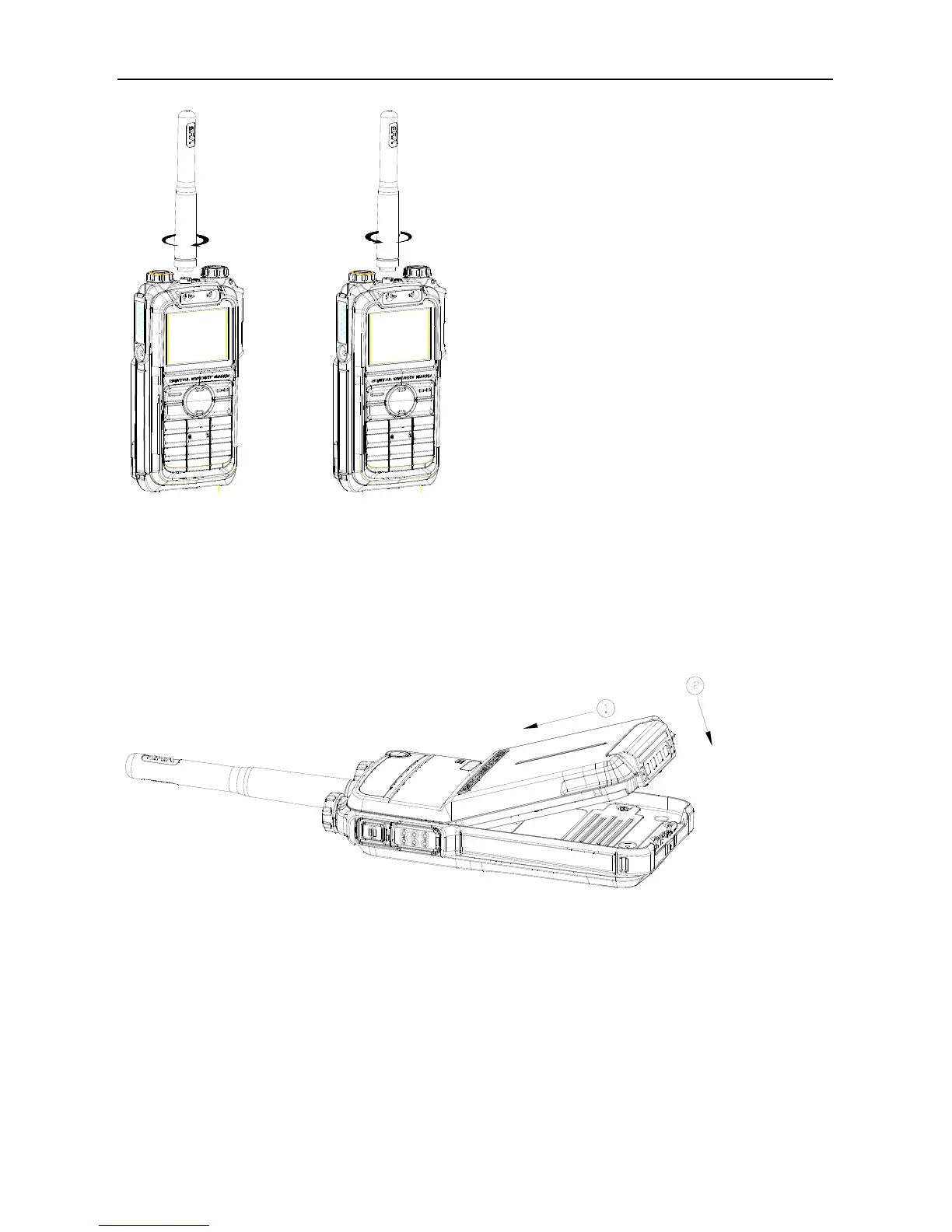
To remove the antenna, rotate it counter-clockwise.
Assembling the Battery
1. Insert the battery into top of the radio. See arrow
○
1.
2. Slightly press the bottom of the battery until a click is heard. See arrow
○
2.
To remove the battery, turn off the radio first. Then push the lock to loosen the battery latch (as indicated by
○
1 ) , and slide the battery latch upwards to unlock the battery.



 To Next Page