08 | Dusk
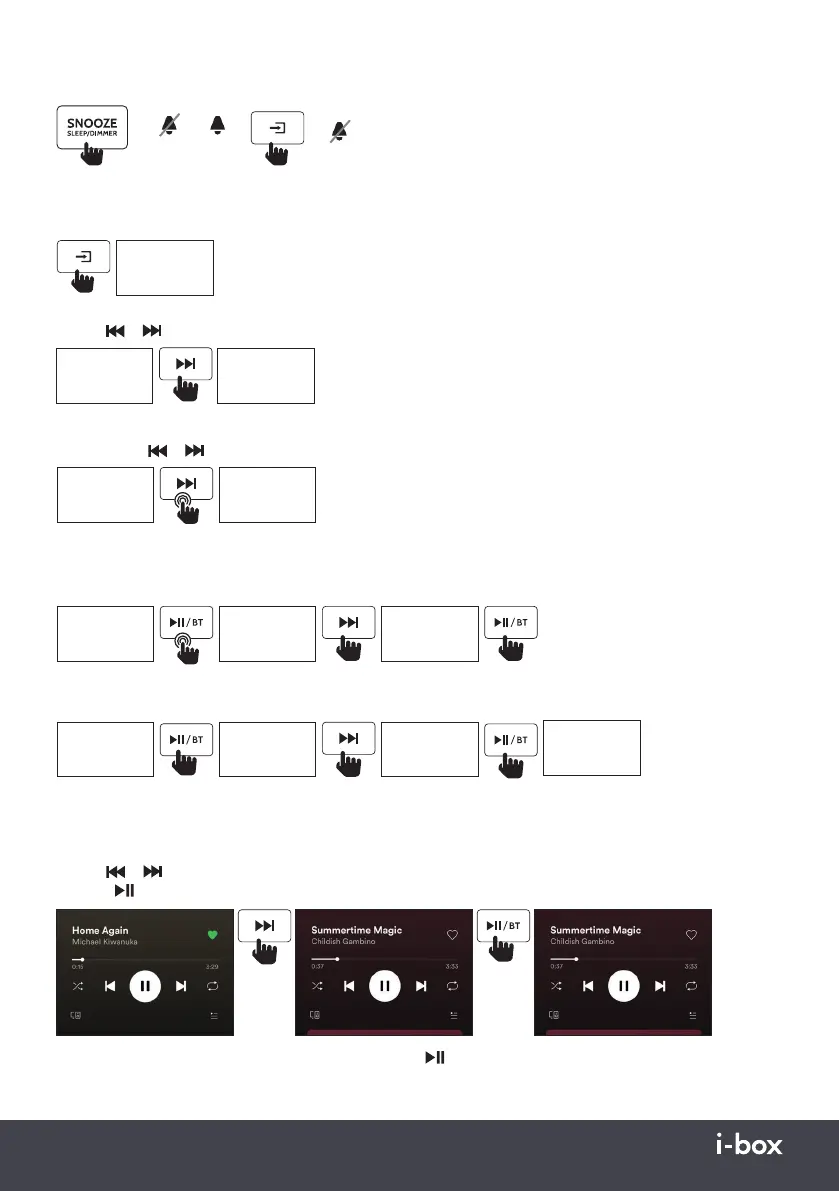
Stopping/Snoozing Alarm
➡
➡
9 minutes
Snooze Stop
➡
Off
FM Radio Mode
Press the Mode button to switch to FM radio mode, the display will show ‘FM’ then will display the frequency of the radio
station.
87.5
87.5 87.6
FM
FM FM
Manual Tune
Use the or keys (2 or 4) to manually adjust the frequency to find the desired radio station.
Automatic Search
Long press the or keys (5 or 7) to automatically scan to the next available FM Radio station.
87.6 88.3
98.2
98.2
99.1
Po1
Po1
Po2
Po2
FM FM
FM
FM
FM
FM
FM
FM
FM
Presets
Saving a station to Preset slot
Save your favourite stations to one of the 20 available preset slots.
Recalling a station from a Preset slot
Save your favourite stations to one of the 20 available preset slots.
Wireless Playback Mode
For Wireless Connection Mode, see page 6.
Use the Vol – or Vol + keys (6 or 7) to adjust the volume. You can also use the connected device to adjust the volume.
Use the
or keys (2 or 4) to change the song playing. Or use the connected device.
Press the
/BT key (3) to play or pause the playing song. Or use the connected device.
To disconnect the currently connected device, long press the /BT key (3).


 To Next Page