External USB CD-RW
User’s Guide
- 11 -
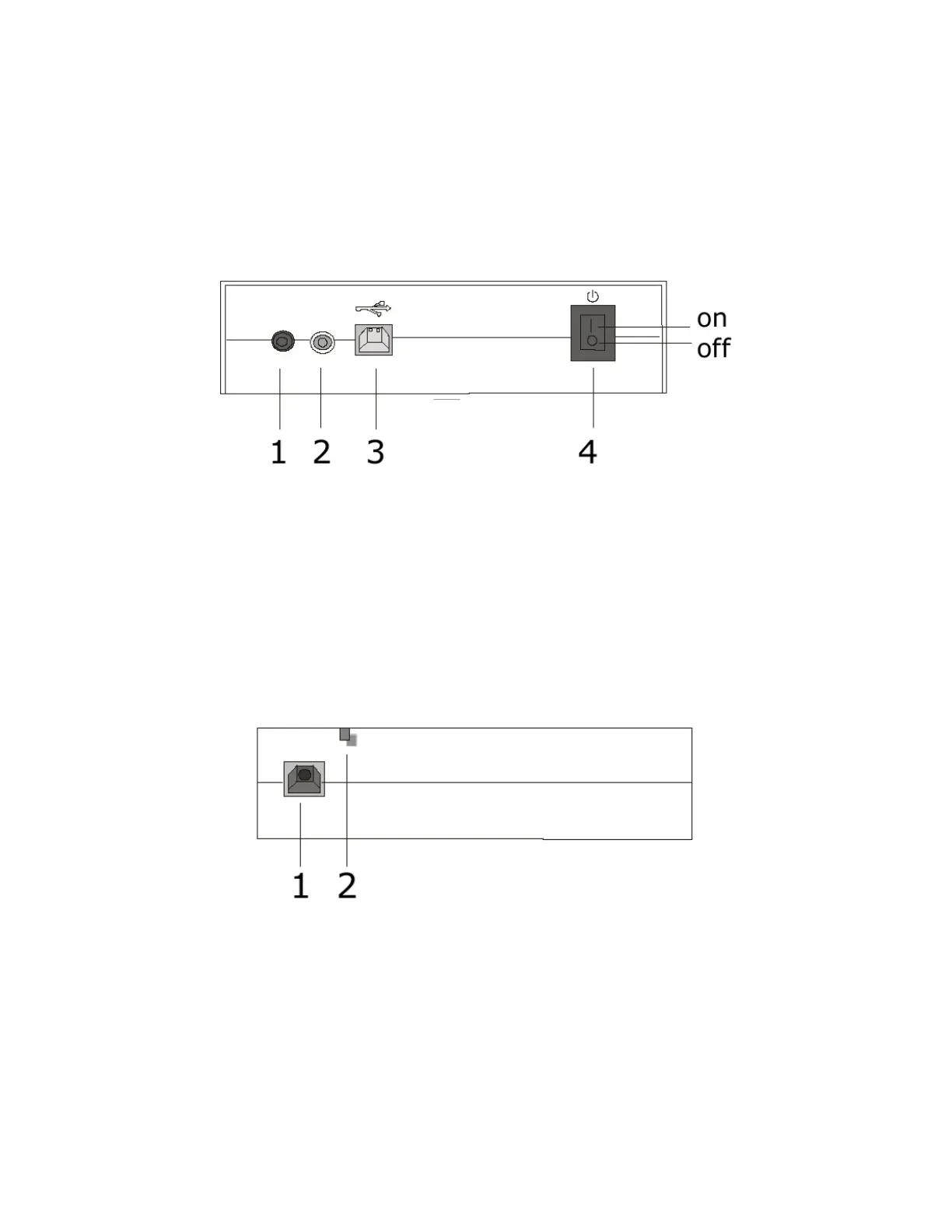
Rear View
1. Audio Output Connector: Provides an alternative option other than
the headphone on the front panel. Suitable for the connection of self-
amplified speaker.
2. Digital Audio Output Connector: Offers high quality audio effect by
outputting digital signal to D/A converter.
3. USB Interface Connector: Connects the CD-RW drive to the USB
cable.
4. Power Switch: Turn on or turn off.
Left View
1. Power Supply Connector: Connects the CD-RW drive to the AC adapter.
2. Power LED: Indicates the power supply status



 To Next Page