External USB CD-RW
User’s Guide
- 26 -
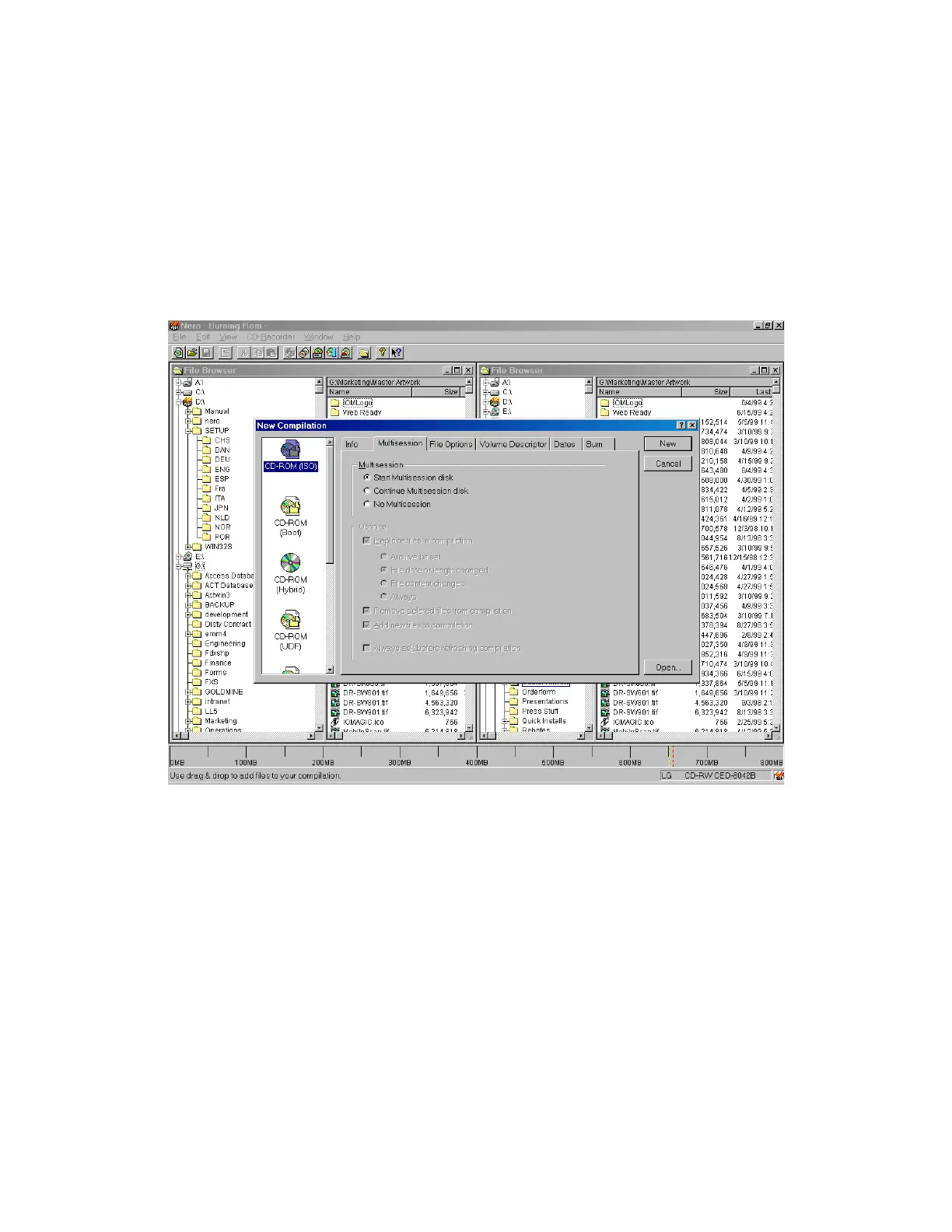
Nero-Burning ROM interface
This is the screen that you’ll get when you first start Nero-Burn ROM.
From here, you’ll be able to do the following:
• Burn disc Images
• Make CD Boot Discs
• Create DOS/MAC Hybrid discs (great for cross platform software
developers)
• Create UDF or UDF/ISO file system discs
• Audio CDs (with critical sound filters)
• Mixed-Mode CDs
• Support a wide range of CD-Recorder Drives
• CD to CD Copying
• Files/Directories from HD to Disc Image/CD
• Overburning



 To Next Page