External USB CD-RW
User’s Guide
- 19 -
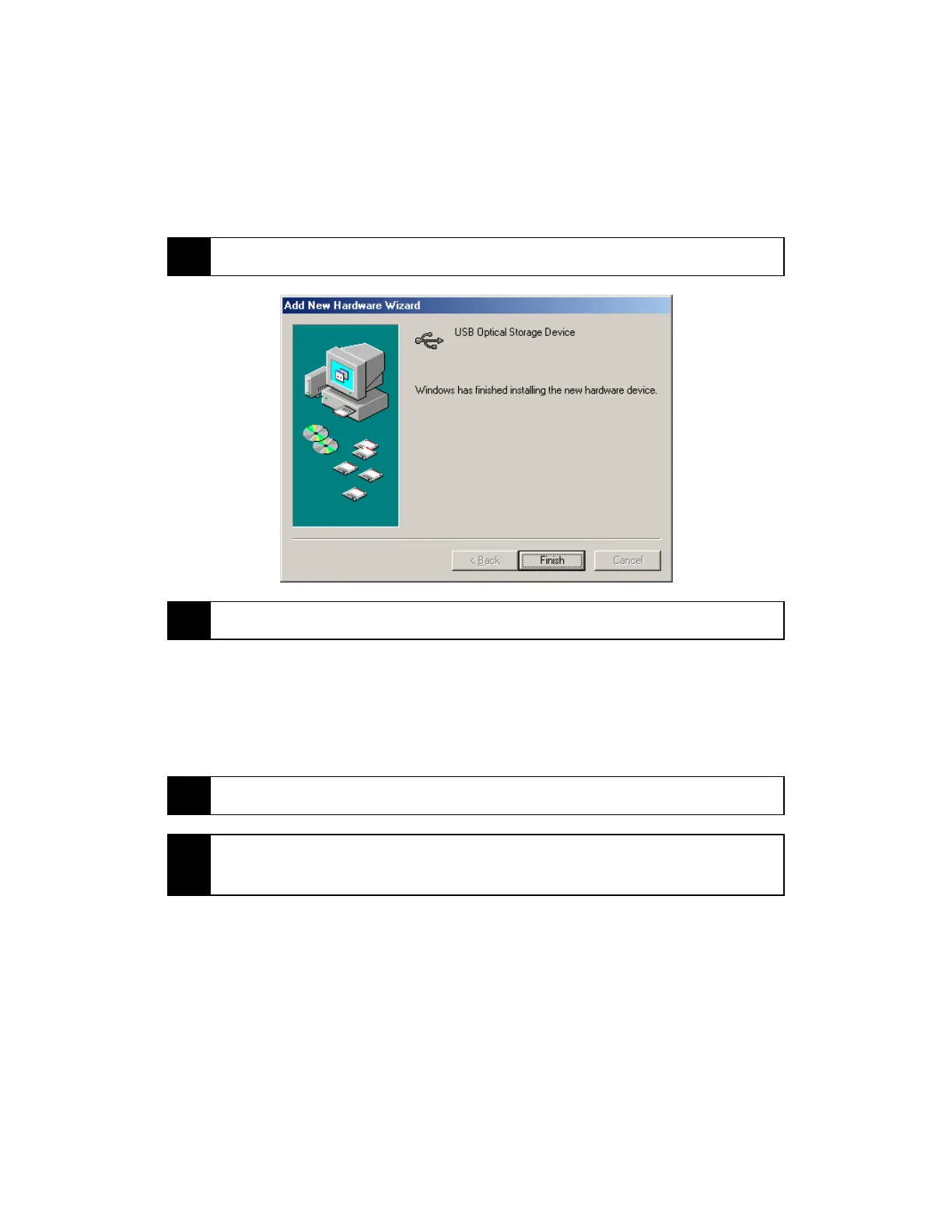
7 Press “Finish” to complete your new hardware driver installation.
8 You should now see a new drive letter under “My Computer”.
Windows 2000
1 Power on your computer and wait until Windows has fully loaded.
2
Power on your CD-RW drive FIRST, and then plug the USB cable from
the back of the CD-RW drive into your computer’s USB port.



 To Next Page