EasyManua.ls Logo

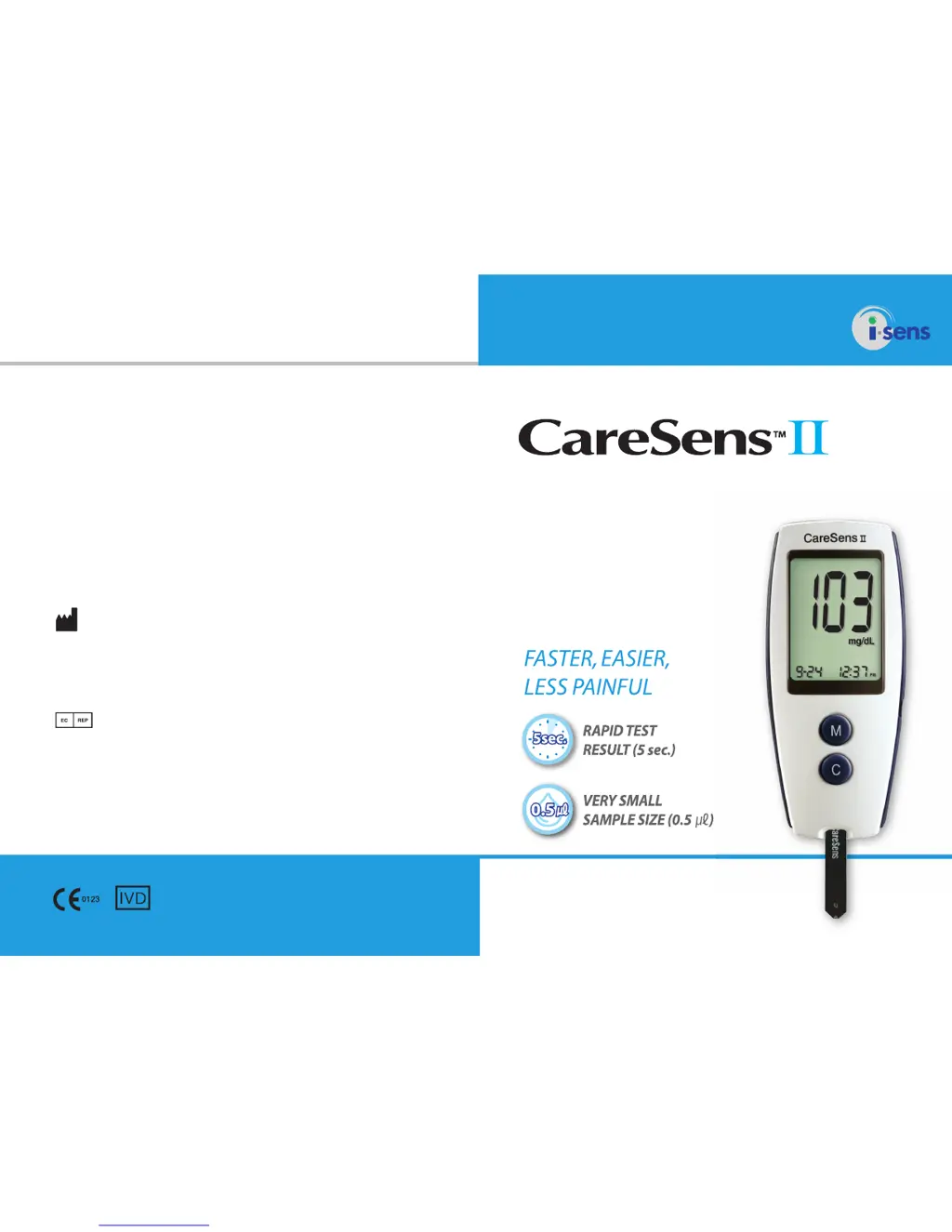
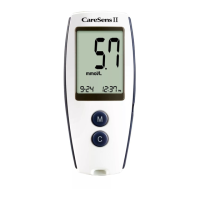
i-SENS CareSens II - User Manual

i-SENS CareSens II
27 pages
Print Icon
To Next Page IconTo Next Page
Loading...
Accurate, complete blood glucose
monitoring through advanced
biosensor technology
Blood Glucose Monitoring System
Owner's Booklet
© 2012 i-SENS, Inc. All Rights Reserved. PGA1E3011 REVx 02/2012
i-SENS, Inc.
465-6 Wolgye4-dong, Nowon-gu
Seoul 139-845, Korea
www.i-sens.com
Medical Technology Promedt
Consulting GmbH,
Altenhofstrasse 80, D-66386
St. Ingbert, Germany

Questions and Answers

  • J
    Joseph McdonaldJul 31, 2025
    What to do if the i-SENS Blood Glucose Meter display is blank?
    • G
      Gene KellerAug 1, 2025
      If the display of your i-SENS Blood Glucose Meter is blank after inserting a test strip, consider the following: * Ensure the test strip is inserted with the contact bars facing up. * Verify the strip is fully inserted into the test strip port. * Confirm you are using the correct test strip. * Check that the batteries are inserted correctly, with the ‘+’ side facing up. * Try replacing the batteries.
  • J
    Jessica LewisAug 15, 2025
    Why does my i-SENS CareSens II test result not match how I feel?
    • T
      Terry TaylorAug 15, 2025
      If your i-SENS Blood Glucose Meter test result doesn't match how you feel, try the following: 1. Repeat the test using a new test strip. 2. Check the expiration date of the test strip to ensure it's still valid. 3. Perform a control solution test.

Summary

CareSens II Blood Glucose Monitoring System

Owners Booklet Overview

Introduction to the CareSens II Blood Glucose Monitoring System and its key features.

Important Information

System Components

Contents of the System Box

Verify all components included in the system box for accurate operation.

CareSens II Blood Glucose Meter

Meter Display Elements

Explains the function of each symbol and indicator on the meter display.

Meter Control Buttons

Describes the function of the M and C buttons for operation and settings.

Setting the Meter

Setting Date and Time

Guide to setting the current month, date, and time on the glucose meter.

Setting Year and Unit

How to set the year and choose between mmol/L or mg/dL units.

Managing Test Results

Storing and Deleting Results

Procedure to store and erase blood glucose test results from meter memory.

Meter Functionality Checks

Check Strip Functionality

How to use the CareSens II Check Strip to verify meter operation.

Test Strip Usage

Meter Coding Process

System Verification

Control Solution Testing

How to use control solution to verify meter and strip performance.

Control Solution Handling

Guidelines for storing and handling control solution properly.

Test Strip Performance

Steps to check meter and test strip performance with control solution.

Lancing Device Operation

Prepare Lancing Device

Steps for preparing the lancing device for blood sample collection.

Fingertip Blood Sample

How to use the lancing device at the fingertip for blood sample retrieval.

Performing Blood Glucose Tests

Alternative Site Testing (AST)

About Alternative Site Testing

Explanation of what Alternative Site Testing is and its purpose.

AST Safety Precautions

Important safety advice and considerations when performing AST.

Lancet Disposal

Target Glucose Ranges

Understanding Test Messages

Hi and Lo Glucose Alerts

Explains High (Hi) and Low (Lo) messages for blood glucose levels.

System Care and Maintenance

Battery Replacement

Technical Specifications

Performance Data

Error and Message Interpretation

Error Code Er1

Indicates a used test strip; use a new strip.

Error Code Er2

Blood applied before symbol; repeat test with new strip.

Error Code Er3

Temperature out of range; move to operating range.

General Troubleshooting

Warranty and Service

Manufacturers Warranty Terms

Details i-SENS warranty coverage for defects in material and workmanship.

How to Obtain Warranty Service

Instructions on how to get warranty service for a defective meter.

i-SENS CareSens II Specifications

General IconGeneral
DisplayLCD
Test Time5 seconds
Measurement Range20-600 mg/dL
Operating Conditions10-40°C, 10-90% RH
Sample Size0.5 μL
Battery TypeCR2032
Storage Conditions10-90% RH

Related product manuals