EasyManua.ls Logo

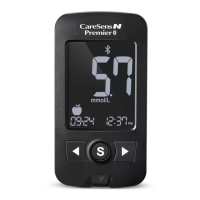
i-SENS CareSens N Premier - User Manual

i-SENS CareSens N Premier
66 pages
Print Icon
To Next Page IconTo Next Page
Loading...
Visit the webpage below
to see supported devices/
download app (scan the QR
code for easy access).
www.i-sens.com/smartlog
© 2021 i-SENS, Inc. All Rights Reserved
PGL4E1005 REV4 2021-11
i-SENS, Inc.
43, Banpo-daero 28-gil
Seocho-gu, Seoul 06646, Korea
www.i-sens.com
Medical Technology Promedt
Consulting GmbH
Altenhofstrasse 80
66386 St. Ingbert, Germany
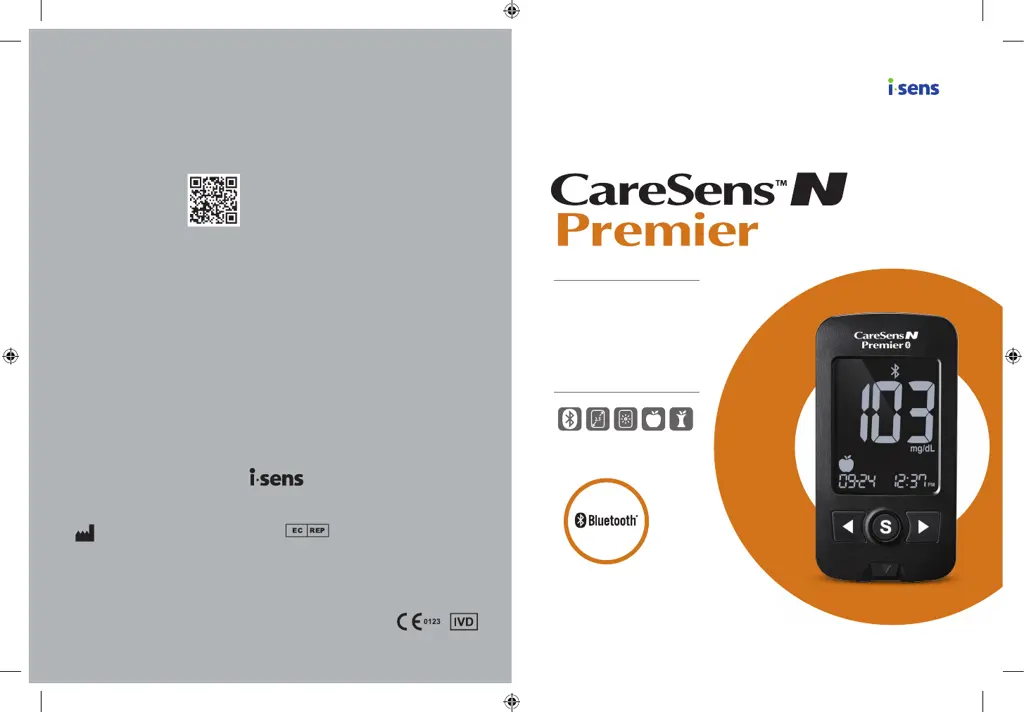
User Manual
Blood Glucose
Monitoring System
Easy Data Transfer by
Bluetooth Connection
2.5" Large, Backlit Display
Efficient Diabetes
Management with
Tagging Symbols

Other manuals for i-SENS CareSens N Premier

Questions and Answers

  • T
    Tammy EstradaAug 7, 2025
    What to do if the i-SENS CareSens N Premier Blood Glucose Meter test doesn't start after applying blood?
    • B
      bbushAug 7, 2025
      If the test doesn't start even after you've applied a blood sample to the strip on your i-SENS Blood Glucose Meter, ensure the confirmation window is completely filled. If it is not, repeat the test using a new test strip.
  • W
    wilsontroyAug 12, 2025
    How to troubleshoot inaccurate results on i-SENS CareSens N Premier Blood Glucose Meter?
    • R
      Raymond SteinAug 13, 2025
      If your test result doesn't match how you feel when using the i-SENS Blood Glucose Meter, repeat the test with a new test strip. Also, check the expiration date of the test strip and perform a control solution test.
  • S
    shieldscassandraAug 19, 2025
    Why is the display blank on my i-SENS CareSens N Premier?
    • J
      Jacob BrooksAug 19, 2025
      If the display is blank even after inserting a test strip into your i-SENS Blood Glucose Meter, try the following: * Ensure the test strip is inserted with the contact bars facing up. * Make sure the strip is fully inserted into the test strip port. * Verify that you are using the correct test strip. * Check that the batteries are inserted correctly, with the + side facing up. * Try replacing the batteries.
  • S
    scott41Aug 25, 2025
    What to do if the i-SENS Blood Glucose Meter test does not start after applying blood?
    • H
      henrybentonAug 26, 2025
      If the test doesn't start even after applying the blood sample, ensure the test strip is completely filled. If the issue persists, remove the test strip.
  • K
    Kristen Taylor MDAug 31, 2025
    What to do if i-SENS Blood Glucose Meter display is blank after inserting the strip?
    • J
      Julie JohnsonAug 31, 2025
      If the display is blank after inserting a test strip, check if the test strip has been inserted with the contact bars facing up and that it is completely inserted into the test strip port. Also, verify that the test strip hasn't been used already and that the + side is facing up. If problems persist, remove the test strip.

i-SENS CareSens N Premier Specifications

General IconGeneral
DisplayLCD
Test Time5 seconds
Sample Size0.5 μL
Measurement Range20-600 mg/dL
Operating Humidity10-90% RH
Battery TypeTwo 3.0V lithium batteries (CR2032)
Operating Temperature10-40°C

Related product manuals