7.1 Brush replacement
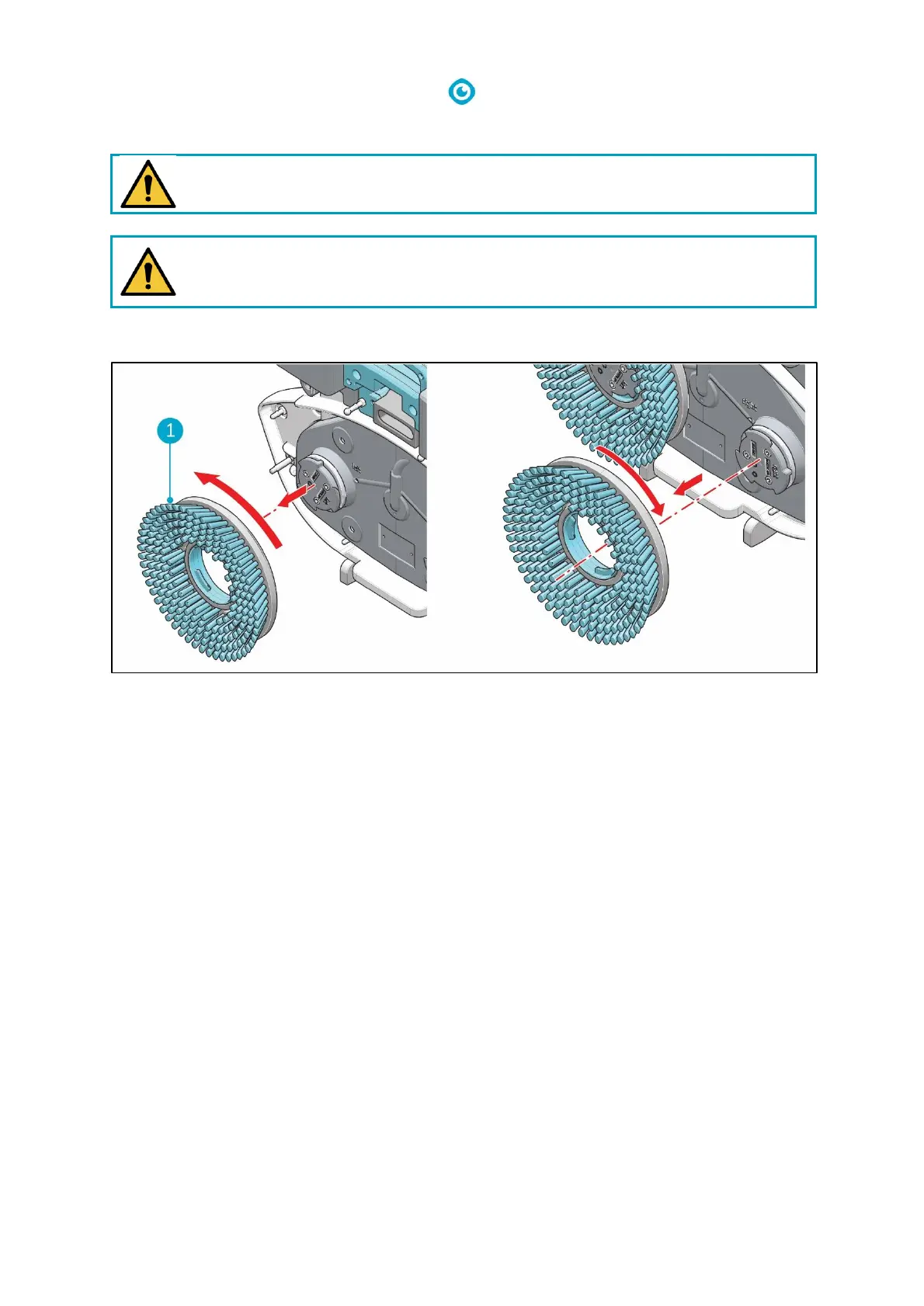
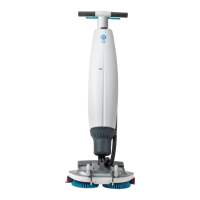
Figure 25
The brushes are attached to the scrub deck via a bayonet fitting.
1. Put the i-mop Lite in park position (see 4.2).
2. Hold the scrub deck firmly with one hand.
3. Using your other hand to turn the left brush (Figure 25, pos 1) anticlockwise until you feel
resistance or see the motor disk turning as well.
4. Pull the brush off the motor disk toward you.
5. Turn the right brush clockwise until you feel resistance or see the motor disk turning as well.
6. Pull the brush off the motor disk toward you.
7. Visually inspect the motor disks.
8. Clean the i-mop Lite scrub deck with a clean, dry cloth before you install the brushes.


 To Next Page