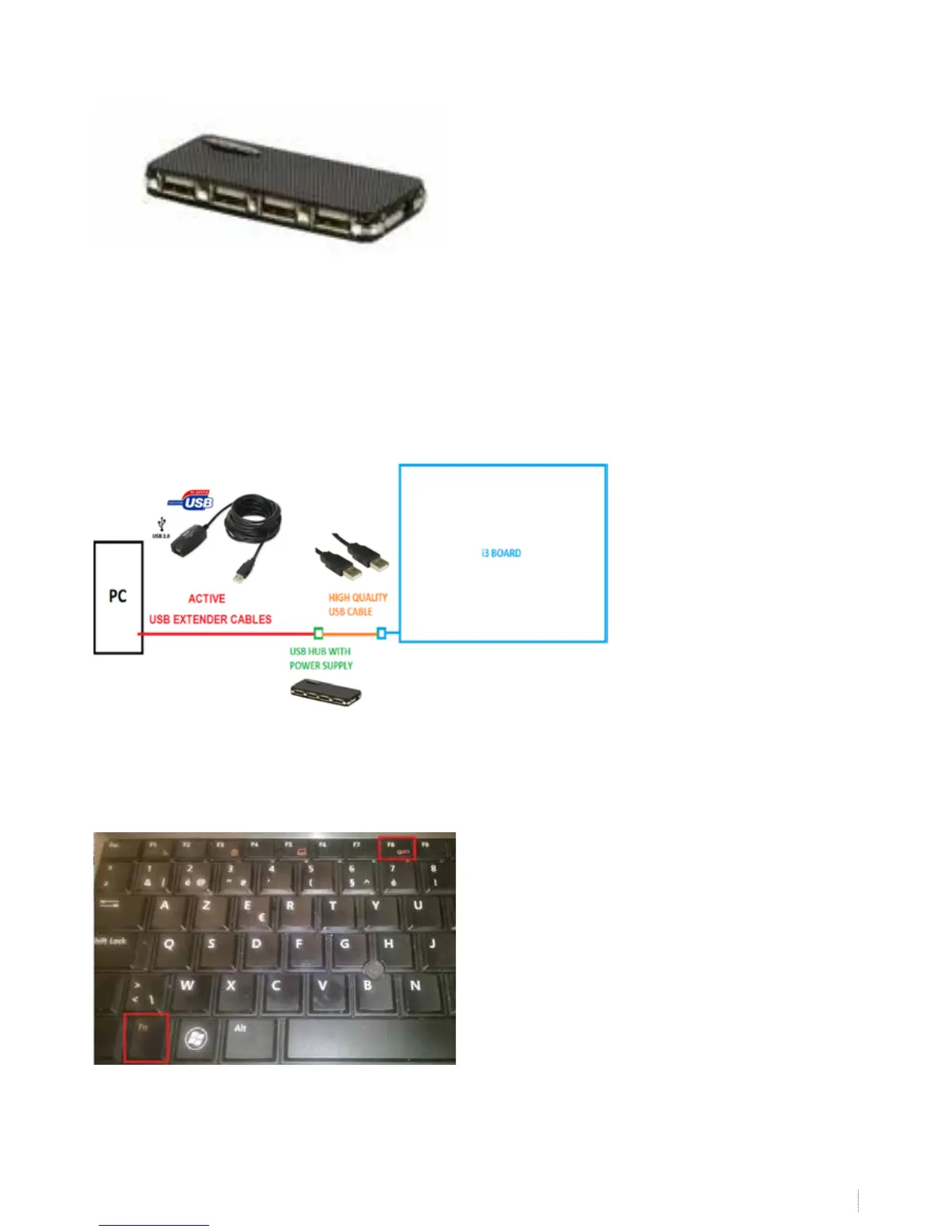
If you tried another cable and/or computer and the problem is only encountered with one computer, use a powered USB-
hub (a USB-hub with its separate power supply providing a power boost to all USB-ports) or a powered USB cable
When you need to prolong the cable length to the board, use active USB extender cables. See step 6.
6. USB-cabling of the i3BOARD
Normally a computer and a i3BOARD will communicate without any troubles if only the delivered USB-cable is used. In some
cases however other cabling is necessary because of insucient power (see step 5) or because the PC is located away from
the board.
Check if your installation setting matches with the below image. The active USB extender cables (RED) are only used when
cables need to be prolonged. The USB hub (GREEN) is only used when the board is not getting sucient power.
7. Connecting the projector
Connect your computer with your projector. If necessary, duplicate the image. The key-combination to be used to extend
your display depends on
your computer brand. E.g. Dell-computers: FN+F5


 To Next Page