26
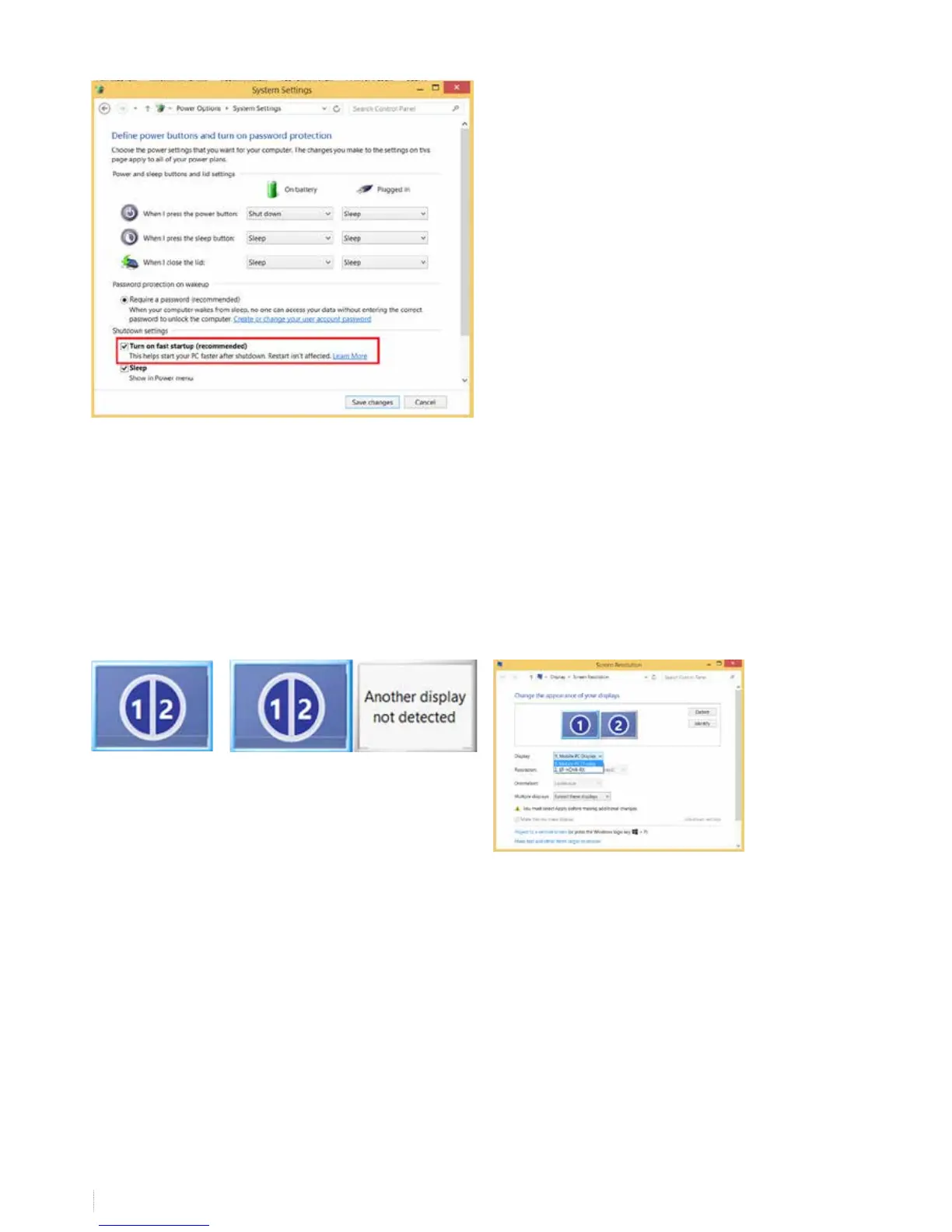
Turn o “fast startup”
13. What to do if you can’t duplicate your screen
If you can’t duplicate your screen, contact your internal ICT support. Some computers have onboard graphics of the
motherboard controlling the display of the laptop (e.g. intel HD Graphics 4000) but also have an extra (stronger) graphics
card (e.g. Nvidea NVS 5200M) to control (F)HD projectors or displays connected to the computer.
It can happen the settings you change in “display -> screen resolution” only change the onboard graphics settings while the
device connected to your HDMI-port is controlled by the graphics card and it is dicult to duplicate. When duplicating you
see this
or instead of


 To Next Page