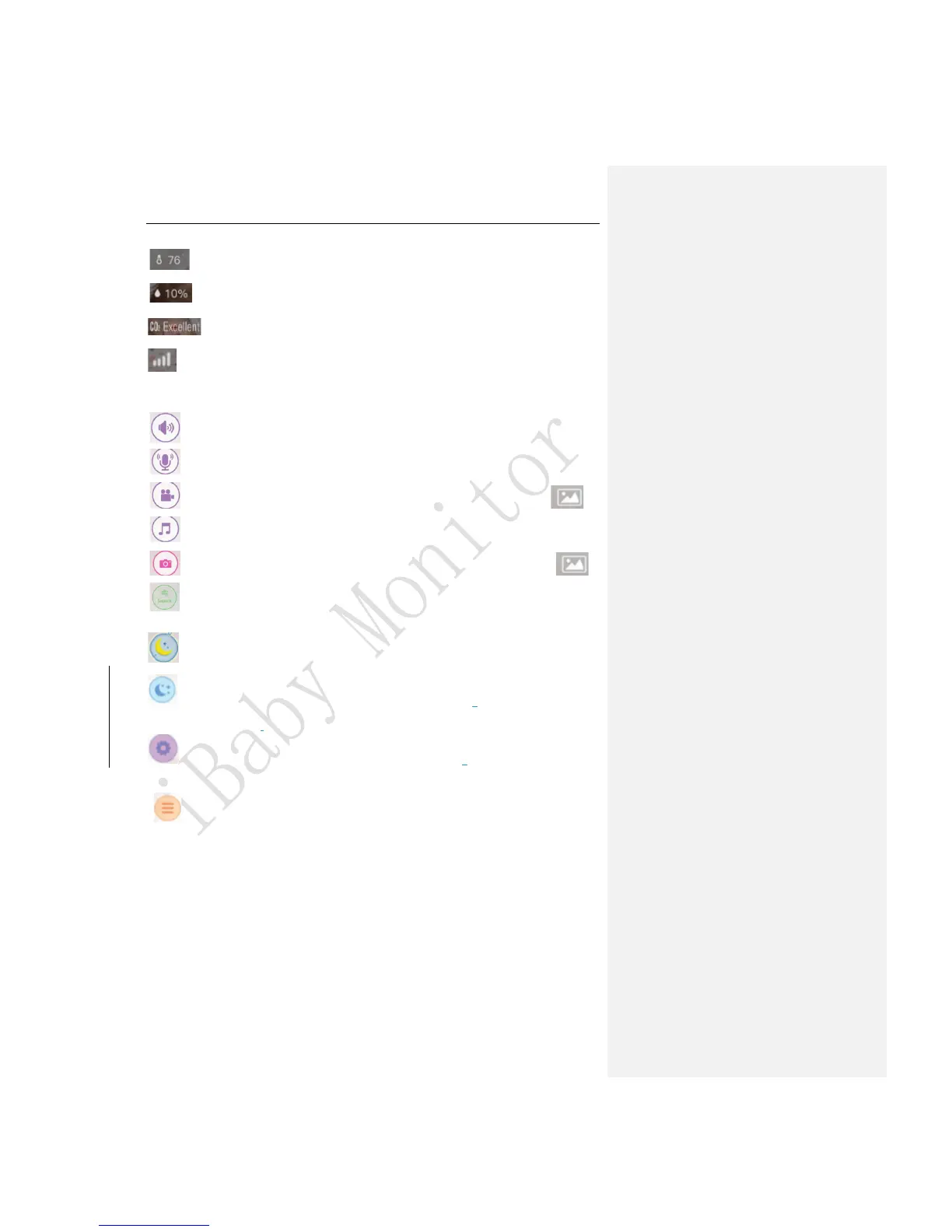
:Current temperature
:Current humidity
:Current carbon dioxide level
:The signal of the Wi-Fi network on the device
3.Function Button Section
: Listen button
: Speak button
: Record button: Captures videos which are saved in the Media Gallery.
: Play button: Plays music from your music library.
: Capture button: Captures photos which are saved in the Media Gallery.
: Air quality icon: It shows the current air quality rating. View previous air quality
statistics by clicking on the icon.
: Moonlight icon: Moonlight will turn off automatically after 15 minutes.
:Moonlight button: Tap once to turn the moonlight on. Tap twice to rotate the
moonlight 90 degrees. Tap three times to turn off the moonlight.
:Set 1 button: To reset the current camera position, hold down the button for
3s.Touch the button once for the camera to return to the original position.
:Privacy Mode button: Click here to turn on the soothing moonlight effect and the
camera will re-position itself towards the ceiling. One more click to turn off the moonlight
effect and the camera will automatically rotate to the original position.



 To Next Page