Note: If you still cannot activate the device, please refer to the “Installation Issues”in
section 4.2.
2.4.2 Android Users Activation
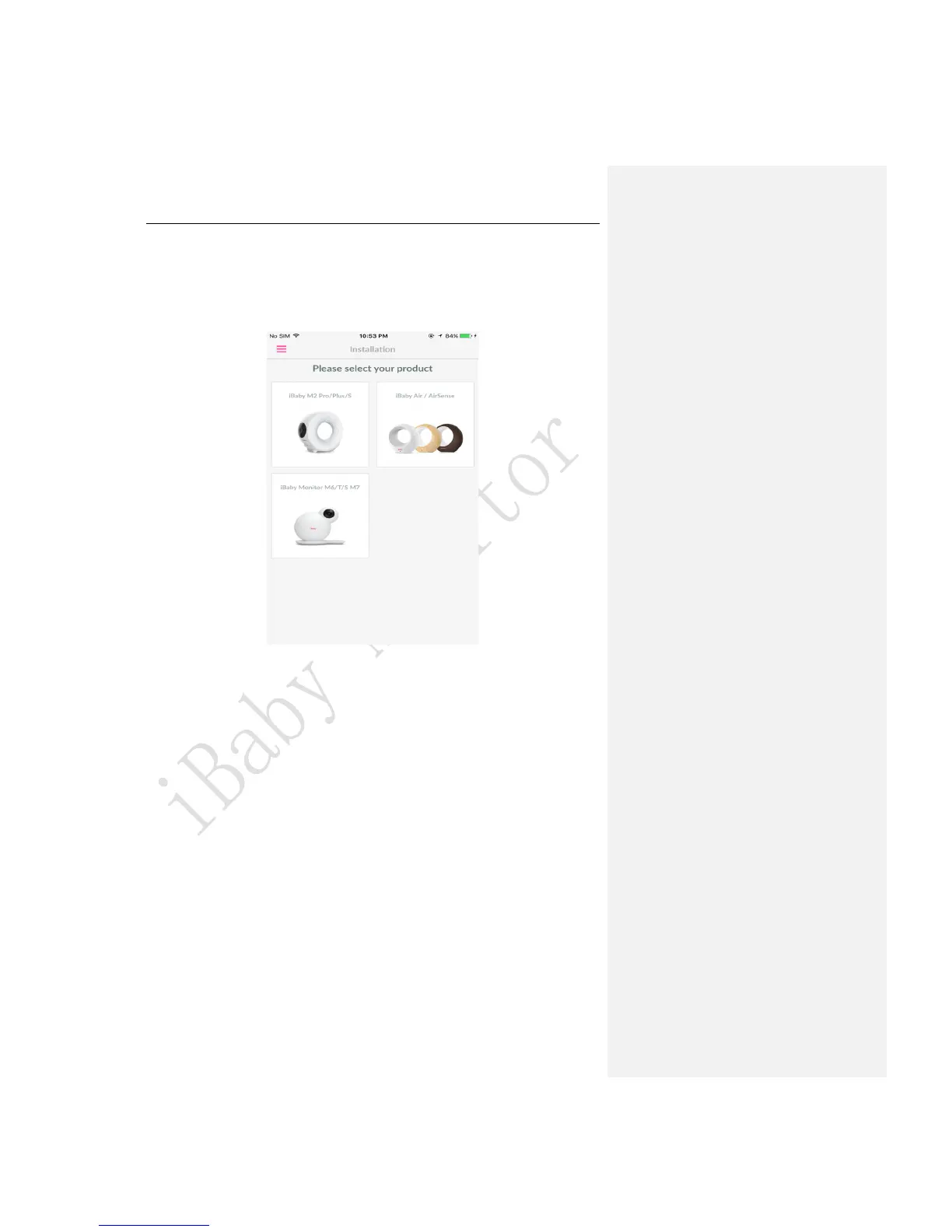
1.From the “Add a Device”menu, select the device you want to install.
Figure 4
2.Connect your Android device to a Wi-Fi network. Then, connect the power adapter to the
monitor. Click “Next”once these steps are completed.
3.The screen will appear as below. Click“Next”after entering the correct Wi-Fi password.



 To Next Page