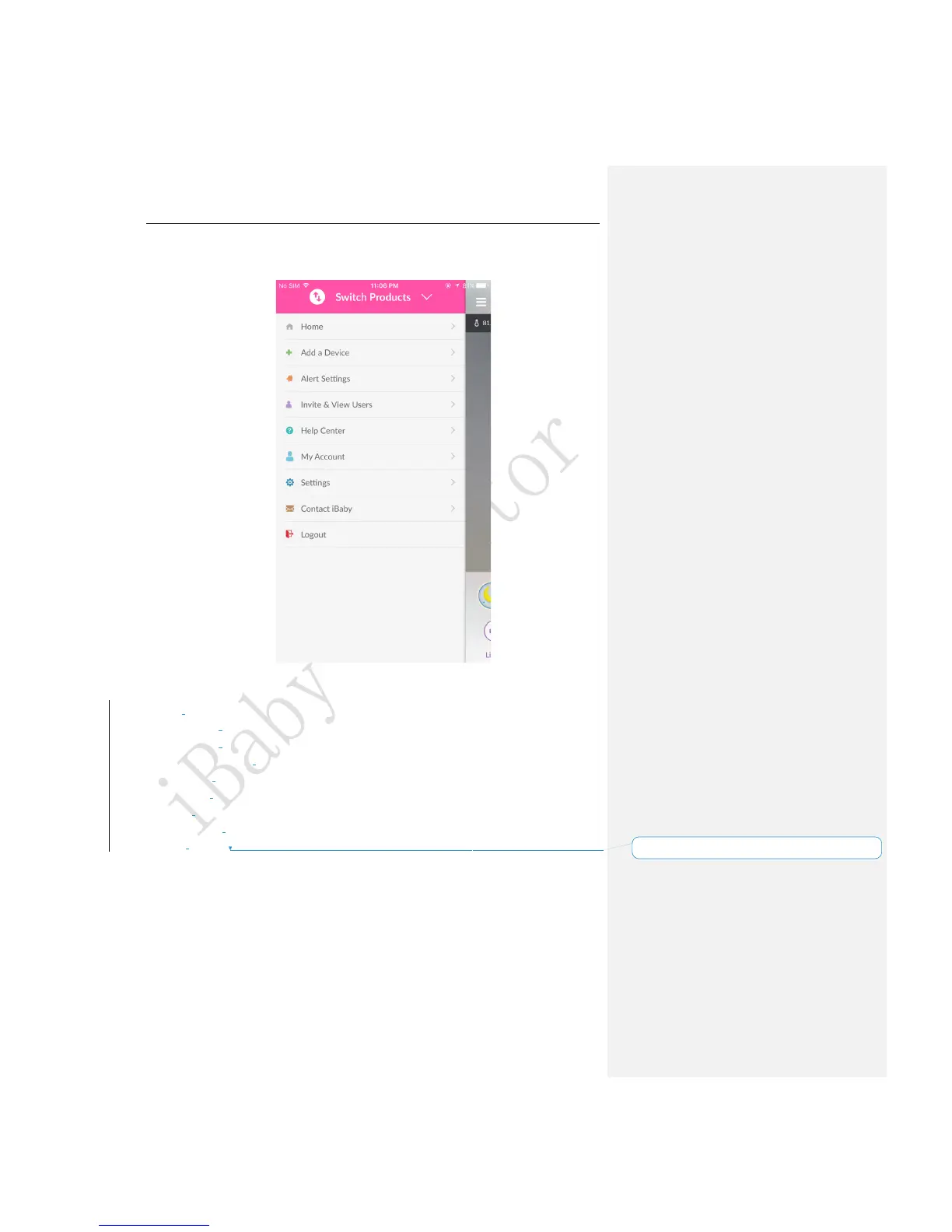
3.2 App Function Menu
Figure 7
Switch Products:Users can switch between other iBaby devices.
Home: Users can switch to the main viewing screen.
Add a Device: Install a new iBaby device.
Alert Settings: Set the alert notification, alert tone and the specific alert types.
Invite & View Users:I nvite multiple users to view your monitor give the access to users.
Help Center: Answer the frequently asked questions.
My Account: Set and display the personal information.
Settings: Set the parameters and functions on the device.
Contact iBaby: Contact iBaby for support or just send your feedback.
Logout: Log out.
3.3 Frequently Used Function
3.3.1 Alert Settings



 To Next Page