3.3.2 Invite & View Users
You can invite unlimited friends to have access to the monitor. As for specific steps, please
refer to “Q2”of section 4.4.
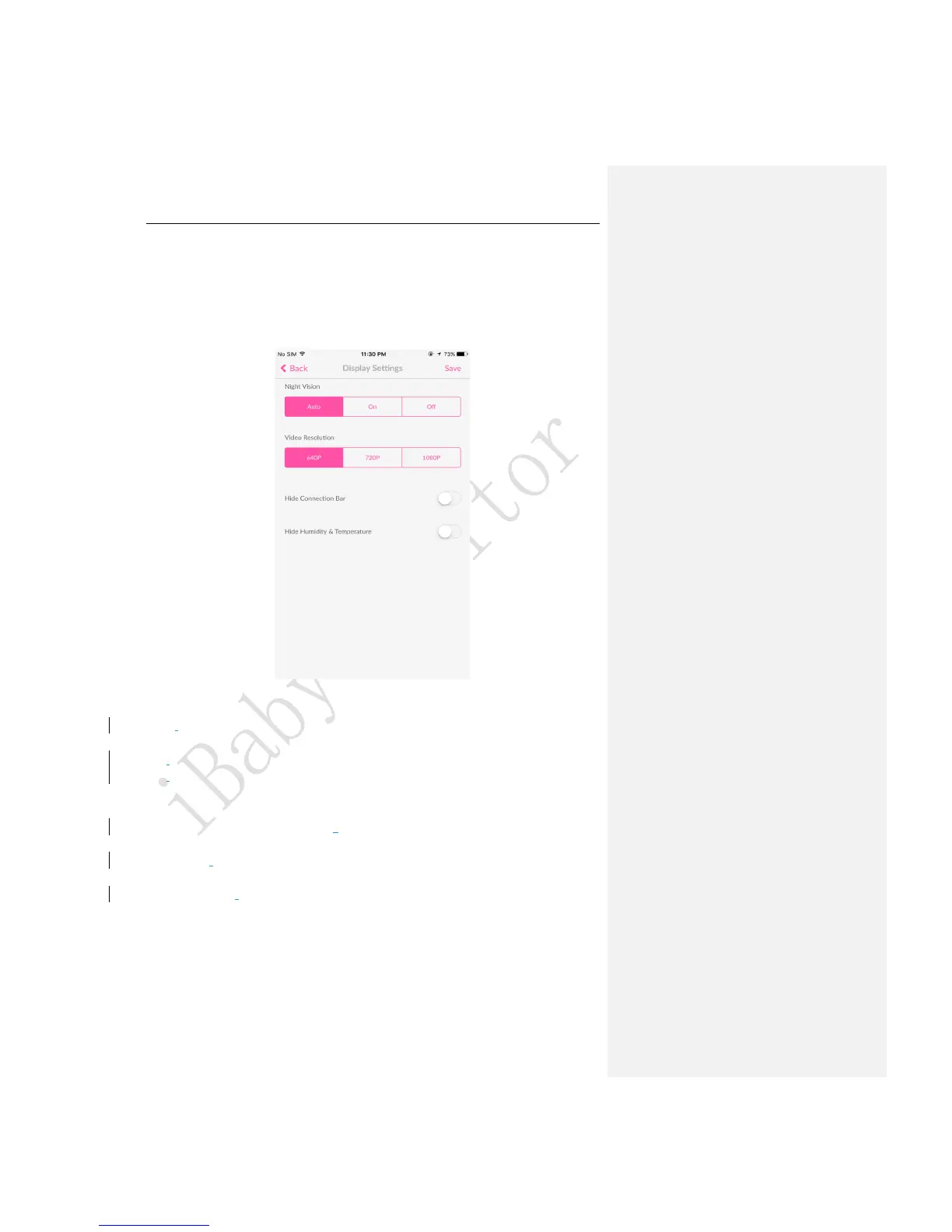
3.3.3 Settings -> Display Settings
Figure 9
Night Vision:
Auto: The image on the screen will turn into colored/black and white according to the light
intensity automatically. This is the default setting.
On: Night vision will always be on and the image on the screen will be in black and white.
Off: Night vision will always be off and the image on the screen will be in colored.
Video Resolution:
Fair 640P:The image quality is fair (it corresponds with 640P). It produces less than
128kbps’ data per second with low bandwidth occupied.
Good 720P: The image quality is good (it corresponds with 720P). It produces less than
256kbps’ data per second with medium bandwidth occupied.
Excellent 1080P: The image quality is excellent (it corresponds with 1080P).It produces
less than 512kbps’ data per second with high bandwidth occupied.
Hide Connection Bar: Hide the Wi-Fi network signal on the main viewing screen.
Hide Humidity & Temperature:Hide the humidity & temperature on the main viewing screen.



 To Next Page