3) The best Wi-Fi name & password will be 8-32 characters comprised of upper and lower-
case letters, numbers, and underscores. And they should not contain symbols or special
characters such as Chinese, Japanese, Korean, etc.
4) Enable your router’s SSID broadcasting.
5) Select WPA2-PSK as the Wi-Fi authentication type and select AES as the encryption
type on the router.
Note:
Installation starts immediately after you enter the password. The monitor will jingle when
the installation progress bar reaches around 5%. There is a steady green light after the
installation is completed.
You’d better place the monitor near the router as close as possible if the monitor does not
jingle. Restart the router to reinstall the monitor. You can reinstall the monitor at another
time if available.
Q3.Click
“
Cancel
”
when you see a prompted message
“
If You Do Not See Any
Progress
”
(the LED status light on the back of the monitor is a blinking green light).
It indicates that your monitor has connected to your Wi-Fi network, but it is not activated
on the server. Please exit the app in the background and then reopen it. Both the monitor
and the router need to restart. If the installation fails again, please re-install the monitor,
but do not reset the monitor.
Q4. Cannot go to the next step while adding a device. Why?
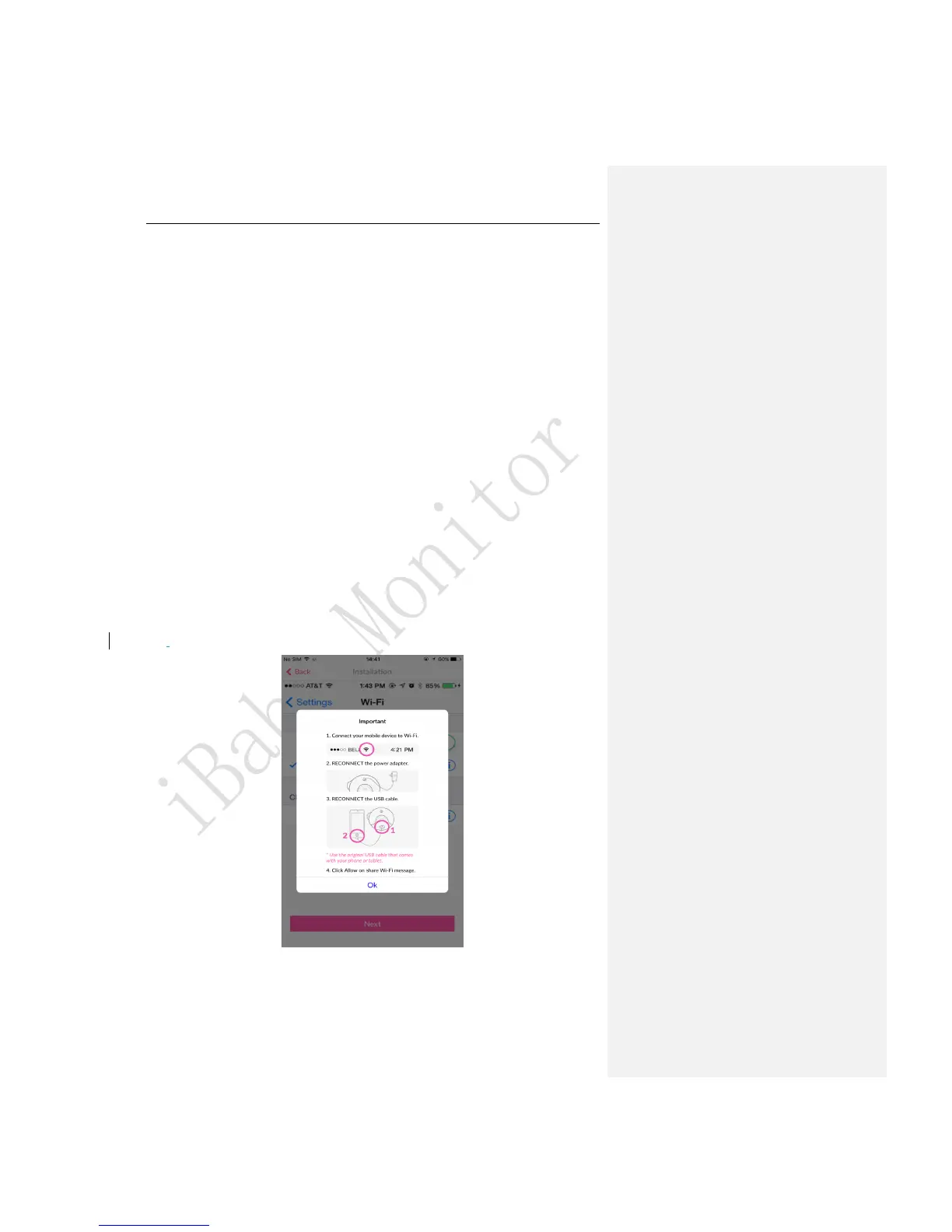
Figure 17
There are some tips to follow:



 To Next Page