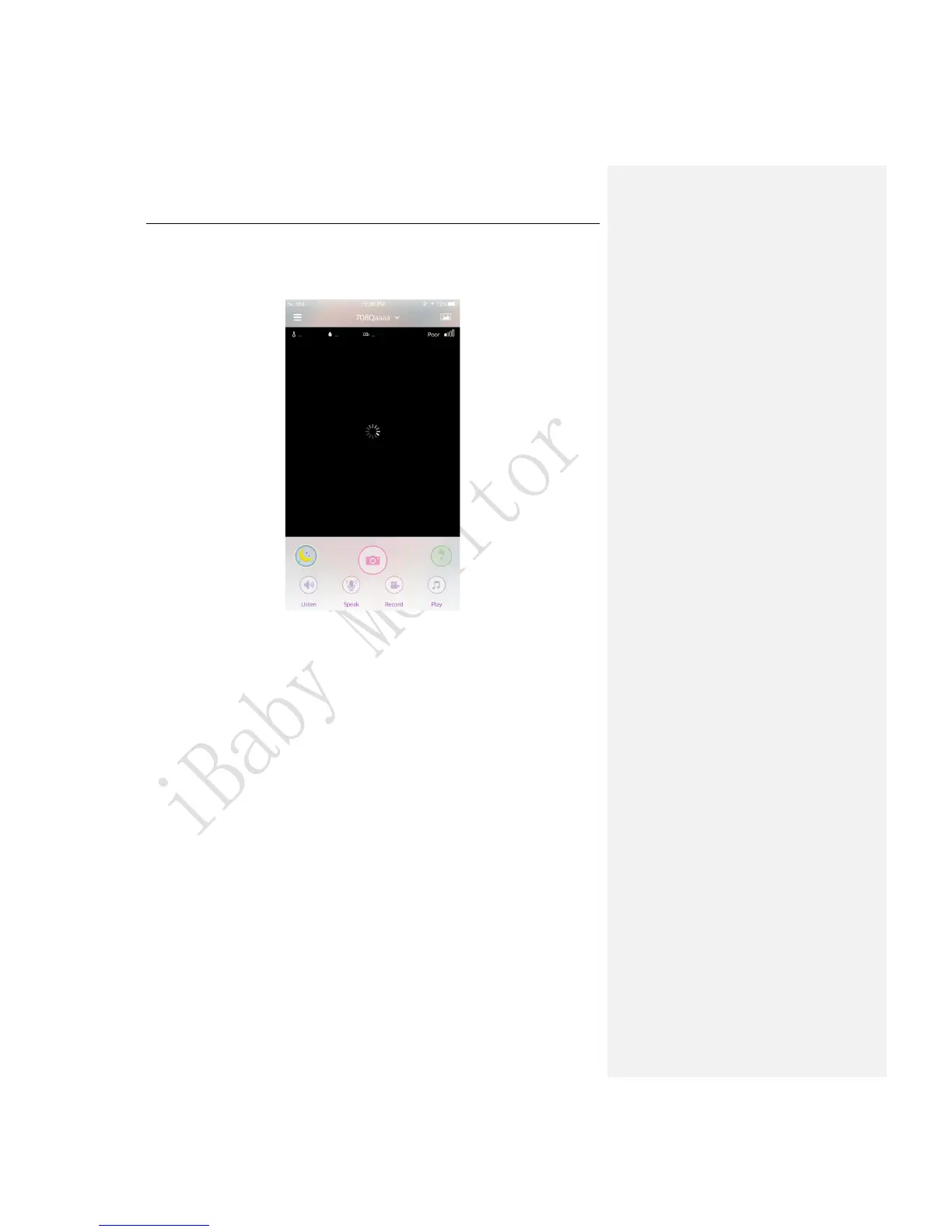
Q2.If it gets stuck on a loading screen while viewing at home and the LED status
light on the back of the monitor is a steady red light.
Figure 19
It indicates that your monitor has not connected to your Wi-Fi network. Please follow the
steps below:
1)Unplug the power adapter of the monitor and then restart to check whether the LED
status light turns into a steady green light.
2)The router might have heavy load, please unplug the power cord of the router and then
plug back it to restart.
3)If the router is far away from the monitor( or there are multiple walls between the router
and the monitor),please place the monitor near the router as close as possible to have a
try.
4)If the LED status light is still a steady red light, it indicates that the Wi-Fi password might
have been changed. Please reinstall the monitor.
Q3.You can control the 360° pan’s movement and hear the sounds while viewing at
home.But the main viewing screen shows a black screen at this moment(the LED
status light on the back of the monitor is a steady green light).



 To Next Page