– Cool
– Custom Color - If selected, the following RGB default values are displayed:
- Red - Default 50, incremental adjustment by 1, from0-100
- Blue - Default 50, incremental adjustment by 1, from0-100
- Green - Default 50, incremental adjustment by 1, from0-100
– Reset Color Settings - Resets color to factory default - confirmation required
v Auto Adjust - Auto adjustment - confirmation required
v Other Settings
– Language
- English - Converts OSD UI into local language chosen by user (default language)
- Spanish - Converts OSD UI into local language chosen by user
- French - Converts OSD UI into local language chosen by user
- German - Converts OSD UI into local language chosen by user
- Japanese - Converts OSD UI into local language chosen by user
- Korean - Converts OSD UI into local language chosen by user
- Simple Chinese - Converts OSD UI into local language chosen by user
– Menu Timer Sliding scale by 5 second increments, from 5 to 100 - default is 20
– DDC/CI On/Off - default is On
– LCD Conditioning On/Off - default is Off
– Reset Reset Other settings to Factory Default - confirmation required
v Factory Reset - Reset all settings to default
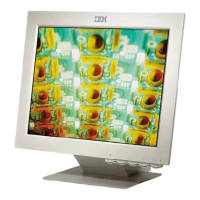
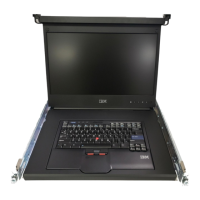
Maintaining the TFT-LCD display
Learn how to maintain the TFT-LCD display.
Statement 8:
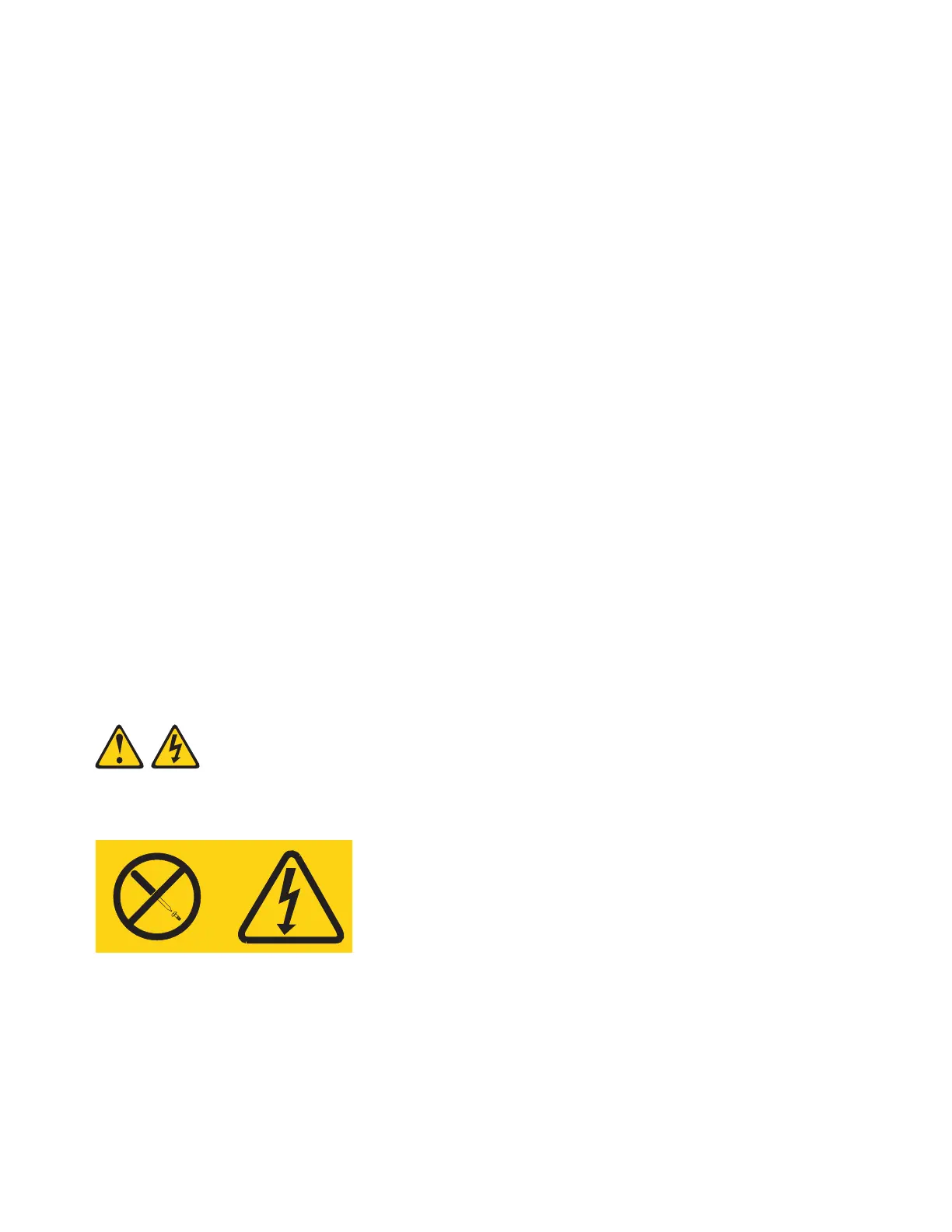
CAUTION: Never remove the cover on a power supply or any part that has the following label attached.
Hazardous voltage, current, and energy levels are present inside any component that has this label
attached. There are no serviceable parts inside these components. If you suspect a problem with one of
these parts, contact a service technician.
Before you perform any maintenance on the display, turn off the power. Observe the following guidelines
when you clean the display:
v Gently wipe the device covers and the screen with a soft cloth.
P8EGB522-0
P8EGB523-0
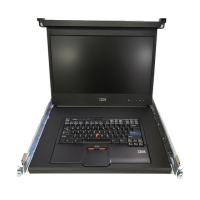
20 Power Systems: 7316-TF4 18.5-Inch Flat Panel Rack-Mounted Monitor and Keyboard



 To Next Page