80
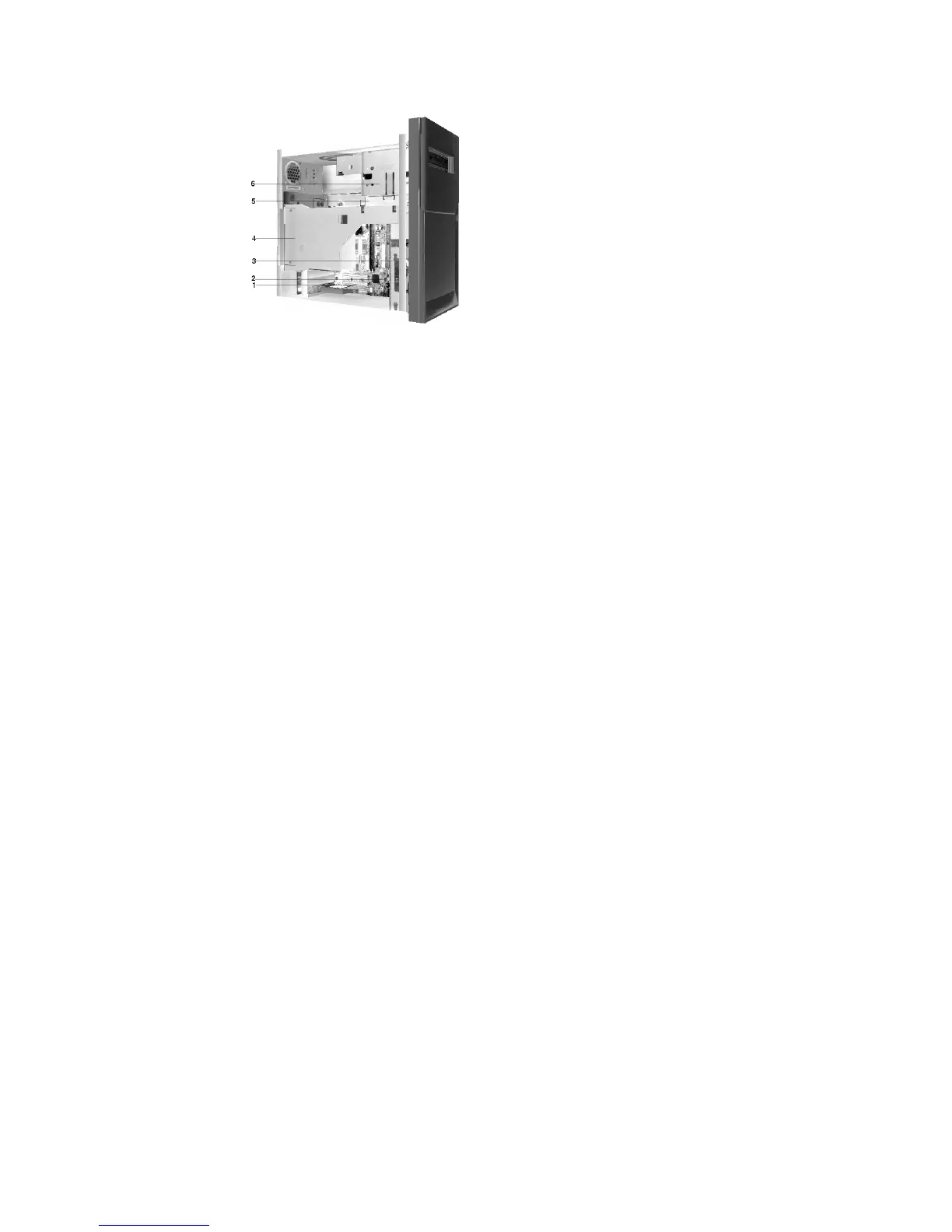
1. Expansion slots
On the rear panel of the system unit are 3 slot openings for installation of adapter card.
2. Hard Disk Drive
This machine has a factory-installed 3.5” (10 or 15) GB hard disk drive.
3. Power Supply
4. Bay 2
This drive can accommodate a 5.25-inch device.
5. Bay 1.
This drive bay can accommodate a 5.25-inch half-high drive such as a diskette, hard disk, tape, or CD-ROM. In many models, this bay
holds a factory-installed CD-ROM drive.


 To Next Page
 Loading...






