s. 18 / 40
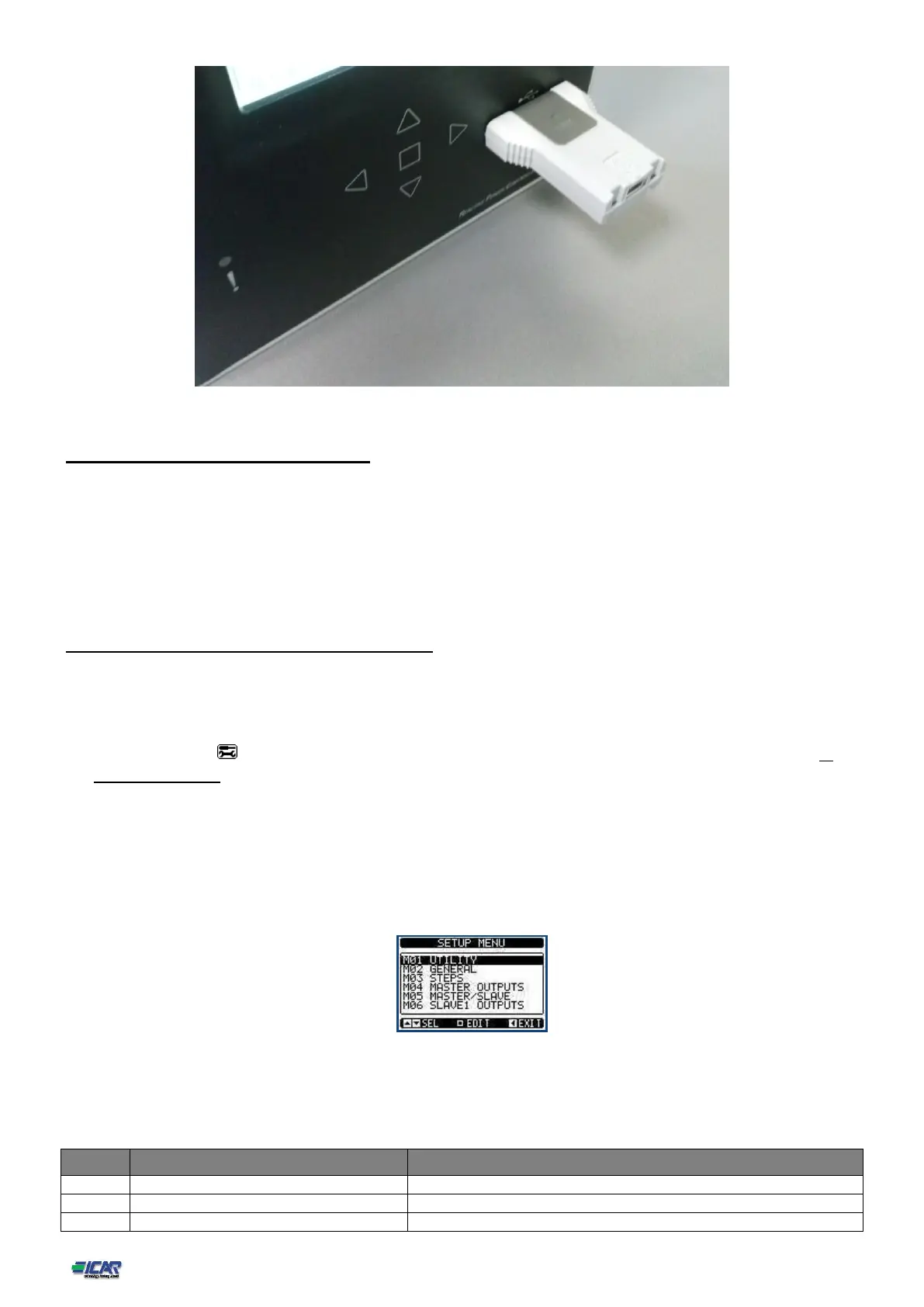
USB programming dongle code CX01
19. Parameter setting (setup) with PC
You can use the PFC Remote Monitoring software to transfer (previously programmed) set-up parameters from the power
factor really to the hard drive of the PC and vice versa.
The parameter may be partially transferred from the PC to the power factor controller, transferring only the parameters of the
specified menus.
The PC can be used to set parameters and also the following:
o Info page where you can enter application information, characteristics, data, etc.
20. Parameter setting (setup) from front panel
To open the parameters programming menu (setup):
o turn the power factor controller in MAN mode and disconnect all the steps
o in normal measurements view, press □ to call up the main menu
o select the icon . If it is disabled (displayed in grey) you must enter the password (see chapter 7.
Password access).
o press □ to open the setup menu.
The table shown in the illustration is displayed, with the settings sub-menus of all the parameters on
the basis of their function.
Select the required menu with keys ▲▼and confirm with □.
Press ◄ to return to the values view.
Settings: menu selection
The following table lists the available submenus:
Language, brightness, display pages etc.
Capacitor step configuration



 To Next Page