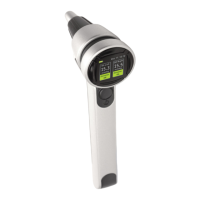
TURNING THE TONOMETER OFF
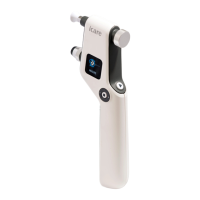
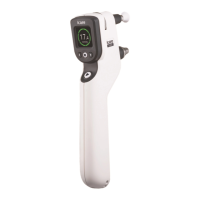
Press the Select button (Figure 18) until the display shows the End-symbol (Figure 19).
If you do not use the tonometer, it will switch o automatically after 3 minutes.
ERROR AND INFO MESSAGES
The following messages may appear on the display:
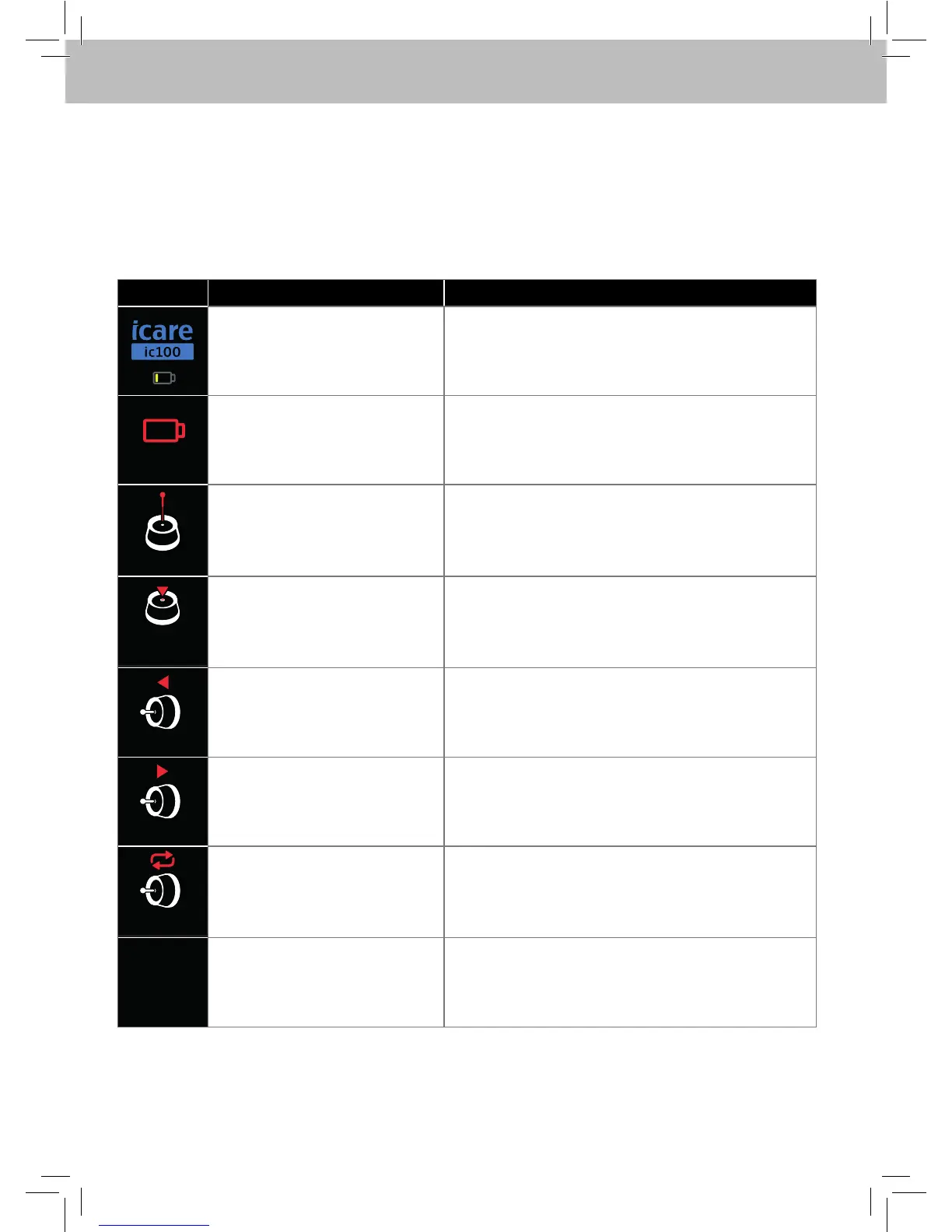
MESSAGE DESCRIPTION ACTIONS
Battery charge is low. Prepare to replace the batteries.
CHANGE
The batteries are empty. Turn the tonometer OFF by pressing Select button.
Replace the batteries.
CHANGE
The probe did not move. Change the probe. The probe was twisted or
otherwise inserted incorrectly. To clear error
messages, press the Measure button, after which
the measurement can be repeated.
CLEAN
CHANGE
The probe did not move
properly for several times
during the measurement
sequence.
Remove and clean the probe base or replace it
with new one as instructed in Replacing/cleaning
the probe base. To clear error messages, press the
Measure button, after which the measurement can
be repeated.
TOO FAR
The probe did not touch the eye. Adjust correct measurement distance 4-8 mm. The
measurement was taken from too far away.
TOO NEAR
Too short measurement
distance between the probe and
the cornea.
Adjust correct measurement distance 4-8 mm. The
measurement was taken from too close. To clear
error messages, press the Measure button, after
which the measurement can be repeated.
REPEAT
The probe did not move
properly. The probe did not
make clean contact with the
cornea, because the probe hit
an eyelid or eyelashes.
Ensure that the eye is open, measure again. To
clear error messages, press the Measure button,
after which the measurement can be repeated.
SERVICE
Internal error detected. Turn the tonometer OFF by pressing Select button.
Contact the seller to arrange sending the device for
service.


 To Next Page
 Loading...