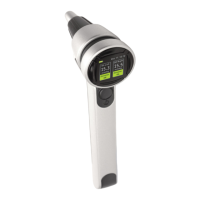
MENU FUNCTIONS
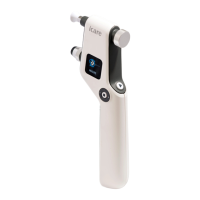
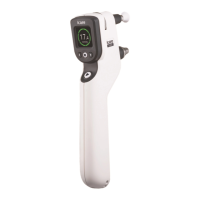
(Figure 17)
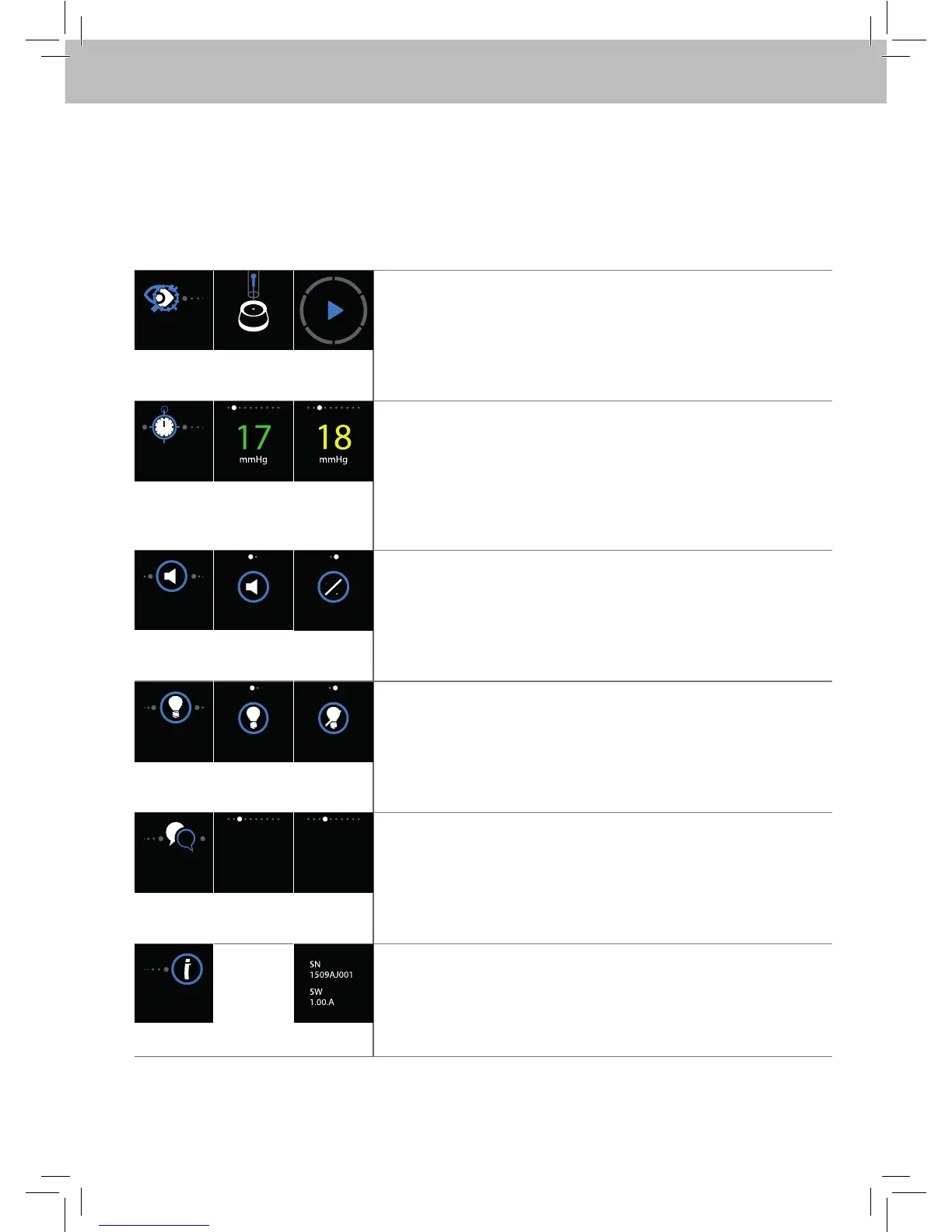
Scrolling between the Menu functions starts from the MEASURE display, press either of the
Navigation buttons located around the Select button.
Menu functions are MEASURE, HISTORY, SOUND, LIGHT, LANGUAGE and INFO
MEASURE
LOAD
MEASURE – Access to measurement
Press the Select button to access.
If the probe is not loaded the LOAD display appears.
Tonometer is ready for measurement when Play-symbol
display appears.
To exit, press the Select button.
HISTORY
HISTORY – Old measurements
Press the Select button to access.
Scroll through the old values by pressing either of the
Navigation buttons.
Value colors green and yellow are related to Standard
deviation (SD).
To exit, press the Select button.
SOUND
ON
ON
OFF
SOUND – Setting of Tonometer buzzer
Blue text and symbol is active setting.
Press the Select button to access.
Turn the sound ON and OFF by pressing either of the
Navigation buttons.
To accept selection, press the Select button.
LIGHT
ON
ON
OFF
LIGHT – Setting of Probe base light
Blue text and symbol is active setting.
Press the Select button to access.
Turn the light ON and OFF by pressing either of the
Navigation buttons.
To accept selection, press the Select button.
LANGUAGE
ENGLISH
SVENSKA
DEUTCH
LANGUAGE – Language setting
Blue text is active setting.
Press the Select button to access.
Scroll through the language options by pressing either of the
Navigation buttons.
To accept selection, press the Select button.
INFO
INFO – Device information
Press the Select button to access.
Serial number (SN) of the tonometer.
Software version (SW) of the tonometer.
To exit, press the Select button


 To Next Page
 Loading...