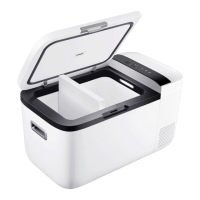
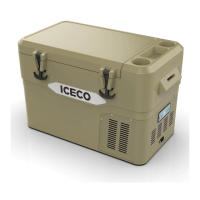
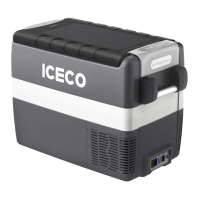
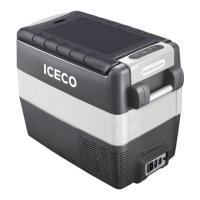
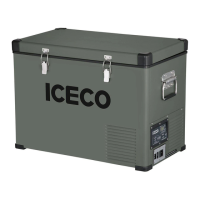
This model supports freely switching between
single zone mode and dual zone mode.
2.4 Single/Dual Zone Mode
08
Using the control panel buttons to
deactivate one of the compartments.
-In the powered-on state, simultaneously
press and hold the " " and " " buttons
for 1 second. The left side of the display will
turn o, indicating that the cooling for the
left compartment is deactivated.
-In the powered-on state, simultaneously
press and hold the " " and " " buttons
for 1 second. The right side of the display will
turn o, indicating that the cooling for the
right compartment is deactivated.



 To Next Page