07
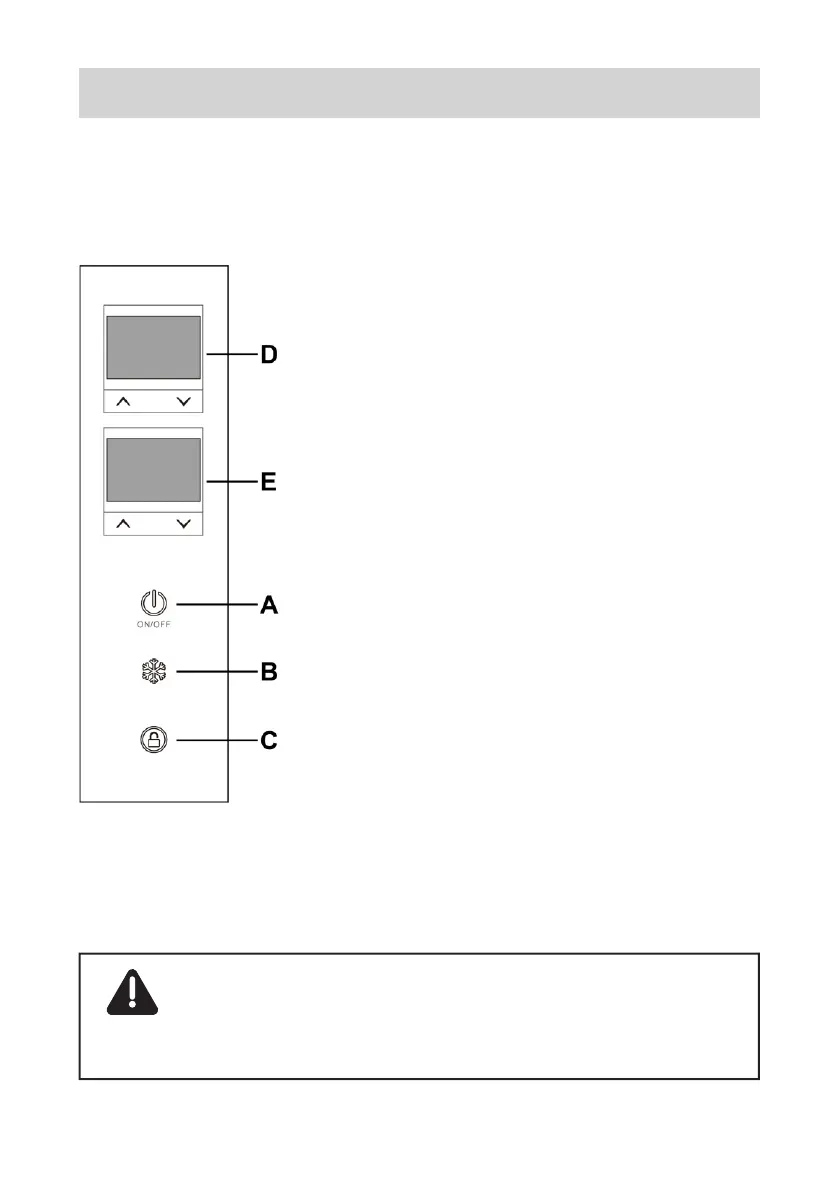
In standby mode (fridge turned
off but plugged into power),
press and hold the Temp. Up
and Down Buttons on display
E (Right Compt.) at the same
time for 3 seconds, and you
should be able to toggle
between Battery Protection
Levels and C/F settings using
the Button A.
The Battery Protection Levels
are represented by 3 dashes
on the display. There are 3
protection levels available and
you can select it using the
UP/DOWN Button on display.
NOTICE: Details of Battery Protection
Mode could be found in Page 16.
2.5 Battery Protection Mode


 To Next Page