4) Allow the solution to circulate in the water system for 30-40 minutes and then set the ice-
wash switch to the OFF position.
5) To purge out the ice machine scale remover and residue move the ice-wash switch to the
WASH (the machine will drain the reservoir and refill it) and then set the ice-wash switch
to the OFF position.
6) Disconnect power and close water supply.
7) Mix a cleaning solution.
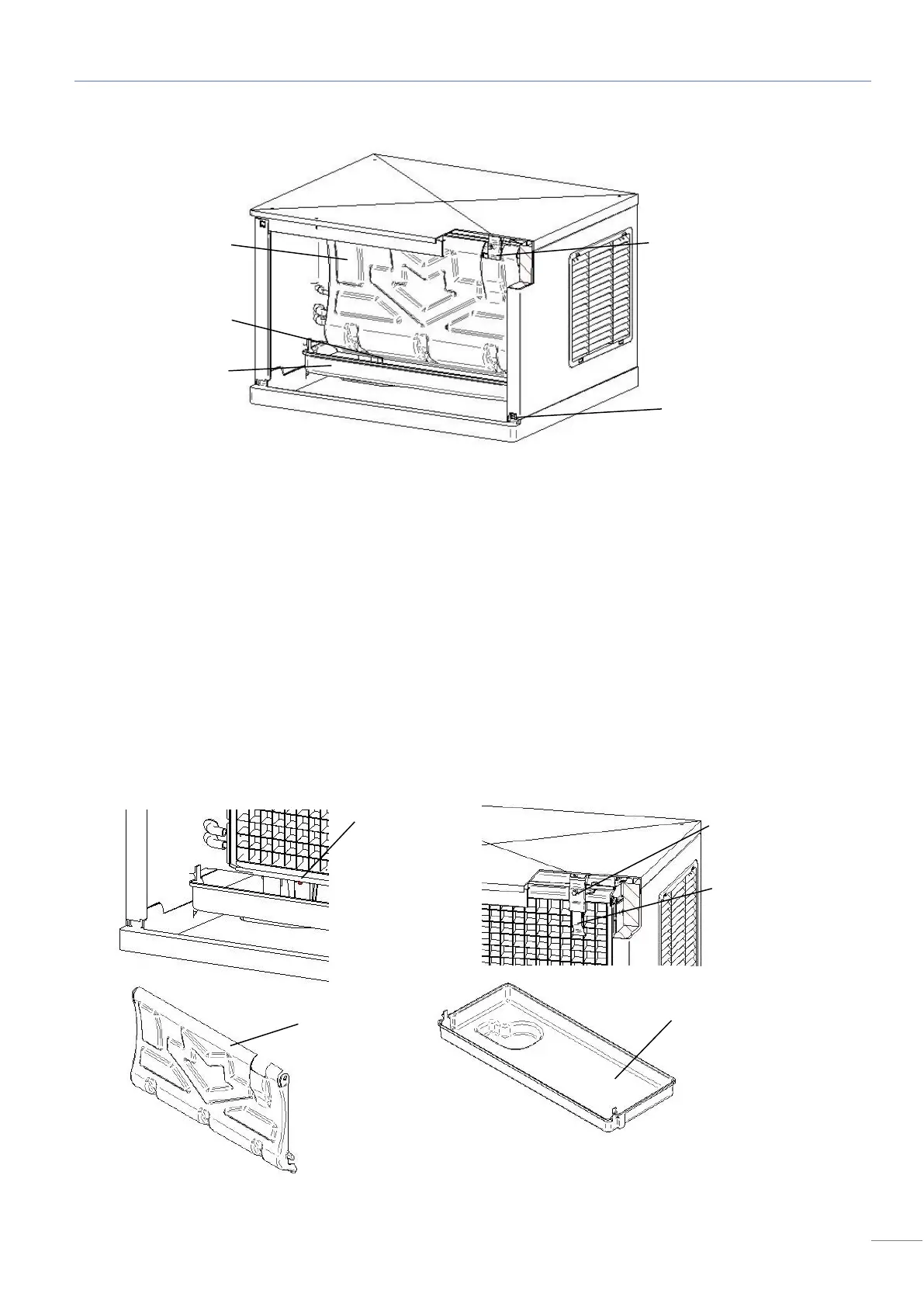
8) Remove shield and water tray.
9) Clean the metal surfaces of the thickness sensor, water level sensor, the adjustment
screw, the shield and the water tray with the cleaner solution using a brush (not a wire
brush) or cloth.



 To Next Page