Industrivej 62
DK-6740 Bramming
Denmark
Version: 2.0
IceTech PR350H
User’s manual
Date: 2017.07.03
Init: JM
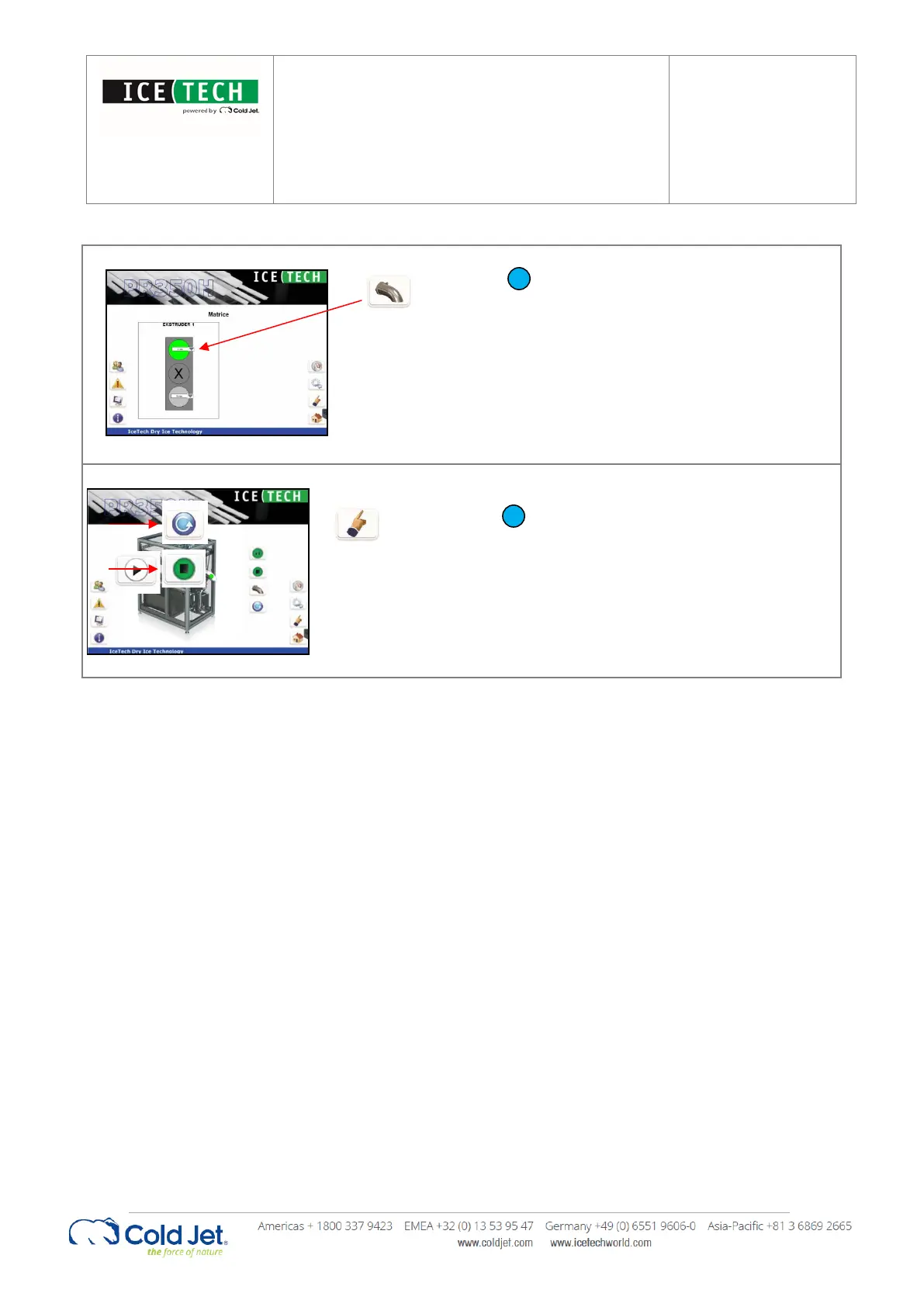
Make sure the correct extruder plates are
installed in the extruder plate changer and
select which extruder plate to use on the
“Extruder plate changer” page.
To start up the IceTech PR350H,
select the “Automatic mode” and
press the “Start” button.


 To Next Page