Synchronous Balance Charger/Discharger 1010B/106B
Pre-charging a Lithium battery
If the battery is over-discharged and the voltage is too low then in the Normal charge or Fast charge modes
the iCharger will notify the user of pre-charging with a low current (100mA). This helps to increase the
battery voltage to the within the allowable range for normal charging. The user can set the pre-charging time
in the Lithium Check time screen in the User setup.
General Status information
This information can be accessed by pressing
Dec while charging is active.
General Status Information Voltage of Balance Port
1:4.01 4.03 4.07
1:4.01 4.03 4.071:4.01 4.03 4.07
1:4.01 4.03 4.07
4:4.02 4.05 4.04
4:4.02 4.05 4.044:4.02 4.05 4.04
4:4.02 4.05 4.04
End Voltage
End VoltageEnd Voltage
End Voltage
16.80V
16.80V 16.80V
16.80V
Input power
Input powerInput power
Input power
Voltage
VoltageVoltage
Voltage
11.80V
11.80V 11.80V
11.80V
Ext.Temp 30
Ext.Temp 30Ext.Temp 30
Ext.Temp 30℃
℃℃
℃
Int.Temp
Int.TempInt.Temp
Int.Temp
40
40 40
40℃
℃℃
℃
Capacity Cut
Capacity CutCapacity Cut
Capacity Cut-
--
-Off
OffOff
Off
ON 5000mAh
ON 5000mAhON 5000mAh
ON 5000mAh
Safety timer
Safety timerSafety timer
Safety timer
ON 12
ON 12ON 12
ON 120min
0min0min
0min
Temp Cut
Temp CutTemp Cut
Temp Cut-
--
-Off
OffOff
Off
OFF 50
OFF 50OFF 50
OFF 50℃
℃℃
℃
7:4.01 4.03 4.07
7:4.01 4.03 4.077:4.01 4.03 4.07
7:4.01 4.03 4.07
CHG 1 00213mAh
CHG 1 00213mAhCHG 1 00213mAh
CHG 1 00213mAh
DCHG 1 00199mAh
DCHG 1 00199mAhDCHG 1 00199mAh
DCHG 1 00199mAh
CHG 2 00203mAh
CHG 2 00203mAhCHG 2 00203mAh
CHG 2 00203mAh
DCHG 2 00197mAh
DCHG 2 00197mAhDCHG 2 00197mAh
DCHG 2 00197mAh
(
not for 106B
)
Cycle Information
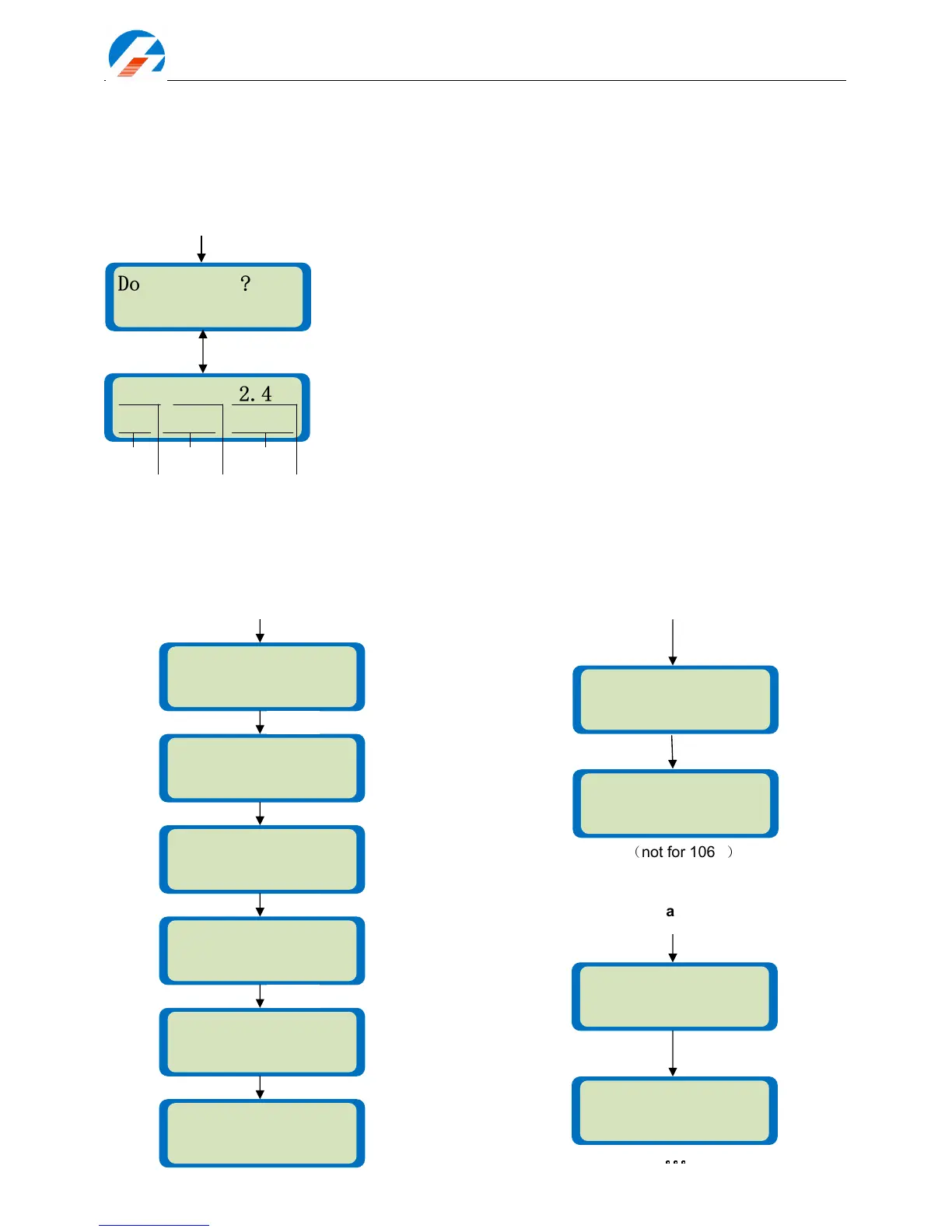
The following screen is displayed when the charger detects the battery
voltage to be too low in the Normal charge or Fast charge modes.
Pre-charge lithium battery. Press Start/Enter to start the charging process
or press Stop to go back to the previous screen.
Status display. The left side of the first line shows the type of battery you
selected in the User setup (LiPo, Lilo or LiFe) and number of cells
detected. In the middle is the pre-charge current (100mA). On the right is
the voltage of the battery pack. The second line shows the charging
progress with capacity charged (mAh) and charging time. The charger will
switch back to the configured charge mode when the pre-charge time limit
is reached. You can stop the pre-charging process at any time by pressing
the Batt type/Stop button.
Do checking?
Do checking?Do checking?
Do checking?
CONFIRM(ENTER)
CONFIRM(ENTER)CONFIRM(ENTER)
CONFIRM(ENTER)
Li03 0.1A 12.40V
Li03 0.1A 12.40VLi03 0.1A 12.40V
Li03 0.1A 12.40V
CHK 00001 000
CHK 00001 000CHK 00001 000
CHK 00001 000:
::
:51
5151
51
state
Pre-charging battery
Start/Enter



 To Next Page